
How to Cancel Undetectable AI Subscription? [Step by Step]

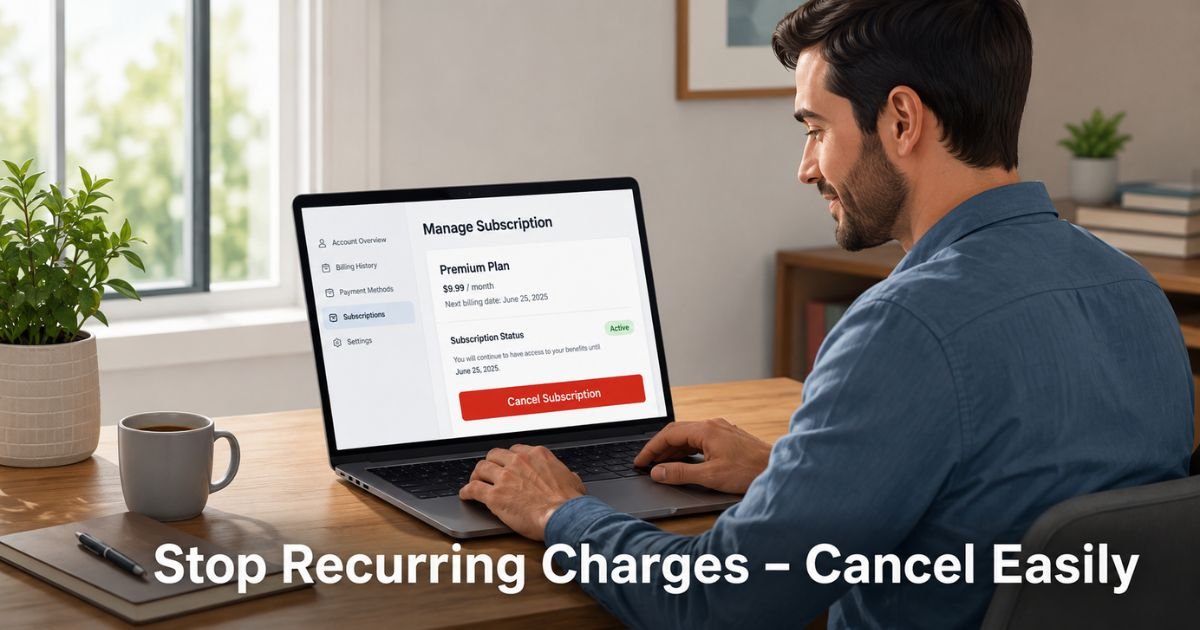
You signed up for Undetectable AI because you needed help making AI-written content sound more human. It worked well for a while, but now the recurring charges feel unnecessary.
Maybe your project ended, your budget tightened, or you found another solution. Whatever the reason, you want to cancel cleanly without surprises on your next statement.
Canceling an Undetectable AI subscription is straightforward once you know the exact process. Most users need to email support with specific account details rather than clicking a simple button.
This guide walks you through every step, what to do before you cancel, what happens to your remaining credits, and how to protect yourself from unexpected charges.
PREPARING TO CANCEL YOUR SUBSCRIPTION
Before you request cancellation, take a few minutes to get organized. This prevents headaches later and helps you use any value you’ve already paid for.
- Log into your Undetectable AI account and note your current plan, next billing date, and how many words or credits remain.
- Download or screenshot your latest invoices from the billing section so you have a record of what you paid.
- Use as many remaining credits as possible if you still have active projects. Once cancellation processes, leftover credits typically expire right away.
- Check your email inbox (including spam) for any recent messages from Undetectable AI about your subscription or billing.
- Decide whether you want to cancel completely, pause temporarily, or simply downgrade your plan.
Doing these steps first makes the actual cancellation smoother and gives you peace of mind.
HOW TO CANCEL UNDETECTABLE AI SUBSCRIPTION
Undetectable AI handles cancellations differently depending on where you live. Here’s exactly what to do.
Try Self-Service Cancellation First
- Log in to your account at undetectable.ai.
- Click your profile avatar in the top right corner.
- Select Settings.
- Look for the Subscription or Billing section.
- If you see a “Cancel Subscription,” “Manage Plan,” or similar button, click it and follow the prompts to confirm.
This self-service option works for residents of California and New York. If the button appears for you, use it. It’s the fastest method when available.
Cancel by Email (Required for Most Users)
If you don’t see a cancel button or you live outside California and New York, email support. This is the official method according to Undetectable AI’s help center and terms.
Send your request to contact@undetectable.ai from the exact email address tied to your account. Include these details:
- Your full name
- The email address on the account
- Last 4 digits of the card used to subscribe
- Your current plan or subscription details
- A brief reason for canceling (optional but helpful)
Here’s a simple template you can copy and customize:
Subject: Request to Cancel Subscription – [Your Full Name]
Hi Undetectable AI Team,
I would like to cancel my subscription effective immediately.
Account email: [your@email.com]
Full name: [Your Full Name]
Last 4 digits of card: XXXX
Current plan: [e.g., Monthly Premium – 10,000 words]
Please confirm once the cancellation is processed and let me know the exact date it takes effect. Thank you.
Best regards,
[Your Full Name]
Keep a copy of the email and any reply you receive. Ask for written confirmation of the cancellation date.
WHAT HAPPENS AFTER YOU CANCEL
Once your cancellation is confirmed, recurring charges stop. You’ll usually keep access until the end of your current paid period. However, any unused words or credits disappear right away.
You won’t receive a refund for the current billing cycle in most cases. Undetectable AI’s policy states that prior payments are non-refundable unless required by law or if your output fails their specific human-score guarantee within 30 days.
Monitor your bank or credit card statements for the next 30–60 days. If a charge appears after you received cancellation confirmation, reply to the support thread immediately with your confirmation email attached.
PRO TIP: Request a pause instead of a full cancellation if you might need the tool again soon. In your email, simply write that you’d like to pause your subscription for a specific number of months. This keeps your account and any future options intact without ongoing charges.
CANCEL VS PAUSE VS DELETE ACCOUNT
| Action | Stops Future Charges | Remaining Credits | Account & Data | Best When | Reversibility |
|---|---|---|---|---|---|
| Cancel Subscription | Yes | Expire immediately | Stays active | You no longer need the service | Easy to restart |
| Pause Subscription | Yes | Usually preserved | Stays active | Temporary break, may return later | Very easy |
| Delete Account | Yes | Lost | Permanently deleted | You want to remove all data | Irreversible |
HANDLING REFUNDS AND BILLING QUESTIONS
Refunds are limited. You generally won’t get money back for unused time. The main exception is if Undetectable AI’s output scores below 75% human on a major detector and you request a credit refund within 30 days of that specific submission.
If you believe you were charged after a valid cancellation, gather your confirmation email and contact support again. Some users have successfully resolved issues by following up politely with documentation. Chargebacks should be a last resort after you’ve tried working directly with support.
COMMON MISTAKE: Many people assume they can cancel with one click like Netflix or Spotify. For most Undetectable AI users, there is no simple cancel button. Skipping the required account details in your email or sending the request from a different email address often delays processing. Always use the registered email and include every piece of identifying information they ask for.
OTHER OPTIONS IF YOU’RE NOT READY TO CANCEL FULLY
Before canceling completely, consider these alternatives:
- Downgrade to a smaller plan on the pricing page if you still use the tool occasionally.
- Request a pause for 1–3 months while you reassess your needs.
- Use up your current credits on important projects first, then cancel.
These choices often solve the problem without losing your account history.
FAQs About How to Cancel Undetectable AI Subscription
Q: Can I cancel Undetectable AI subscription through the website or app?
Most users cannot cancel with a single click. California and New York residents can often cancel directly in account settings. Everyone else must email support with specific account details. Always check your Settings page first, then follow the email process if needed.
Q: What happens to my remaining words or credits after I cancel?
Any unused credits or words expire as soon as your cancellation is processed. Plan to use them before you send the cancellation request if you still have active projects.
Q: How long does it take to cancel Undetectable AI subscription?
Email requests are usually processed within a few business days once support receives complete information. Self-service cancellations in the dashboard take effect immediately upon confirmation. Always ask for written confirmation of the exact cancellation date.
CONCLUSION
Canceling your Undetectable AI subscription doesn’t have to be stressful. By preparing your account details first, following the official email process (or using the dashboard if available in your state), and keeping records, you can stop future charges cleanly. Remember that remaining credits will expire, so use them while you can.
If you only need a break, ask about pausing instead. Either way, the steps above give you control and protect you from surprise billing. Take action today, confirm everything in writing, and move forward without the extra expense.
Disclaimer: This content is for informational and educational purposes only and does not constitute professional, financial, legal, or medical advice. The information provided may not apply to your specific situation. Always consult a qualified professional for personalized guidance.


