How to Cancel Spotify Subscription in 2026? [Step by Step]

Ever opened your bank statement and thought, “Wait, how much am I still paying for Spotify?” You’re not alone. Millions of us sign up for Premium during a busy commute or a late-night playlist binge, then life gets hectic and the monthly charge keeps rolling in.
If you’re ready to pause or stop those payments, you’ve come to the right place. This guide shows you exactly how to cancel Spotify subscription the right way in 2026. Whether you use your phone, laptop, or subscribed through Apple or Google, I’ll walk you through every click.
Why People Choose to Cancel Spotify Subscription
Life changes fast. Maybe your budget feels tighter this year, or you found a cheaper music service that fits your needs better. Perhaps you simply aren’t using Premium features as much as you thought.
Whatever your reason, canceling is straightforward and reversible. Spotify lets you keep listening with ads until your current billing period ends, no immediate cutoff.
Here are a few common reasons folks decide to cancel Spotify subscription:
- Cutting monthly expenses
- Switching to a family plan or different streaming service
- Taking a break from music streaming
- Realizing they only listen on free Wi-Fi anyway
Pro Tip: Before you cancel, check your upcoming billing date in your account. You’ll still enjoy ad-free listening and offline downloads until then, so time your cancellation for right after a long road trip or workout playlist!
How to Cancel Spotify Subscription on Desktop or Web (Easiest Method)
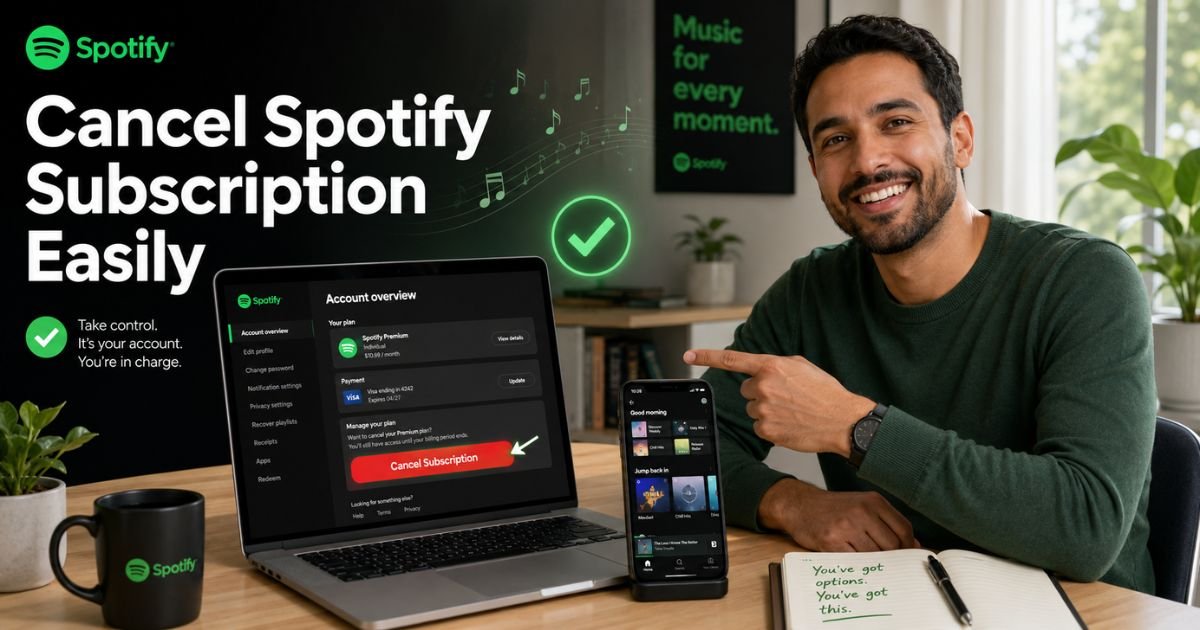
This is the fastest route for most people. Spotify hides the cancel button inside the web version of your account page.
- Open your favorite browser and go to spotify.com.
- Click Log In in the top right and sign in with your credentials.
- Click your profile picture (top right) and choose Account.
- On the left sidebar, click Manage your plan (or scroll down to the “Your plan” section).
- Look for Cancel subscription or Change plan and click it.
- Scroll to the free option, select Cancel Premium, then confirm with Yes, cancel.
You’ll get an email confirmation right away. Done! Your account stays Premium until the next billing date, then automatically drops to free.
Cancel Spotify Subscription on Mobile (iPhone or Android)
The Spotify app itself doesn’t let you cancel, frustrating, right? Here’s the workaround that actually works:
On iPhone (Apple Billing):
- Open the Settings app on your iPhone.
- Tap your name at the top, then Subscriptions.
- Find Spotify in the list.
- Tap Cancel Subscription and follow the prompts.
On Android (Google Play Billing):
- Open the Google Play Store app.
- Tap your profile picture > Payments & subscriptions > Subscriptions.
- Select Spotify and tap Cancel subscription.
Quick browser trick for any phone: Open Chrome or Safari, go to spotify.com, request “Desktop site” from the menu, and follow the web steps above. It takes under two minutes.
What Happens After You Cancel Spotify Subscription
Nothing dramatic, Spotify keeps things smooth. Your playlists, saved albums, and downloaded songs stay exactly where they are. You’ll just hear ads between tracks and lose offline mode and high-quality audio.
If you’re the manager of a Family or Duo plan, everyone in the plan loses Premium on the same date. Plan members who want to leave can remove themselves separately.
Common Mistake: Don’t cancel through the mobile app thinking it worked, many people get stuck in a loop and still get charged. Always use the website or your phone’s built-in subscription settings.
Real-World Example
Take a 37-year-old accountant from Chicago. She loved her morning playlists but realized she only used offline downloads twice a month. After reading a guide like this, she canceled her Spotify subscription in under five minutes on her laptop.
She kept every playlist she’d built over three years and switched to free with ads. Six months later she’s saving $120 a year and still enjoys music during her commute. “It felt scary at first,” she says, “but the free version works great for my needs.”
Spotify Subscription Options at a Glance
Here’s a handy table so you can compare before you decide:
| Plan Type | Monthly Price (approx.) | Ad-Free | Offline Downloads | Best For |
|---|---|---|---|---|
| Premium Individual | $11.99 | Yes | Yes | Solo listeners |
| Premium Duo | $16.99 | Yes | Yes | Couples |
| Premium Family | $19.99 | Yes | Yes | Households (up to 6) |
| Free | $0 | No | No | Casual listeners on Wi-Fi |
Prices may vary by country and promotions. Always check your account for your exact rate.
Troubleshooting: When the Cancel Button Is Missing
Sometimes the “cancel” option doesn’t appear. Here’s what to do:
- Partner billing (mobile carrier, cable company): Look for a link on your Manage Plan page that takes you to their portal.
- Still being charged? Double-check you’re logged into the right Spotify account.
- Legacy plans: Older Individual/Duo/Family plans can’t be reactivated once canceled—choose carefully.
If nothing works, Spotify offers a simple cancellation form you can download, fill out, and email.
Smart Alternatives After Canceling Spotify Subscription
Once you’re on the free plan, you might want options that still feel premium without the cost.
- YouTube Music (free tier with ads)
- Amazon Music Free
- Apple Music (if you already pay for other Apple services)
- Free podcasts and radio apps
Many people rotate between services or use free tiers strategically to keep costs low.
FAQs About Spotify Cancel Subscription
Q: How long does it take for my Spotify subscription to cancel?
Cancellation is instant, but your Premium benefits continue until the end of your current billing cycle. You won’t get charged again after that date. Spotify sends a confirmation email so you know exactly when the switch happens.
Q: Can I cancel Spotify subscription and still keep my playlists?
Absolutely! All your playlists, liked songs, and saved albums stay safe when you move to the free plan. The only things you lose are ad-free listening, offline downloads, and higher audio quality.
Q: What if I subscribed to Spotify through Apple or Google—does the process change?
Yes. You must cancel through Apple Settings (on iPhone) or Google Play (on Android). The Spotify app and website won’t show a cancel button in those cases. Always check your phone’s subscription settings first.
Conclusion
Canceling your Spotify subscription doesn’t mean giving up music, it just means choosing what fits your life right now. Whether you’re saving for a vacation, testing the free plan, or switching services, you now have clear steps to make it happen quickly and confidently.
Go ahead and handle it today while the instructions are fresh in your mind. Your wallet (and your playlists) will thank you.
If you ever want Premium back, you can always resubscribe in seconds.
Disclaimer: This content is for informational and educational purposes only and does not constitute professional, financial, legal, or medical advice. The information provided may not apply to your specific situation. Always consult a qualified professional for personalized guidance.