
How to Cancel Acorns Subscription in 2026? [Step by Step]

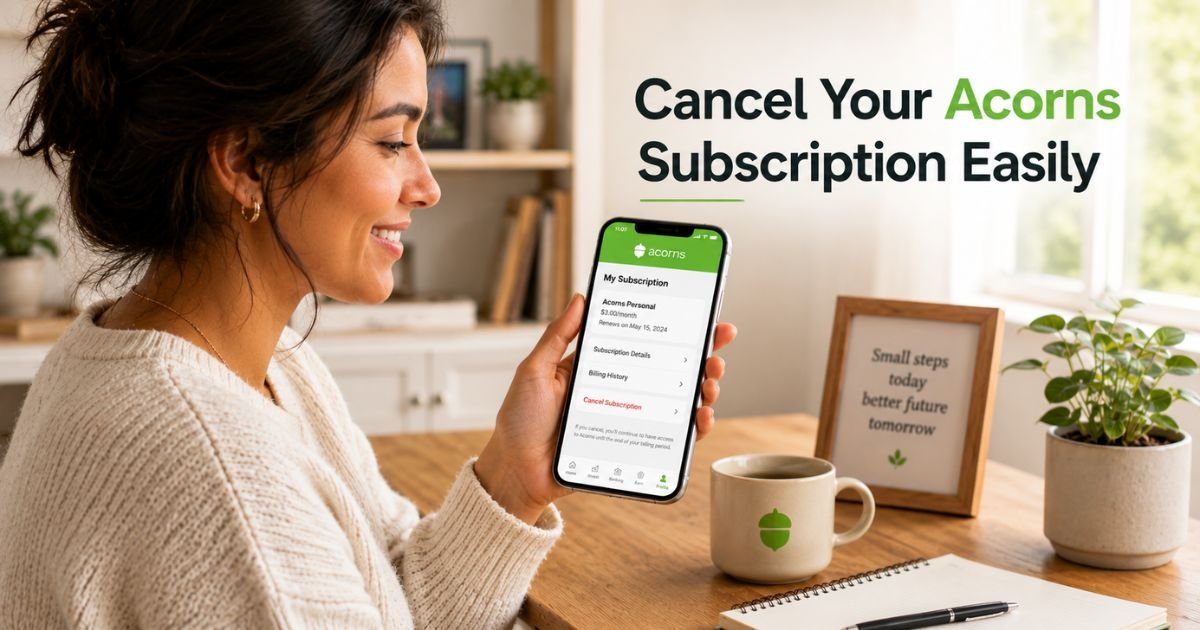
Have you been paying a monthly Acorns fee but wondering if it’s still worth it? Many people start with the app to build investing habits through round-ups, then later decide the subscription no longer fits their needs or budget.
The good news is that you can cancel Acorns subscription anytime. The process is straightforward, though it does involve closing your investment accounts so you can access your money.
You’ll learn exactly how to cancel Acorns subscription using the mobile app or website, what happens to your investments and funds afterward, and important details to know before you begin.
Why You Might Want to Cancel Your Acorns Subscription
Acorns makes investing simple, but sometimes life changes. Some users cancel because they want to switch to a different investing platform, reduce monthly expenses, or no longer use the round-up feature regularly.
Here are a few common reasons people decide to stop their Acorns subscription:
- You found a lower-cost or more advanced investing app that better matches your goals
- Your budget tightened and you want to pause automatic investing for a while
- You’re no longer using round-ups or the other features enough to justify the fee
- You want to consolidate all your investing in one place
Whatever your reason, Acorns allows you to cancel at any time. Just remember that canceling the subscription means closing your accounts so the monthly fee stops.
How to Cancel Your Acorns Subscription in the App
The mobile app is the quickest way for most people. Here’s exactly what to do:
- Open the Acorns app and log in to your account.
- Tap the profile icon (usually in the bottom right or top corner).
- Select Settings.
- Tap My Subscription.
- Scroll down and tap Manage subscription.
- Choose Cancel subscription and follow the prompts to confirm.
Once you complete these steps, Acorns will guide you through closing your accounts. This process sells your investments and moves the money to your linked checking account.
How to Cancel Your Acorns Subscription on the Website
You can also cancel using a web browser if you prefer a bigger screen.
- Go to acorns.com and log into your account.
- Click your profile icon and select Profile & Settings.
- Click My Subscription.
- Scroll to Manage Subscriptions or Change plan.
- Tap or click Cancel subscription.
- Follow the on-screen instructions to close your accounts.
The website version often shows more details about your current plan and accounts in one view, which some users find helpful.
Pro Tip: Before you start the cancellation, double-check that you have a verified checking account linked to Acorns. This is required so your funds can be transferred safely after your investments are sold.
What Happens to Your Money and Investments When You Cancel
Canceling your Acorns subscription is not the same as simply turning off a switch. To fully stop the monthly fee, you must close all your open accounts (such as Invest and Later).
Here’s what typically happens:
- Acorns sells your investments at the current market price
- The proceeds are transferred to your verified primary checking account
- It usually takes 3 to 6 business days for the money to appear in your bank
- Once accounts are closed, the subscription billing ends
Take Jessica, a 29-year-old marketing coordinator. She had been using Acorns for two years but recently switched to a different investing app with lower fees. She followed the app steps on a Monday morning. Her investments were sold that same day, and the money landed in her checking account by Thursday. Jessica felt relieved knowing everything was handled cleanly and she could move forward without ongoing charges.
Your investment history stays in your records for tax purposes, but active positions will be sold during the closure process.
Common Mistake: Some people try to cancel only the subscription without closing their accounts. This won’t fully stop the billing. You must complete the account closure steps for the cancellation to take effect.
Important Things to Know Before You Cancel Acorns
Canceling is usually penalty-free, but here are a few key points to consider:
- Market conditions can affect the final sale price of your investments
- Any pending round-ups or scheduled transfers will stop
- You can reactivate a new Acorns account later if you change your mind
- Tax documents will still be available for the year you close your accounts
If you’re unsure, you might want to review your current plan and investments first. Some users choose to downgrade their plan instead of canceling completely, depending on what options appear in their account.
What to Expect After Canceling Your Acorns Subscription
Here’s a simple overview of the typical process:
Acorns Cancellation Timeline
| Step | What Happens | Timeframe |
|---|---|---|
| Submit cancellation | You confirm and start account closure | Immediate |
| Investments sold | Shares are sold at current market prices | Usually same business day |
| Funds transferred | Money moves to your linked checking account | 3–6 business days |
| Subscription billing stops | Monthly fee no longer charges | After accounts are closed |
| Tax documents available | Year-end statements remain accessible | Through your account |
This timeline can vary slightly depending on when you cancel and market hours.
FAQs About How to Cancel Acorns Subscription
Q: How long does it take to get my money after I cancel my Acorns subscription?
After you cancel and close your accounts, Acorns sells your investments and transfers the money to your linked checking account. This usually takes 3 to 6 business days. Sales made before 11am PST on market days often process the same day.
Q: Can I reactivate my Acorns account after canceling my subscription?
Yes, you can create a new Acorns account later if you want to start investing again. Your previous history may not carry over automatically, but you can sign up fresh and begin using the app’s features once more.
Q: Will canceling my Acorns subscription affect my credit or cause any fees?
Canceling your Acorns subscription does not affect your credit score. There are typically no cancellation fees, though the final value of your investments depends on current market prices when they are sold.
Conclusion
Canceling your Acorns subscription is a straightforward process you can complete in the app or on the website. The key is understanding that you’ll need to close your investment accounts so the monthly fee stops and your money can be transferred out.
Remember the main takeaways: follow the steps in Settings > My Subscription, make sure your checking account is verified, and expect funds to arrive in a few business days after your investments are sold.
If you’re ready to move on, open your Acorns app or log into the website today and take the next step. You’ll have clarity and control over your finances in just a short time.
Disclaimer: This content is for informational and educational purposes only and does not constitute professional, financial, legal, or medical advice. The information provided may not apply to your specific situation. Always consult a qualified professional for personalized guidance.


