How to Cancel Polybuzz Subscription? [Step by Step]

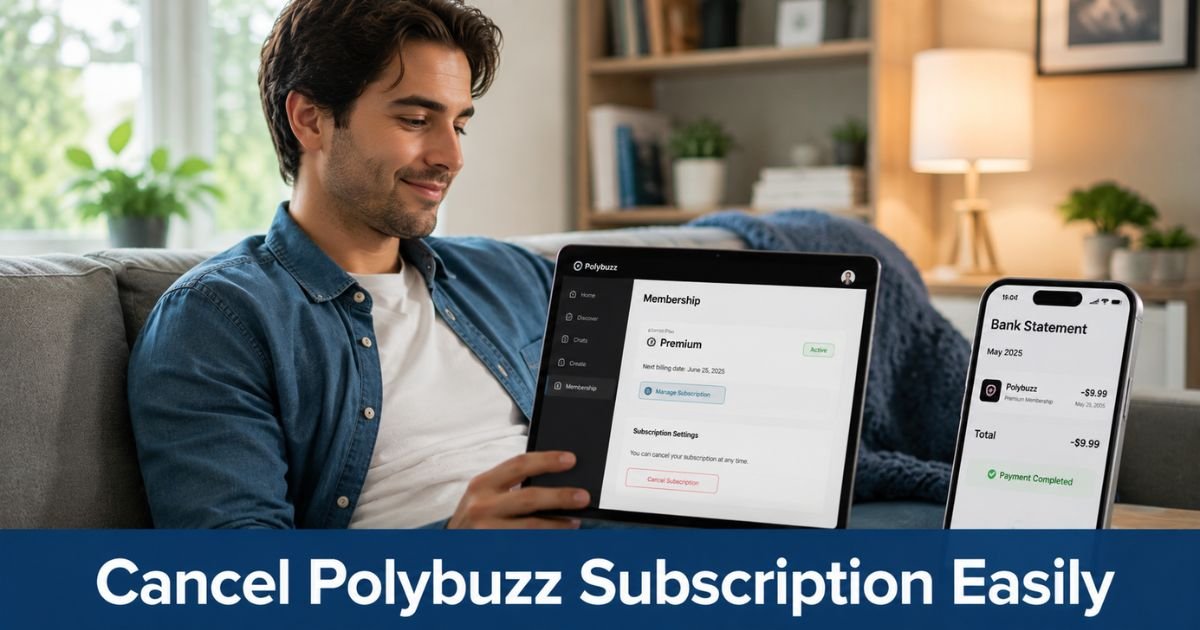
You started chatting with AI characters on Polybuzz for fun or extra features and later noticed recurring charges on your statement that you did not expect.
Many users sign up for Premium or Standard plans only to discover the subscription renews automatically each month or quarter.
If you want to cancel Polybuzz subscription and put an end to those automatic payments, this guide walks you through the exact steps for every method.
You will learn how to cancel whether you signed up through the App Store, Google Play, or directly on the Polybuzz website.
How Polybuzz Subscriptions Work
Polybuzz is an AI chatbot app where users chat with characters, enjoy voice features, and unlock premium traits through paid plans.
Subscription options include monthly, quarterly, and annual tiers for Premium, Standard, or Ultimate access, plus in-app purchases like coins and avatar generation.
These plans automatically renew unless you cancel them before the end of the current period. Payments usually process through Apple, Google, or the website’s payment provider.
That automatic renewal explains why many people search for how to cancel Polybuzz subscription after seeing unexpected charges.
Knowing where you originally subscribed is the key to stopping future billing successfully.
How to Cancel Polybuzz Subscription: Step-by-Step
The cancellation process depends on how you first signed up. Follow the method that matches your situation.
If you subscribed through the Apple App Store (iPhone or iPad):
- Open the Settings app on your device.
- Tap your name or Apple ID at the top.
- Select Subscriptions from the menu.
- Find and tap Polybuzz in the list.
- Tap Cancel Subscription and confirm your choice.
You will keep access until the end of the current billing period.
If you subscribed through Google Play (Android):
- Open the Google Play Store app.
- Tap your profile icon in the top right.
- Go to Payments & subscriptions, then Subscriptions.
- Locate Polybuzz and select it.
- Tap Cancel subscription and follow the prompts to confirm.
Again, access continues until the paid period ends.
If you subscribed directly through the Polybuzz website:
- Go to polybuzz.ai and log into your account on a browser or in the app.
- Navigate to the Membership page at polybuzz.ai/membership.
- Click or tap the Subscribe section on the left.
- Scroll all the way to the bottom and look for the Refund & Unsubscribe option.
- Follow the prompts to complete cancellation.
This web method works well when the in-app options are hard to find.
What Happens After You Cancel Your Polybuzz Subscription
Once you successfully cancel, Polybuzz stops future renewals immediately. You keep full access to Premium features, voice chat, and other benefits until the end of your current paid period. After that date, your account reverts to the free version with limited daily messages and features.
Deleting the app alone does not cancel your subscription. You must complete the steps above from the correct platform. Your chat history and character interactions usually remain available even after the subscription ends.
Pro Tip: Take a screenshot of the final cancellation confirmation screen that shows the date and your account details. This record helps if you ever need to dispute a charge or prove you canceled on time.
Handling Polybuzz Charges That Continue After Cancellation
Sometimes a charge still appears even after you cancel. In those cases, contact your credit card issuer or bank right away and dispute the transaction.
Provide your cancellation confirmation and explain that you already ended the Polybuzz subscription through the proper channel.
Most banks handle these disputes quickly when you show clear proof. Keep checking your statements for the next billing cycle to make sure everything stopped.
Common Mistake: Many people delete the Polybuzz app and assume that ends the charges. Deleting the app does not cancel an active subscription. You must cancel through the App Store, Google Play, or the website membership page depending on where you originally signed up.
Tips to Avoid Future Subscription Surprises with Polybuzz
Auto-renewing subscriptions catch even careful users off guard. Before tapping any Subscribe button on Polybuzz, read the final checkout screen for renewal terms and billing dates.
You can also set a calendar reminder a few days before your next possible renewal or use virtual card numbers for one-time purchases. Checking your bank and credit card statements weekly helps you spot unwanted Polybuzz billing early and take action fast.
FAQs About How to Cancel Polybuzz Subscription
Q: How long does it take to cancel a Polybuzz subscription?
Cancellation processes immediately when you follow the correct steps through the App Store, Google Play, or the website membership page. You keep full access until the end of your current paid period, and no new charges appear after that date.
Q: Can I get a refund after canceling Polybuzz subscription?
Refunds depend on timing and the specific plan. Some users successfully request refunds through the Refund & Unsubscribe flow on the website or by contacting support shortly after cancellation. For unauthorized charges, dispute them directly with your payment provider.
Q: What if I cannot find the cancel option for Polybuzz?
First confirm where you subscribed and use the matching method above. If the option still does not appear, try logging into polybuzz.ai/membership on a web browser and scroll to the bottom for Refund & Unsubscribe. You can also reach out through the app’s Help Center with your Poly UID for assistance.
Conclusion
Canceling your Polybuzz subscription is straightforward once you use the right method for how you originally signed up. Whether through Apple Settings, Google Play, or the website membership page with the Refund & Unsubscribe button, the process stops future recurring charges for good.
Take a few minutes today to complete the cancellation using the steps that match your situation. You will feel immediate peace of mind knowing those automatic Polybuzz payments have ended and you control your spending again.
Disclaimer: This content is for informational and educational purposes only and does not constitute professional, financial, legal, or medical advice. The information provided may not apply to your specific situation. Always consult a qualified professional for personalized guidance.