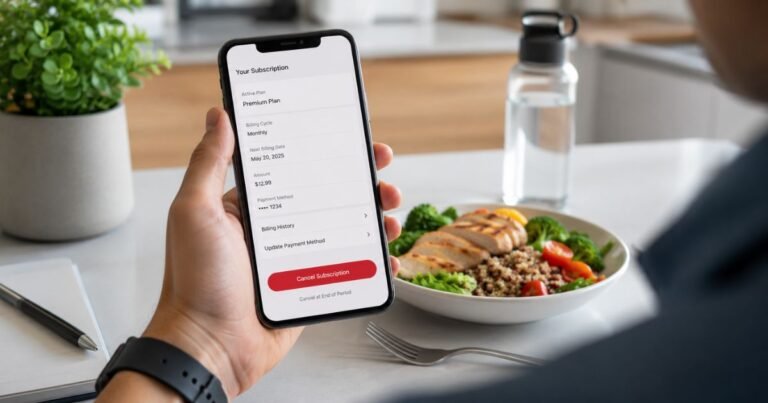
How to Cancel DubClub Subscription in Minutes [Step by Step]

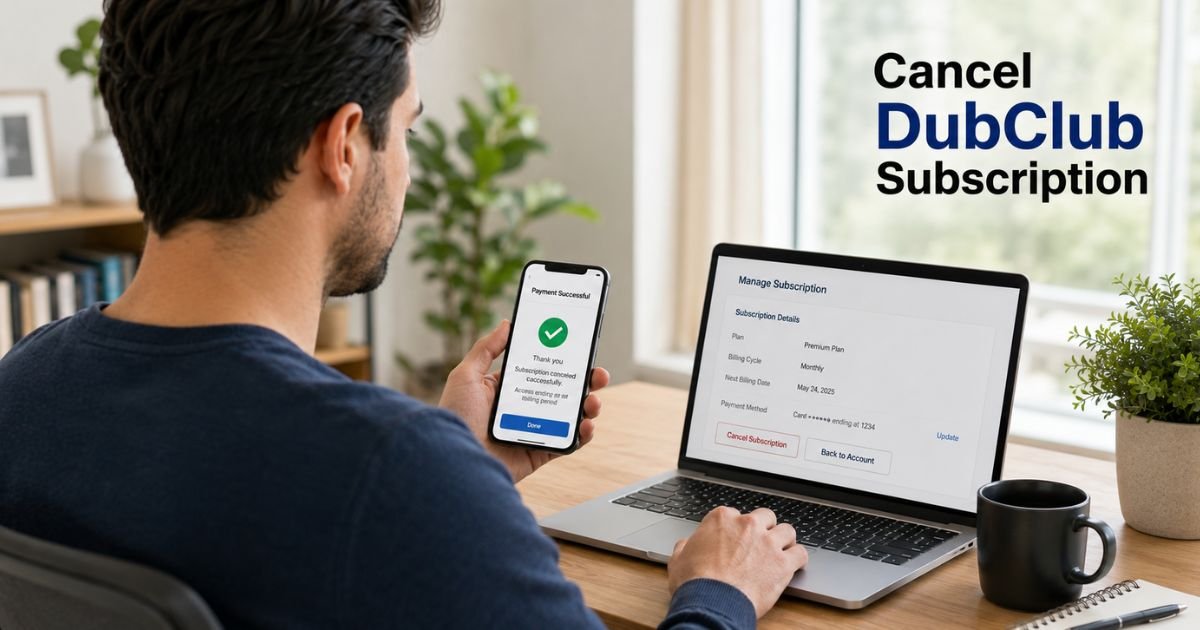
If you’re looking for how to cancel DubClub subscription, you’re probably trying to stop future renewal charges or no longer need access to a creator’s premium picks and community. The cancellation process is usually straightforward, but the exact steps can depend on how you originally subscribed.
This guide explains how to cancel your DubClub subscription, what happens after cancellation, how to check whether your membership has actually ended, and what to do if you’re still being charged.
Quick Answer
To cancel a DubClub subscription, sign in to your DubClub account, open your subscription or billing settings, select the active membership, and choose Cancel Subscription if the option is available.
If you subscribed through a third-party payment provider such as Apple App Store or Google Play, you’ll need to cancel through that provider instead. Your access typically continues until the end of the current billing period.
What Is DubClub?
DubClub is a subscription platform that allows sports bettors, fantasy sports experts, traders, and other creators to offer premium communities and paid memberships.
Subscribers may receive benefits such as:
- Premium betting picks
- Sports analysis
- Market insights
- Private chat access
- Exclusive content
- Real-time notifications
Most memberships renew automatically unless canceled before the next billing date.
How to Cancel DubClub Subscription
The cancellation method depends on where you purchased the subscription.
Cancel Through the DubClub Website
If you subscribed directly on the DubClub website, follow these steps:
- Visit the DubClub website and sign in.
- Open your Account or Profile.
- Navigate to Subscriptions, Membership, or Billing.
- Select your active subscription.
- Click Cancel Subscription or Manage Membership.
- Follow the on-screen prompts to confirm cancellation.
- Save any cancellation confirmation email or receipt.
Tip: Take a screenshot of the confirmation page for your records.
Cancel Through Apple App Store
If your payments are handled by Apple:
- Open Settings on your iPhone or iPad.
- Tap your Apple ID at the top.
- Select Subscriptions.
- Find your DubClub subscription.
- Tap Cancel Subscription.
- Confirm your choice.
Your subscription remains active until the current billing cycle ends.
Cancel Through Google Play
If you subscribed using an Android device:
- Open the Google Play Store.
- Tap your profile picture.
- Select Payments & subscriptions.
- Tap Subscriptions.
- Choose your DubClub membership.
- Select Cancel Subscription.
- Follow the remaining instructions.
How to Confirm Your Subscription Is Canceled
After canceling, verify that no future renewals are scheduled.
Check for:
- A cancellation confirmation email
- An updated subscription status in your account
- A billing page showing the next renewal has been removed
- Confirmation from Apple or Google if you subscribed through their stores
If you don’t receive confirmation, log back into your account to ensure the cancellation was completed successfully.
What Happens After You Cancel?
In most cases:
- Your subscription stays active until the current billing period expires.
- Future automatic renewals stop.
- You won’t be billed again unless you subscribe again.
- Some creator-exclusive content may no longer be available after your access expires.
The exact policy may vary depending on the creator’s membership terms.
Can You Get a Refund?
Refund eligibility depends on:
- The creator’s refund policy
- The payment platform used
- How long ago the payment was made
- Applicable consumer protection laws
If you believe you were billed incorrectly:
- Contact the creator through DubClub.
- Reach out to DubClub support if necessary.
- Contact Apple or Google if they processed your payment.
Refunds are generally not guaranteed simply because you forgot to cancel before renewal.
What to Do if You’re Still Being Charged
If a renewal charge appears after cancellation, don’t panic.
Follow these steps:
- Verify the date you canceled.
- Review your confirmation email.
- Check whether you have multiple DubClub subscriptions.
- Confirm which payment method was used.
- Contact DubClub support with:
- Your account email
- Payment date
- Transaction amount
- Screenshot of the charge
- Contact your card issuer only if the charge appears unauthorized after attempting to resolve it with the merchant.
Common Reasons Cancellation Doesn’t Work
| Issue | Possible Solution |
|---|---|
| Wrong account | Log into the account that has the active subscription. |
| Multiple memberships | Check each creator separately. |
| Subscription purchased through Apple | Cancel using Apple Subscriptions. |
| Subscription purchased through Google Play | Cancel in Google Play. |
| Payment still pending | Wait until processing completes before checking status. |
| Cancellation not confirmed | Repeat the process and look for a confirmation email. |
Example
Suppose you subscribed to a sports betting creator for $39.99 per month during football season.
Once the season ends, you decide you no longer need the membership. You cancel three days before your renewal date and receive a confirmation email.
Your premium access continues until the end of the current billing cycle, after which no additional payments are charged.
This is how most recurring subscriptions on DubClub work.
Expert Tips Before Canceling
Before ending your subscription, consider these recommendations:
- Download any content you’re permitted to save.
- Record your renewal date for future reference.
- Save cancellation emails until your final billing cycle ends.
- Check whether you have subscriptions to multiple creators.
- Review your credit card statement during the next billing cycle to confirm no additional charges appear.
Common Mistakes to Avoid
Many users accidentally continue paying because they:
- Wait until after the renewal date.
- Cancel the app instead of the subscription.
- Delete their account without canceling billing.
- Forget they subscribed through Apple or Google.
- Ignore the cancellation confirmation email.
Avoiding these mistakes can help prevent unexpected renewal charges.
FAQs About How to Cancel DubClub Subscription
Q: How do I know if my DubClub subscription has been canceled?
You’ll typically receive a confirmation email, and your account should show that automatic renewal has been turned off. You should also verify that no future billing date appears in your subscription settings.
Q: Can I cancel DubClub anytime?
Yes. You can usually cancel whenever you want. However, cancellation generally stops future renewals rather than providing an immediate refund for the current billing period.
Q: Will deleting my DubClub account cancel my subscription?
Not necessarily. If your subscription is managed through Apple App Store or Google Play, you’ll usually need to cancel it through that payment provider to stop recurring charges.
Q: What should I do if I can’t find my subscription?
Check every email address you may have used to register. Also review your Apple App Store, Google Play, PayPal, or credit card statements to determine how the subscription was purchased.
Conclusion
Knowing how to cancel DubClub subscription can save you from unwanted renewal charges and make it easier to manage your recurring memberships.
Start by identifying where you originally subscribed, then follow the appropriate cancellation method through the DubClub website, Apple App Store, or Google Play.
After canceling, always confirm that automatic billing has been turned off and keep your confirmation email until the current billing period ends. If an unexpected charge appears afterward, contact DubClub or your payment provider promptly to resolve the issue.
Disclaimer: This article is provided for informational purposes only. Subscription management, billing procedures, refund eligibility, and cancellation policies may change over time. Always refer to the official DubClub website or the payment provider that processed your subscription for the most current instructions and terms.