How to Cancel Fubo Subscription [Step by Step]

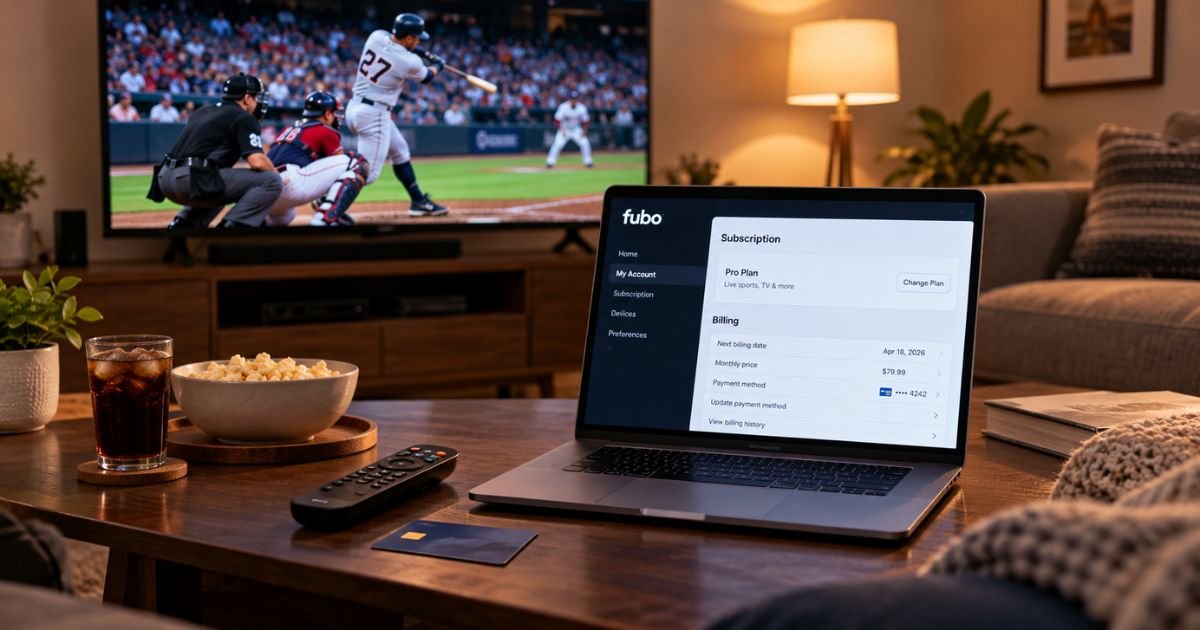
Fubo is a live TV streaming service for sports, news, and entertainment. U.S. plans typically bill monthly by card, PayPal, or a store like Roku, Apple, Google, or Amazon. A free trial usually converts to a paid plan if you do not cancel in time.
Deleting the Fubo app does not cancel the subscription or stop auto-renewal. Use the same place you signed up, confirm the end date, and keep the confirmation. This guide covers website, Roku, Apple, Google, Amazon, and support paths.
What Is Fubo and How Billing Works
Fubo streams live channels over the internet. Prices vary by plan, ZIP code, promo, and add-ons. After a mid-2026 carriage update, Fubo’s own help pages listed typical published rates around $88.99 a month for Essential, Pro, or Core, and around $98.99 a month for Elite or Ultra.
Higher bundles were listed around $113.99 to $118.99 a month. A regional sports fee may also appear, often in a range of about $3.99 to $16.99. Check your own Subscription page for the amount that renews next.
Most plans auto-renew until you cancel. Fubo says most plans have no contract and no cancellation fee. A promotional offer with a commitment period may charge an early fee if you leave before that period ends. Official policy also says Fubo does not refund prepaid or partial months.
The account owner who pays can cancel. Extra profiles on the same plan do not get a separate bill. A statement may show Fubo or FUBO.TV. If you bought through Roku, Apple, Google, or Amazon, the charge may show that store instead.
There is no official U.S. carrier-billing path in Fubo’s consumer help, so a phone-bill cancel section does not apply here.
How to Cancel on the Fubo Website
Use this path if you signed up on fubo.tv and Fubo bills you directly. Official help points you to the website, not the app.
- Sign in at fubo.tv/signin with your Fubo email and password.
- Choose any profile if the “Who’s Watching?” screen appears.
- Click the settings icon and select My Account.
- Open Subscription.
- Scroll to the bottom and select Cancel.
- If you see a discount offer, the plan is not canceled yet. Select Cancel Subscription, not Redeem Offer.
- Wait for the confirmation page, then click OK.
If you cancel during a website free trial, Fubo says the trial typically ends right away. Remaining trial days are usually not kept. Save the confirmation email if one arrives.
Not sure where you signed up? Open fubo.tv/subscription. If you see plan details and a next billing date, cancel on the Fubo site. If it says Roku Subscription or another store, cancel there instead.
How to Cancel If You Signed Up Through Roku
Roku-billed Fubo plans renew through Roku, not the Fubo website. Fubo says you cannot change or cancel that billing on fubo.tv.
On the web
- Sign in at my.roku.com/subscription/subscriptions.
- Find Fubo and select Unsubscribe.
- Confirm with Yes, Unsubscribe.
On a Roku device
- Press Home on the remote.
- Highlight the Fubo app.
- Press the Star button.
- Select Manage subscription.
- Select Cancel subscription and confirm.
Roku typically shows how long access lasts. Keep that date. If you started a trial through Roku, access may last through the scheduled trial end instead of cutting off at once. Confirm on the Roku subscriptions page.
Canceling If Billed Through Apple or Google
If your receipt or Fubo account points to Apple or Google, turn off auto-renewal in that store. Fubo generally cannot cancel a store-billed plan for you.
On iPhone or iPad
- Open Settings.
- Tap your name, then Subscriptions.
- Tap Fubo.
- Tap Cancel Subscription and confirm.
You can also review plans at apps.apple.com/account/subscriptions. If Fubo is not listed, you are probably billed by Fubo or another partner.
On Android
- Open the Google Play Store app.
- Tap your profile photo.
- Tap Payments & subscriptions, then Subscriptions.
- Tap Fubo.
- Tap Cancel subscription and follow the prompts.
Removing the Fubo app from your phone does not unsubscribe you.
Canceling If Billed Through Amazon
Some people start Fubo on Fire TV or through the Amazon Appstore. In that case, cancel in your Amazon account.
- Sign in and open Amazon’s subscriptions page, often listed as Your Memberships and Subscriptions or Appstore subscriptions.
- Find Fubo.
- Turn off auto-renewal or cancel the subscription and confirm.
If Fubo is not in Amazon’s list, check the Fubo website and Roku next. Match the cancel path to the name on your statement.
How to Cancel by Contacting Customer Care
Fubo’s terms say cancel online in your account, or by phone when phone support is available. They also say they do not accept cancel requests by mail, social media, email, a contact form, or app reviews.
Official U.S. help lists:
- Live chat on support.fubo.tv, typically 10:00 a.m. to 10:00 p.m. ET, seven days a week
- Phone: 844-441-3826, same hours (holiday hours may vary)
- Email listed by Fubo in public replies and legal pages: support@fubo.tv
- A 24/7 virtual assistant and a support request form
Use support if you cannot sign in, see two accounts, or need help finding the billing partner. Ask the agent to confirm the access end date. Do not treat a chat transcript as finished until your Subscription page or store page shows canceled or set to cancel.
What Happens After You Cancel
A paid Fubo plan typically stays on through the end of the current billing cycle. You keep the channels you already paid for until that date. Fubo’s public policy is that it does not refund prepaid or partial months.
After the end date, paid channels and Cloud DVR recordings generally go away. You may still see Fubo Free content if that option is offered in your area. Logging in later should not restart billing by itself. If you tap Reactivate, billing can start again.
Fubo does not offer a pause. If you only need a break, cancel and reactivate later from My Account when you want the paid plan back.
Tips for a Smooth Cancellation
Finish every screen. An offer page means the unsubscribe step is not done yet.
Cancel before the next billing date if you want to stop the next recurring charge. Check the date on Subscription & Billing first.
Save screenshots of the confirmation page, email, and end date. If a store billed you, save that store receipt too.
Watch one more statement after the end date. If a new charge posts, match it to Fubo, Roku, Apple, Google, or Amazon before you dispute it.
Common Problems and Solutions
You still see channels. That is normal until the paid period ends. Check the terminate date on the Subscription page.
You were charged after you thought you canceled. Official help lists four usual causes: the offer screen was not finished, the bill already ran for the current cycle, a second Fubo email exists, or a third party still has auto-renewal on. Confirm each place.
Fubo is not in Apple or Google subscriptions. Cancel on fubo.tv or with Roku or Amazon instead.
You cannot pause for the off-season. Fubo’s help article says it does not pause or suspend plans. Cancel, then restart later if you want.
You want unused days back. Fubo says it does not refund prepaid or partial months. If Apple or Google billed you, any refund request generally goes through that store’s purchase tools, and store rules vary.
FAQs About How to Cancel Fubo Subscription
Q: Does deleting the Fubo app cancel my subscription?
No. Deleting the app only removes it from that device. Auto-renewal keeps running until you cancel on the Fubo website or with Roku, Apple, Google, or Amazon.
Q: Will I get a refund when I cancel Fubo?
Usually no. Fubo’s published policy is that it does not provide refunds for prepaid or partial months. Paid access typically lasts through the current cycle. Store-billed plans follow that store’s refund rules.
Q: How do I stop a Fubo free trial before it becomes a paid plan?
Cancel before the trial end date shown in My Account. On a Fubo website trial, canceling typically ends access immediately. On a Roku trial, access may last until the trial’s scheduled end. Confirm the status in the same place you signed up.
Q: How can I tell that my Fubo subscription is canceled?
Sign in at fubo.tv/subscription. If the plan is set to cancel, you should see the date and time it ends. If it is already canceled, you should see a welcome-back or reactivate screen. Do not tap reactivate if you want billing to stay off.
Conclusion
You can cancel a Fubo subscription without a long contract in most cases. Match the steps to the original signup, complete Cancel Subscription past any offer screen, and stop auto-renewal where the recurring charge starts.
Then check one more bill and keep the confirmation. If the charge is still unclear, use Fubo chat or 844-441-3826 and the billing partner on your statement.
Disclaimer: This article is general educational information based on publicly available Fubo help pages, plan notes, and store processes at the time of writing. It is not financial or legal advice. Plans, prices, fees, and refund rules may vary by account, promo, ZIP code, and billing partner. Contact Fubo or your payment provider for help with your specific charge.