
How to Cancel Public Data Check Subscription [Step by Step]

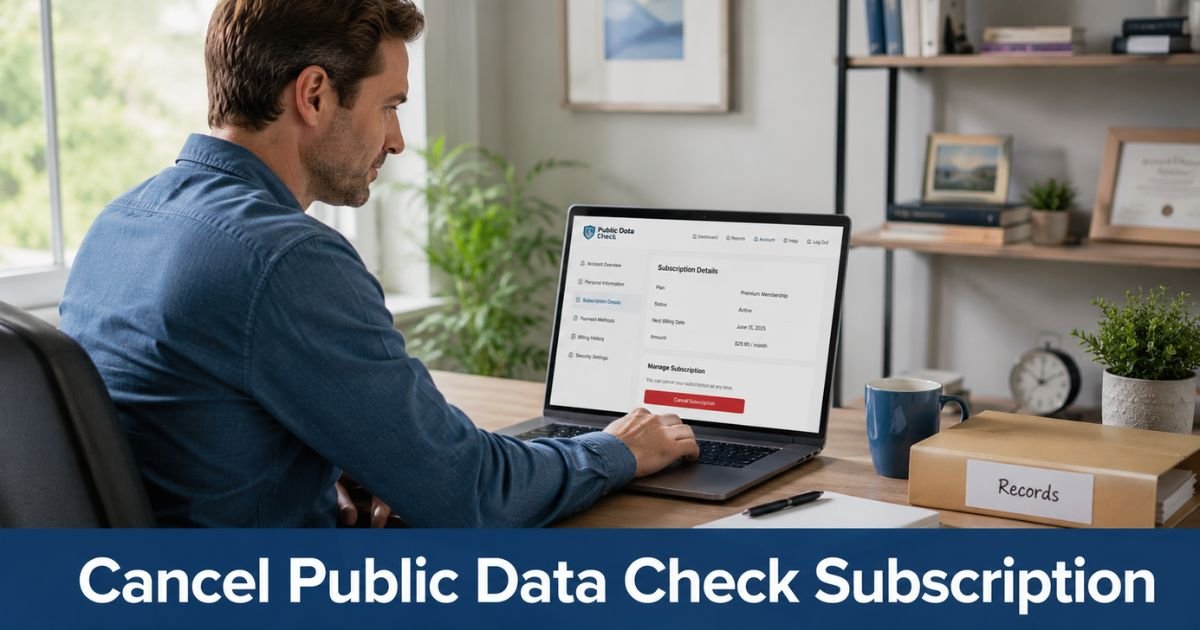
Public Data Check is a people, property, phone, and vehicle records membership at publicdatacheck.com. It is not PublicData.com. A common signup is a low-cost 7-day trial that can convert to a monthly plan.
The recurring charge typically hits a credit card, debit card, or authorized checking account. Closing the site, deleting emails, or stopping your searches does not cancel the subscription.
This guide covers online cancel, phone and email cancel, what happens next, and how a refund request usually works.
What Is Public Data Check and How Billing Works
Public Data Check sells ongoing access to compiled public records. The company is based in Goleta, California. It says it is not a consumer reporting agency under the Fair Credit Reporting Act. You generally cannot use these reports for jobs, credit, insurance, or tenant screening.
The FAQ says you can run reports for 7 days for a low trial fee. After that, monthly membership is typically under $30. Public terms have long listed a $1.00 trial that converts to $29.96 a month if you do not cancel in time. Some consumer reports mention about $39.96. Your order page at signup is the price that governs.
Membership is usually month to month until you cancel. You can still get a recurring charge if you never run another search. Some features, such as sex offender area alerts, may stay active after setup.
The account holder who controls the login and payment method is the person who can cancel. Have your 8-digit Customer ID ready. It is typically in the welcome email or under Account Details after you log in.
Charges may show as Public Data Check, Public Data Check.com, PDCPublic Data Check, PDCPublicDataCheck, NDA PublicDataCheck, Pub Data Check, or a similar PDC or NDA label.
Billing is generally by card or checking debit on the website. This service is not typically billed through Apple, Google, or your phone carrier.
How to Cancel From My Account on the Website
Official help says you can cancel online from My Account. Use the same email you used at signup.
- Open publicdatacheck.com and log in.
- Go to My Account. The members page is often members.publicdatacheck.com/my-account.
- Select Cancel My Account.
- Follow every confirm screen until the site says the request is complete.
- Check inbox and spam for the cancellation confirmation email.
Keep that email. The terms say that once you confirm, the account is immediately canceled and you should get a confirmation message.
They also say that if you do not receive that email, the account was not canceled. If nothing arrives within a few hours, use phone or the contact form next.
How to Cancel by Phone, Email, or the Contact Form
You do not have to finish cancel only in the menu. Official pages list phone, email, and a Contact Us form as valid ways to unsubscribe and stop auto-renewal.
Call Member Support at 1-800-950-0953. The contact page also lists 1-800-349-9043 and 1-800-550-3840. Official hours on that page are 5:00 a.m. to 7:00 p.m. PT on weekdays and 7:00 a.m. to 4:00 p.m. PT on Saturday and Sunday.
Ask the agent to cancel the membership, stop future billing, and send written confirmation.
Have these details ready:
- Full name and the email on the account
- 8-digit Customer ID
- Last four digits of the card or the bank used for debit
- Approximate signup or last charge date
You can also email support@publicdatacheck.com. Use the email address tied to the membership. Write a plain request: cancel my Public Data Check subscription, stop the recurring charge, and send confirmation. Include your Customer ID.
The Contact Us form works if you cannot log in. Official FAQs ask you to add your 8-digit Customer ID and clearly state that you want to cancel. The contact page says email replies typically come within 24 hours. If you hear nothing, call.
You may also write:
Public Data Check
5662 Calle Real, Suite 107
Goleta, CA 93117, USA
Mail is slower than phone or the website. Use it as a backup record, not your only step.
What Happens After You Cancel
After a confirmed cancel, future monthly billing should stop. Terms say the account is canceled immediately once you confirm. Access to paid search tools typically ends with that cancel, rather than lingering for unused days.
If you cancel during the 7-day trial, the FAQ says no monthly charge should occur. That still depends on the cancel posting before the trial clock ends. The clock usually starts at the date and time you registered, not at midnight on day seven.
Do not assume unused days are refunded. Public Data Check bills for membership access, not for each search you run. Watch your card or bank for at least one more cycle so you can catch a late recurring charge.
Requesting a Refund After Cancellation
Cancel and refund are separate requests. Cancel stops the next bill. A refund, if any, is decided after that.
The charges help page says the company offers a satisfaction guarantee and asks you to reach out within 30 days if you are unsatisfied or billed in error. The terms say refunds are handled case by case and that the company has sole discretion. There is no published promise of unused-day credit.
Call 1-800-950-0953 or use support@publicdatacheck.com and ask for a review of the last charge. Stay factual. Give the charge date, amount, and Customer ID. Save the ticket or email.
If a charge posts after you already have written cancel confirmation, contact support first. Then you can ask your card issuer or bank about a dispute. A bank stop on ACH debit can block a future pull. It does not replace a cancel with Public Data Check.
Canceling Is Not the Same as Removing Your Listing
Two different tasks get mixed up on this site.
Canceling your subscription stops your paid membership and the recurring charge. That is the process in this article.
Removing your own people-search listing is a privacy request. The footer link is often labeled Remove Me From Website. That path usually asks you to find your listing, submit an email, and click a verification link. It does not unsubscribe a paid account.
You can do both. One does not replace the other. If your only goal is to stop the bill, focus on My Account, phone, or email first.
Tips for a Smooth Cancellation
Cancel at least a day before the trial ends if you are still in the $1 window. Do not wait until the same hour the first monthly bill is due.
Save screenshots of Cancel My Account and the confirmation email. Write down the date, time, and the name of any phone agent.
Watch statement text, not only the company name you remember. The merchant line may use PDC or NDA. Set a calendar reminder for the next billing date.
If you authorized checking debit, tell your bank you revoke that authorization after the membership is canceled. Keep Public Data Check’s written confirmation in case a pull still posts.
Common Problems and Solutions
You canceled online but got no email. Check spam and the promotions folder. Then call and ask support to process cancel again and resend confirmation. Terms treat the missing email as a sign the cancel may not have posted.
You cannot log in. Call with your Customer ID, signup email, and last four card digits. Use the Contact Us form if you are outside support hours.
You cannot find Cancel My Account. Layout can vary. Use the phone numbers or email rather than refreshing the same menu.
A monthly charge posted after you thought you canceled. Contact support within 30 days with your confirmation. Ask for a billing review. Then talk with your card issuer if the charge remains.
You signed up thinking it was a one-time report. Many order pages are recurring memberships unless the page clearly says a one-time purchase. Cancel now, then ask about the last charge.
The name on the statement looks unfamiliar. Compare it with the descriptor list on the Understanding Credit Card Charges page. Confirm the amount and date against your welcome email.
FAQs About Public Data Check Cancel Subscription
Q: Does closing the website cancel my Public Data Check subscription?
No. Closing the browser, deleting a bookmark, or ignoring mail does not stop auto-renewal. You need to cancel in My Account, by phone, by email, or through the Contact Us form. Wait for the confirmation email before you treat the recurring charge as stopped.
Q: Will I get a refund after I cancel?
Not automatically. Official terms say refunds are case by case. The charges page asks you to contact support within 30 days if you are unsatisfied or billed in error. Ask in writing and keep the reply. Your card issuer is a separate path if a charge posts after confirmed cancel.
Q: How do I stop a free trial from turning into a paid plan?
Cancel before the 7-day trial ends. Use My Account or call 1-800-950-0953 and say you want to unsubscribe before the first monthly bill. The FAQ says that if you cancel in time, no monthly charge should occur. Confirm the exact end time from your welcome email, because billing can follow the signup hour.
Q: Is canceling my membership the same as taking my name off the site?
No. Cancel stops your paid access and the recurring charge. A listing opt-out is a separate privacy request, usually started from Remove Me From Website in the footer. Do the membership cancel first if a bill is the problem.
Conclusion
You can cancel a Public Data Check subscription online from My Account, by calling 1-800-950-0953, or by emailing support@publicdatacheck.com. The goal is the same in each path: stop auto-renewal, unsubscribe the membership, and keep written proof.
Do the cancel before the trial clock runs out if you still can. Then watch the next statement. If a recurring charge appears after you have confirmation, use the 30-day support window and your payment provider for next steps.
Disclaimer: This article is general educational information based on publicly available Public Data Check help pages, terms, and contact details at the time of writing. It is not financial or legal advice. Plans, prices, hours, and refund decisions can change. Contact Public Data Check or your payment provider for help with your specific account.




