How to Cancel Frndly TV Subscription in 2026? [Step by Step]

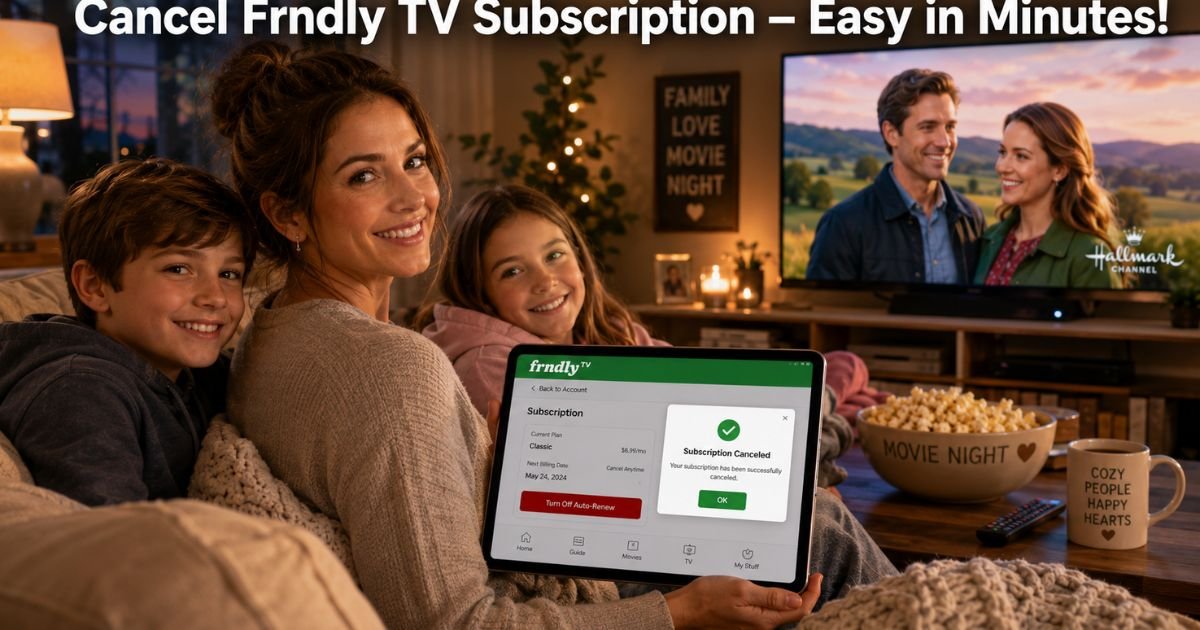
Ever settled in for family movie night on Frndly TV only to spot that recurring charge quietly adding up on your bank statement? You’re not alone.
In 2026, with streaming bills piling up, lots of parents and cord-cutters decide it’s time to cancel Frndly TV subscription and free up some budget.
Whether you’ve enjoyed all the feel-good Hallmark movies and classic reruns you wanted, found a better deal, or just need a short break, canceling should feel quick and stress-free.
The good news? Frndly TV lets you cancel anytime with no fees, and you keep full access until the end of your current billing cycle.
Here, you’ll get simple step-by-step instructions to cancel Frndly TV subscription no matter how you signed up, direct on the website, Roku, Amazon, Apple, or Google.
Why People Choose to Cancel Frndly TV Subscription
Frndly TV delivers affordable live TV with 50+ family-friendly channels, unlimited DVR, and on-demand options starting at just $7.99 a month. But after a while, even the best services can feel like one bill too many.
Some families cancel after finishing a favorite series, others switch to free ad-supported options, and many simply tighten their entertainment budget.
Whatever your reason, Frndly TV makes it easy. No long contracts, no cancellation penalties, and you can reactivate anytime if you miss those uplifting shows.
How to Cancel Frndly TV Subscription: Step-by-Step
The process takes just a few minutes once you know where to look. Always cancel through the same method you used to subscribe so billing stops completely.
Cancel Directly on the Frndly TV Website (Fastest for Most Users)
- Go to watch.frndlytv.com/settings and sign in.
- Select Turn Off Auto-Renew.
- On the “What to watch before you leave” screen, click Continue to cancel.
- Follow the short prompts and confirm.
You’ll see a success message, and your access continues until the billing cycle ends.
Cancel Frndly TV Subscription on Roku
- Press the Home button on your Roku remote.
- Highlight the Frndly TV app (don’t open it).
- Press the star (*) button to open options.
- Select Manage subscription → Turn off auto-renew → Confirm changes.
Or go to my.roku.com on a browser, find Frndly TV under Active Subscriptions, and turn off auto-renew.
Cancel on Other Devices
- Amazon Fire TV: Go to your Amazon account → Memberships & Subscriptions → Find Frndly TV → Cancel.
- Apple App Store: Settings → [Your Name] → Subscriptions → Frndly TV → Cancel Subscription.
- Google Play: Play Store → Profile → Payments & subscriptions → Subscriptions → Frndly TV → Cancel.
- Vizio or other smart TVs: Check the device’s app store or subscription manager—Frndly TV will point you there if needed.
Pro Tip: After you cancel Frndly TV subscription, screenshot the confirmation screen and note your exact end date. This quick habit makes any future questions super easy to answer.
Real-World Example
Take a 35-year-old mom of two in Texas who loved Frndly TV for its clean Hallmark content and kid-friendly shows. After a few months, she noticed the $9.99 monthly Classic plan was adding up alongside other services.
One evening after the kids were in bed, she logged into her account on her laptop, followed the website steps above, and canceled Frndly TV subscription in under three minutes.
She still enjoyed the rest of the month’s new episodes and DVR recordings, then switched to free options. “It was surprisingly simple,” she says. “We saved $120 a year and still have plenty of wholesome TV nights.”
What Happens After You Cancel Frndly TV Subscription
No sudden black screen here. You can keep watching live TV, on-demand shows, and your saved DVR recordings until the very end of your current billing cycle. There are no partial refunds or credits, but also no surprise charges after that date.
Your account stays active, so you can reactivate anytime with just a few clicks. Want to check your close date? It’s right in the confirmation email.
Common Mistake: Thinking that deleting the Frndly TV app or signing out will stop the charges. It doesn’t! You must turn off auto-renew through the correct billing method, or the subscription will keep renewing automatically.
Direct Website vs. Third-Party: Quick Comparison
Not sure which steps to follow? Here’s a handy table to match your signup method:
| Signup Method | Where to Cancel | Time It Takes | Early Termination Fee? |
|---|---|---|---|
| FrndlyTV.com (card/PayPal) | watch.frndlytv.com/settings | 2 minutes | No |
| Roku | Roku account or remote options | 2 minutes | No |
| Amazon Fire | Amazon Memberships & Subscriptions | 1 minute | No |
| Apple or Google | Device Settings or Play Store | 1 minute | No |
| Vizio | Vizio account Subscriptions & Purchases | 2 minutes | No |
Smart Tips to Avoid Billing Surprises
- Double-check your email for the official cancellation confirmation.
- Review your bank statement next month just to be safe.
- If you see a charge after canceling, it usually means you used the wrong method, double-check your original signup receipt.
- Set a quick reminder every few months to review all your streaming services.
These small steps keep your family entertainment budget under control.
Popular Alternatives to Frndly TV in 2026
Once you cancel Frndly TV subscription, you still have great family-friendly options. Pluto TV and Tubi offer free ad-supported channels with lots of wholesome content. Hallmark Movies Now gives you Hallmark access without the full live TV bundle. Sling TV or YouTube TV work well if you want more live channels, and many families mix free apps for zero monthly cost.
FAQ About Friendly TV Cancel Subscription
Q: How long can I keep watching Frndly TV after I cancel my subscription?
You’ll continue enjoying live TV, on-demand shows, and DVR recordings until the very end of your current billing cycle. Frndly TV sends a confirmation email with your exact close date so you’re never surprised.
Q: Will canceling Frndly TV subscription delete my DVR recordings or account?
No, your account and any saved recordings stay safe until the cycle ends. You can reactivate anytime and pick up right where you left off without losing anything.
Q: Can I cancel Frndly TV subscription directly in the app or do I need the website?
Most users need to use the website at watch.frndlytv.com/settings or their original billing platform (Roku, Amazon, etc.). The app may redirect you, but always confirm through the correct method to fully stop billing.
Conclusion
Canceling your Frndly TV subscription is quick, penalty-free, and gives you breathing room while you explore other options. With the simple steps we covered, you can stop billing in minutes, keep watching until your cycle ends, and decide later whether to return or move on.
Remember that story, small changes like this free up real money for the things that matter most in family life. Ready to save? Head to watch.frndlytv.com/settings right now and get it done.
Disclaimer: This content is for informational and educational purposes only and does not constitute professional, financial, legal, or medical advice. The information provided may not apply to your specific situation. Always consult a qualified professional for personalized guidance.