How to Cancel Bubbi App Subscription? [Step by Step]

You tried the low-cost entry on Bubbi for a quick AI photo edit and now a larger monthly charge has appeared on your statement. Many users experience the same surprise when a trial or small payment converts into a recurring subscription.
If you want to cancel your Bubbi app subscription and stop future charges, this guide gives you the exact official steps plus backup options when things do not go smoothly. You can take control of your billing today with just a few clicks or a short email.
What Is Bubbi and How Its Subscription Works
Bubbi is an AI-powered photo editing platform that offers tools for background removal, upscaling, vectorizing, and image generation. Users buy monthly credit packs that renew automatically.
Plans typically start with smaller credit amounts and scale up, with a common low-entry offer that includes a short trial period before converting to a paid plan.
Credits renew each month but do not roll over if unused. Once you cancel, you keep access and remaining credits until the end of your current paid billing period. After that date, premium features and any leftover credits expire.
Common Reasons People Cancel Bubbi Subscriptions
Many users cancel for these practical reasons:
- The subscription renewed after a low-cost trial or single-edit payment without clear warning.
- Monthly cost feels high compared to how many credits they actually use.
- They found a different AI editing tool that better fits their workflow.
- They only needed Bubbi for one project and no longer require ongoing access.
Whatever your situation, you can cancel at any time through your account.
How to Cancel Your Bubbi App Subscription from the Dashboard
The official and fastest method uses your Bubbi account. Here is exactly what to do:
- Log in at bubbi.app using the email and password tied to your account. Use the “Forgot Password” link if needed.
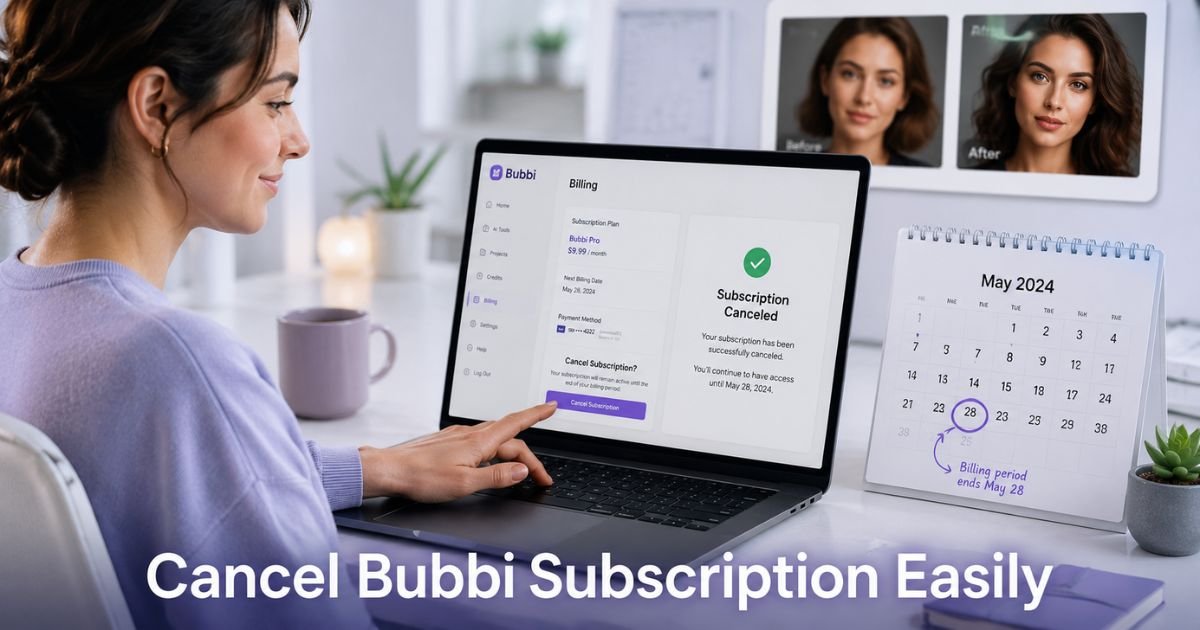
- Open the account menu and select Billing. You will see your current plan, billing cycle, and payment method.
- Scroll to the Cancel Subscription section. Click the cancel option and follow the on-screen prompts.
- Confirm your choice. You may be asked for optional feedback to help the company improve.
- Watch for a confirmation message or email. Your subscription status should update immediately in the dashboard.
After these steps, you will not be charged again. Your access and credits stay active until the end of the current paid period.
What to Do If the Cancel Button Is Broken or Missing
Some users report the cancellation page at bubbi.app/cancel shows a broken button or does not respond. If that happens to you, try these quick fixes first:
- Switch browsers or open the site in an incognito window.
- Clear your cache and cookies, then log in again.
- Make sure you are on the correct Billing page inside your logged-in account rather than a general cancel link.
If the button still fails, contact support right away. Send an email to contact@bubbi.app from the address on your account. Include your account email, the date you want cancellation effective, and screenshots of the billing page and any error.
Many people receive a response within 24 hours when they provide clear details.
How Alex Finally Canceled Bubbi
Alex Rivera, a freelance graphic designer, used the $1 sharpen tool on Bubbi for a client project. Two weeks later a $35 charge for the 200-credit plan appeared. Alex tried the cancel button on the billing page several times, but nothing happened.
On the third day Alex emailed support with screenshots of the billing screen, the failed cancel attempt, and a clear request to cancel immediately and stop all future charges. Support replied the next morning confirming the subscription was canceled.
Alex checked the dashboard and saw the status updated, then monitored the next statement to confirm no additional charge. The whole process took four days once Alex switched from the broken button to email.
Pro Tip: Take clear screenshots of your billing page before you cancel and again after you see the confirmation. Note the exact end date of your current paid period so you know when access will stop. This record helps if any billing questions come up later.
What Happens After You Cancel Bubbi
Your subscription ends cleanly once processed. You keep full access and any remaining credits until the last day of the paid period you already paid for.
After that date, the account reverts to free tools only and unused credits disappear. No partial refunds are mentioned in the official help articles, so act before your next renewal if you want to avoid the following month’s charge.
What to Expect After Canceling Your Bubbi Subscription
| Timing | What You Keep | What Stops | Next Step |
|---|---|---|---|
| Immediately after cancel | Access + remaining credits | Future automatic charges | Check dashboard for confirmation |
| End of current paid period | Nothing premium | All credits and premium tools | Account switches to free tier |
| After final period | Free tools only | Everything paid | Monitor statement one last time |
Common Mistake: Assuming the low-cost entry or trial ends automatically without further charges. Many people miss the first full renewal email and only notice when the charge hits their card. Always check your email and billing page right after any small payment on Bubbi.
FAQs About Bubbi App Cancel Subscription
Q: How do I cancel my Bubbi subscription if I cannot log in?
Use the “Forgot Password” option on the login page to reset access with the email tied to your account. Once inside, follow the Billing page steps above. If you still cannot log in, email contact@bubbi.app with your registered email address and request cancellation help.
Q: Will I lose access to Bubbi right after I cancel?
No. You keep full access and any unused credits until the end of your current paid billing period. Only after that date do premium features and credits expire. Plan your projects accordingly so you finish important work before the period ends.
Q: Can I get a refund when I cancel Bubbi?
Official policy focuses on stopping future charges rather than automatic refunds. Access continues until the end of the paid period you already purchased. Contact support at contact@bubbi.app with your account details and reason if you believe a refund is warranted. Keep records of all communication.
Conclusion
Canceling your Bubbi subscription is usually quick when you use the account dashboard. If the button gives trouble, a short email to support with screenshots almost always resolves it.
Check your next statement to confirm everything stopped, then enjoy peace of mind knowing you control what charges your card. Start with the login steps today and you will likely finish in just a few minutes.
Disclaimer: This content is for informational and educational purposes only and does not constitute professional, financial, legal, or medical advice. The information provided may not apply to your specific situation. Always consult a qualified professional for personalized guidance.