
How to Cancel Adobe Subscription in 2026? [Step by Step]

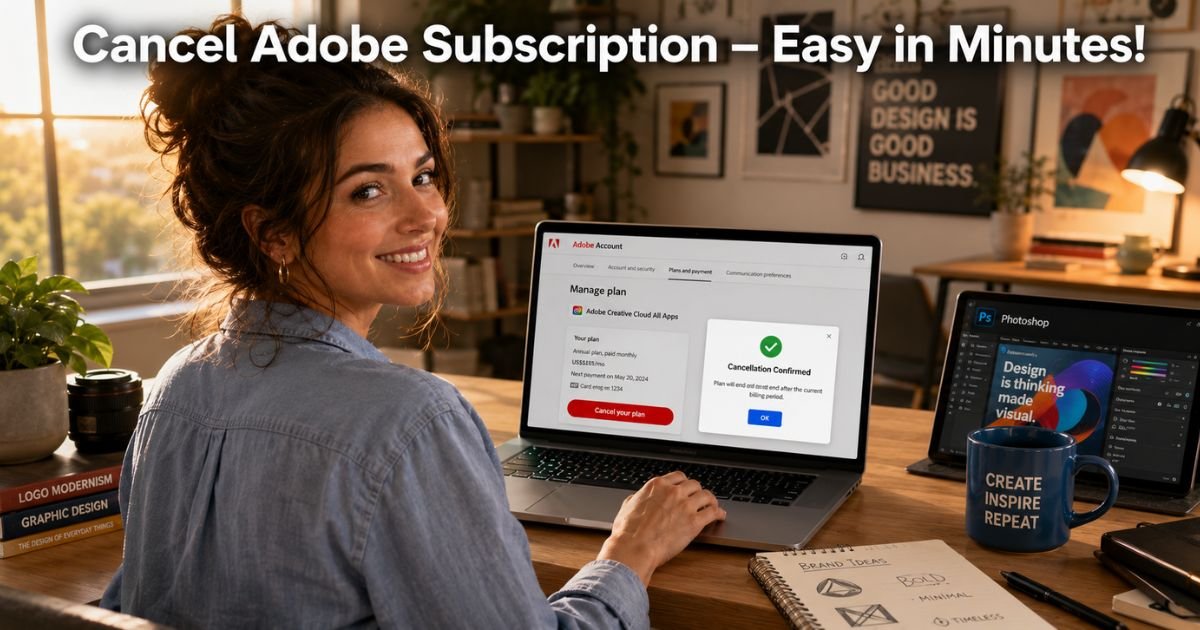
Ever wrapped up a big project in Photoshop or Premiere Pro only to glance at your bank statement and see that Adobe subscription still charging every month?
You’re not alone. In 2026, with creative tools getting pricier and options everywhere, lots of people decide it’s time to cancel Adobe subscription and take back control of their budget.
Whether you’re switching to a different tool, taking a break from design work, or just trimming expenses, canceling should be quick and straightforward.
The good news? You keep full access to your apps until the end of your current billing cycle.
Here, you’ll get exact step-by-step instructions to cancel Adobe subscription no matter how you signed up, direct from Adobe, through the App Store, or Google Play.
Why People Choose to Cancel Adobe Subscription
Adobe Creative Cloud packs powerful tools like Photoshop, Illustrator, and Acrobat, but the monthly or yearly fees add up fast. Some folks cancel after finishing a big client project, others find free or cheaper alternatives that do the job, and many simply need to cut back on recurring costs.
Whatever your reason, Adobe lets you cancel anytime. Just know that annual plans paid monthly may come with an early termination fee after the first 14 days, usually 50% of the remaining balance. Monthly plans are usually penalty-free.
How to Cancel Adobe Subscription: Step-by-Step
The official process is simple and takes just a few minutes. Here’s exactly how to do it based on your purchase method.
Cancel Directly Through Adobe (Most Common)
- Go to account.adobe.com/plans and sign in.
- Find the plan you want to cancel and click Manage plan.
- Select Cancel your plan.
- Review your plan details and click Continue to cancel.
- Choose a reason for canceling, then click Continue.
- Review the final details and click Confirm cancellation.
You’ll receive a confirmation email right away.
Cancel Adobe Subscription on iPhone or iPad (App Store Purchase)
- Open the Settings app.
- Tap your name at the top.
- Tap Subscriptions.
- Find your Adobe plan (Creative Cloud, Express, Acrobat, etc.).
- Tap Cancel Subscription and confirm.
Cancel on Android (Google Play)
- Open the Google Play Store app.
- Tap your profile picture in the top right.
- Go to Payments & subscriptions → Subscriptions.
- Select the Adobe plan and tap Cancel subscription.
Note for other stores: If you bought through Microsoft or another partner, cancel directly in that store’s subscription manager, Adobe will point you there.
Pro Tip: After you cancel Adobe subscription, take a quick screenshot of the confirmation screen and note your exact end date. This 30-second habit saves time if any billing questions come up later.
Real-World Example: How Taylor Streamlined Her Creative Tools
Take Taylor, a 34-year-old freelance graphic designer in Denver who relied on Adobe Creative Cloud for client work. After landing a few steady gigs with simpler tools, she realized the $59.99 monthly fee was more than she needed.
One quiet morning, Taylor logged into her Adobe account, followed the steps above, and canceled Adobe subscription in under four minutes. She kept using everything until her cycle ended, then switched to more affordable options. “It felt like a weight lifted,” Taylor says. “I saved over $500 this year and still create just as effectively.”
What Happens After You Cancel Adobe Subscription
You won’t lose access overnight. Adobe lets you keep using all your apps and files until the end of your current billing period. No partial refunds, but no surprise charges either.
Your files in the cloud stay safe, and you can still open most apps in a limited “view only” mode afterward. If you ever want to come back, simply reactivate your plan—no need to start over.
Common Mistake: Thinking that deleting the apps or signing out will stop the charges. It doesn’t! You must complete the official cancellation steps through your Adobe account or the original app store, or billing will continue automatically.
Direct Adobe vs. App Store: Quick Comparison
Not sure which method applies to you? Here’s a simple table to clear things up:
| Purchase Method | Where to Cancel | Early Termination Fee? | Access Until End of Cycle? |
|---|---|---|---|
| Direct from Adobe | account.adobe.com/plans | Yes (annual plans after 14 days) | Yes |
| Apple App Store | iPhone Settings → Subscriptions | No | Yes |
| Google Play | Google Play Store Subscriptions | No | Yes |
| Microsoft Store | Microsoft account subscriptions | No | Yes |
Always check your confirmation email—it tells you exactly how and when it ends.
Smart Tips to Avoid Extra Charges and Hassles
- Double-check your email (including spam) for the official Adobe confirmation.
- Review your bank or credit card statement next month just to be safe.
- If you’re on an annual plan, canceling early may trigger that 50% fee, consider waiting until closer to renewal if possible.
- Set a calendar reminder every few months to review all your creative subscriptions.
These tiny habits keep your budget on track and your mind clear.
Popular Alternatives to Adobe in 2026
Once you cancel Adobe subscription, you still have plenty of creative power. Affinity Photo and Designer offer one-time purchases with no subscriptions. Canva Pro is fantastic for quick designs, and free tools like GIMP, Inkscape, or Photopea handle many everyday tasks. Many designers mix two or three of these and save hundreds every year.
FAQs About How to Cancel Adobe Subscription
Q: How long can I keep using Adobe apps after I cancel my subscription?
You’ll continue enjoying full access to Creative Cloud, Photoshop, and other apps until the very end of your current billing cycle. Adobe sends a confirmation email with your exact close date so you’re never caught off guard.
Q: Will canceling Adobe subscription delete my cloud files or projects?
No, your files in Creative Cloud storage stay safe and accessible in view-only mode. You can download everything before your cycle ends if you want extra peace of mind.
Q: Can I cancel Adobe subscription through the app itself or do I need the website?
For most direct Adobe purchases, you must use account.adobe.com/plans on a browser. If you subscribed through an app store, cancel there instead. The apps may redirect you, but always confirm in the right place.
Conclusion
Canceling your Adobe subscription is straightforward, gives you breathing room, and helps you make smarter choices about the tools you really need. With the simple steps we covered, you can stop billing in minutes, keep working until your cycle ends, and explore fresh options without stress.
Remember Taylor’s story, small moves like this free up real money for the things that matter most in your creative journey.
Ready to save? Head to account.adobe.com/plans right now and get it done. You’ve got this!
Disclaimer: This content is for informational and educational purposes only and does not constitute professional, financial, legal, or medical advice. The information provided may not apply to your specific situation. Always consult a qualified professional for personalized guidance.






