How to Cancel Norton Subscription in 2026 [Step by Step]

Are you tired of paying for antivirus protection you no longer need? Many people find themselves stuck with automatic renewals from Norton, wondering how to stop the charges without hassle.
Canceling your Norton subscription is straightforward once you know the right steps. In this guide, I’ll walk you through everything from logging into your account to requesting a refund if you’re eligible.
Whether you’ve switched to another security solution or simply want to pause protection, this process works on Windows, Mac, Android, and iOS devices. Let’s make it simple so you can move on with confidence.
Why People Choose to Cancel Norton Subscription
Life changes fast. Maybe your family no longer needs multiple device coverage, or you’ve found a better deal elsewhere. Norton offers solid protection, but subscriptions can add up if you forget to review them.
Canceling prevents unwanted auto-renewals and keeps your budget in check. Plus, understanding the process empowers you to manage your digital life better. Have you ever opened your bank statement and spotted a surprise charge? You’re not alone.
Key reasons users cancel include:
- Switching to free or built-in antivirus tools
- Reducing monthly expenses
- Device upgrades that include new security
- No longer needing premium features like VPN or password manager
Now, let’s dive into the actual steps so you can handle this quickly.
How to Cancel Norton Subscription Online
The easiest way is through Norton’s official website. This method works for most users and avoids long phone waits.
Log In to Your Norton Account
Start by heading to the official Norton site. Visit my.norton.com and sign in with your email and password. If you’ve forgotten your details, use the “Forgot Password” link. It’s quick and secure.
Once logged in, click on your name or profile icon in the top right corner. Select My Account from the menu. This takes you to a dashboard with all your active services.
Navigate to My Subscriptions
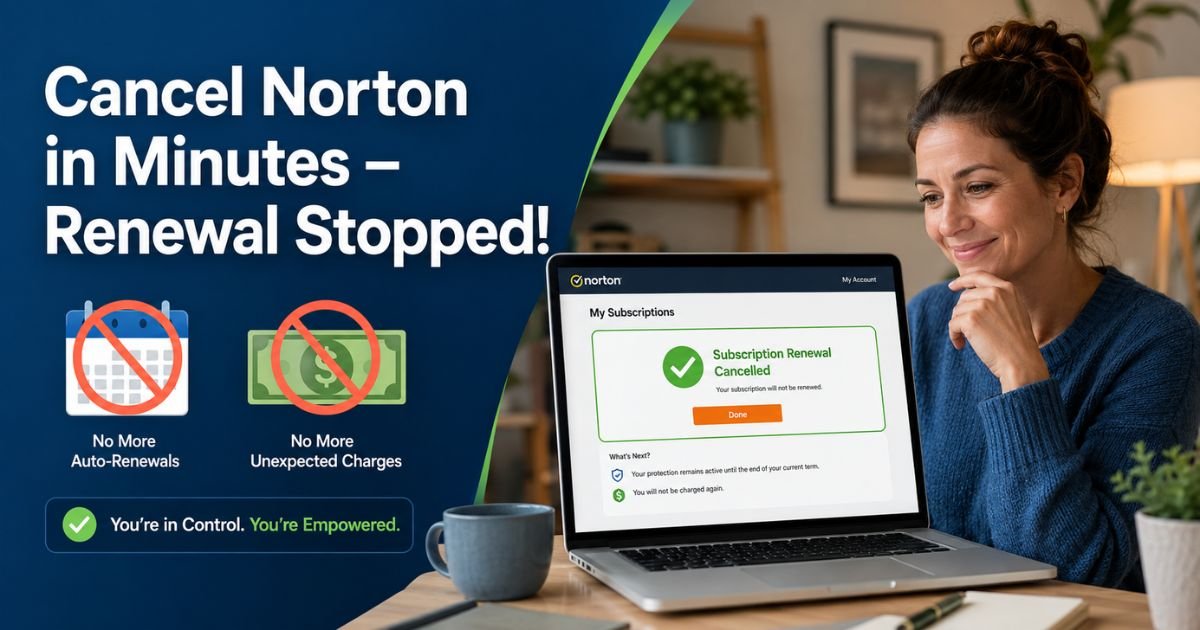
Look for the My Subscriptions tab or section. Here you’ll see a list of your Norton plans, including renewal dates and amounts. Find the subscription you want to cancel.
Click Cancel Subscription Renewal or Manage Renewal next to it. Norton will ask why you’re canceling. Be honest. This helps their team improve. Follow the on-screen prompts to confirm.
You’ll receive an email confirmation. Save it for your records.
What Happens After You Cancel?
Your subscription stays active until the end of the current billing period. You can keep using Norton features during that time. After cancellation, remember to uninstall the software from your devices to avoid any leftover prompts.
If you change your mind, you can reactivate before the term ends in most cases.
Canceling Norton on Mobile Devices
The process is similar on phones. Open your browser, log into my.norton.com, and follow the same subscription steps.
For app-based purchases (like through Google Play or Apple App Store), you may need to cancel directly in those stores. Check your purchase history there for “Manage Subscription” options.
Understanding Norton Refund Policy in 2026
Norton has clear rules that can save you money. Knowing them prevents disappointment.
Annual subscriptions come with a 60-day money-back guarantee. Request a full refund within 60 days of purchase or renewal. Monthly plans offer a 14-day window.
After cancellation, contact Norton support to request your refund if eligible. Provide your order number and explain briefly. They usually process refunds within a few business days.
Pro Tip: Always cancel before the next billing cycle to stop charges cleanly. Track dates in your calendar.
Common Issues and Quick Fixes
Sometimes the cancel button doesn’t appear. This usually means your subscription was bought through a retailer or third party. In that case, contact the original seller.
If you run into login problems, clear your browser cache or try another device. Norton support is available via chat or phone for stuck situations.
Benefits of Canceling Your Norton Subscription Promptly
Acting fast gives you control. You avoid surprise bills and free up funds for other needs. Many users report feeling relieved after handling recurring subscriptions like this one.
You also open the door to explore alternatives. Built-in Windows Defender, for example, has improved a lot. Or try competitors with different feature sets.
Quick Comparison Table
| Aspect | Norton Subscription | Typical Alternatives |
|---|---|---|
| Auto-Renewal | Yes, unless canceled | Often optional |
| Refund Window | 60 days (annual) | Varies by provider |
| Cancellation Ease | Online in minutes | Similar or app-based |
| Post-Cancel Access | Until term ends | Immediate stop |
This table shows why planning ahead matters.
Tips to Avoid Future Subscription Surprises
Set reminders a week before renewal dates. Review your bank statements monthly. Use apps that track subscriptions automatically.
Consider shorter trial periods next time before committing long-term. And always read the fine print during signup.
Have you tried any subscription management tools? They make life much easier.
Alternative Security Options After Canceling Norton
Once canceled, you have choices. Free tools like Microsoft Defender work well for basic needs. Paid options from Bitdefender or Malwarebytes offer strong protection at different price points.
Evaluate based on your device count and required features like identity theft monitoring.
For official antivirus guidance, check resources from CISA.gov for best practices.
FAQs About How to Cancel Norton Subscription
Q: Can I cancel my Norton subscription anytime?
Yes, you can cancel at any time through your Norton account. Your protection continues until the current period ends, but auto-renewal stops immediately after confirmation.
Q: Will I get a refund after canceling Norton?
You may qualify for a full refund if within the 60-day window for annual plans or 14 days for monthly. Contact support after canceling to request it. Keep records of your purchase date.
Q: What if I can’t find the cancel option in my account?
Double-check your login and subscription status. If purchased via a store like Apple or Amazon, cancel there instead. Reach out to Norton chat support for help locating it.
Conclusion
Canceling your Norton subscription doesn’t have to be stressful. With these clear steps, you can do it quickly from home and regain control of your spending. Take a few minutes today. You’ll thank yourself when the next bill doesn’t hit.
Stay safe online, and remember to keep some form of protection active. Your devices deserve it.
Disclaimer: This guide provides general information based on standard Norton processes as of 2026. Policies can change, so always verify details directly on the official Norton website or with their support team. Individual results may vary depending on purchase method and location.