How to Cancel Total AdBlock Subscription? [Step by Step]

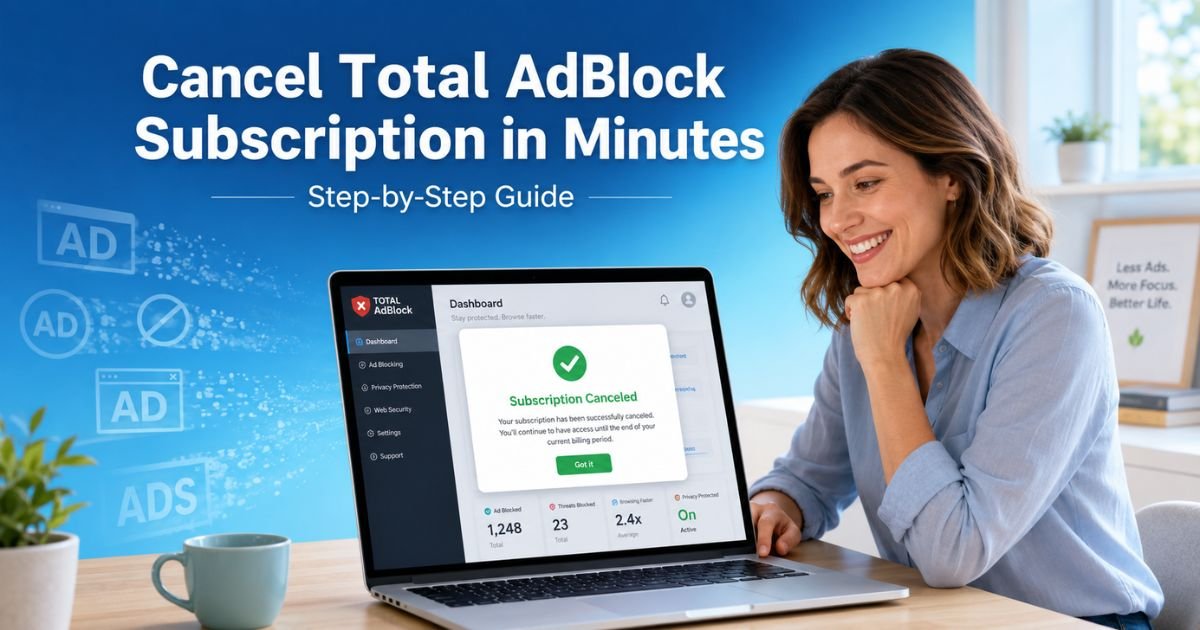
Ever opened your bank statement and spotted an unexpected $99 charge from Total AdBlock? You’re not alone. Many people sign up for the ad blocker during a sale or free trial, only to face automatic renewals they never meant to keep.
If you’re ready to cancel Total AdBlock subscription and move on, you’ve come to the right place.
This guide walks you through every method, whether you signed up on the website, through the Google Play Store, or on your iPhone. You’ll learn exactly what happens after you cancel, how to request a refund if you qualify, and smart tips to avoid future headaches.
Why People Want to Cancel Total AdBlock Subscription
Total AdBlock promises to wipe out annoying ads, pop-ups, and trackers across your browser and apps. It works well for many users, especially during the first year when pricing feels like a steal.
But things change fast. The renewal price often jumps to around $99 per year, which leaves plenty of folks wondering if it’s still worth it.
Common reasons include:
- Better free alternatives like uBlock Origin that block more ads without costing a dime.
- Accidental sign-ups after a trial period.
- Too many overlapping tools (you might already use browser-built-in blockers or VPNs with ad protection).
- Billing surprises that hit right when budgets are tight.
Whatever your reason, canceling is straightforward once you know where to look. And yes, you can still use the premium features until your current billing cycle ends.
How Total AdBlock Subscriptions Actually Work
Before you cancel, it helps to understand the setup. Total AdBlock uses auto-renewal on every plan, monthly, quarterly, biannual, or annual.
When you first sign up, you get an introductory rate, but the system automatically charges your card or account at the regular price unless you turn off renewal.
Cancellation does two important things:
- Stops future billing immediately.
- Keeps your premium access active until the end of the paid period.
Pro tip: Always cancel at least 24–48 hours before your renewal date to give the system time to process.
How to Cancel Total AdBlock Subscription on Your Computer (Website Method)
Most people purchase directly through the Total AdBlock site, so this is the most common route. Here’s the exact process:
- Go to totaladblock.com and click the login option in the top right.
- Enter your email and password. Forgot it? Click “Forgotten Password?” and reset it quickly via email.
- Once logged in, click your email or profile icon in the top right corner.
- Select “My Services” from the dropdown menu.
- Locate your Total AdBlock plan in the list and click “Manage.”
- On the next screen, find and click the “Cancel” button.
- A verification code will arrive in your email (check spam if it doesn’t show up right away). Enter the 6-digit code to confirm.
You’ll see a success message, and you’ll receive a confirmation email shortly after. Your subscription is now canceled, but you can keep using the full version until the billing period runs out.
Pro Tip: Take screenshots of every step, including your confirmation email. This creates a paper trail if you ever need to dispute a charge with your bank or credit card company.
Cancel Total AdBlock Subscription on Android Devices
If you signed up through the Google Play Store, you handle it directly in the app store:
- Open the Google Play Store app on your phone.
- Tap your profile picture in the top right.
- Choose “Payments & subscriptions” then tap “Subscriptions.”
- Scroll to find Total AdBlock and tap it.
- Tap “Cancel subscription” and follow the on-screen prompts.
Google will confirm the change. Easy, right?
How to Cancel Total AdBlock Subscription on iPhone or iPad
Apple handles subscriptions a little differently:
- Open the Settings app.
- Tap your name at the very top.
- Scroll down and tap “Subscriptions.”
- Select Total AdBlock from the list.
- Tap “Cancel Subscription” at the bottom and confirm.
Apple processes it instantly in most cases.
Common Mistake: Many people uninstall the Total AdBlock app or extension thinking it stops the charges. It doesn’t. You must cancel the subscription separately or the billing keeps going.
Comparison of Cancellation Methods
Here’s a handy table to help you pick the fastest route:
| Method | Best For | Time Required | Needs Email Verification? | What Happens Next |
|---|---|---|---|---|
| Website (Computer) | Direct purchases | 2–3 minutes | Yes | Access until billing cycle ends |
| Google Play Store | Android app sign-up | 1 minute | No | Immediate confirmation from Google |
| Apple Settings | iPhone/iPad purchases | 1 minute | No | Handled by Apple |
| Customer Support | If you can’t log in | 5–10 minutes | Maybe | Slower response |
Real-World Example
Take a 35-year-old teacher from California. She tried Total AdBlock during a back-to-school sale and loved the clean browsing at first. Six months later she saw a $99 charge and panicked. “I thought it was a one-time thing,” she told me.
She logged into totaladblock.com, followed the My Services steps, entered her verification code, and canceled in under four minutes. She also requested a partial refund since she was still inside the 30-day window for her annual plan.
Within 72 hours the money was back in her account, and she switched to the free uBlock Origin extension. No more surprise bills, and her students’ homework research stayed ad-free.
What Happens After You Cancel Total AdBlock Subscription?
Once canceled:
- No more automatic charges.
- Premium blocking features stay active until your current period ends.
- After that, you drop to the free version, which only blocks ads on the top 15,000 websites and skips many pop-ups and trackers.
Most people uninstall the extension or app at this point to keep things clean.
Quick Uninstall Steps by Browser and Device
- Chrome: chrome://extensions → Find Total AdBlock → Remove.
- Edge: edge://extensions → Remove.
- Firefox: about:addons → Remove.
- Android/iPhone: Long-press the app icon → Uninstall or Delete App.
How to Request a Refund After Canceling
Cancellation and refunds are two separate steps. You must cancel first, then ask for money back if you qualify:
- Annual or biannual plans: 30 days from purchase.
- Monthly or quarterly plans: 14 days from purchase.
Contact options:
- Email billing@totaladblock.com (include your account email, purchase date, and reason).
- Or use the Help Center form on the Total AdBlock website.
- Phone support at (833) 201-8682 during business hours.
Keep records. Approved refunds usually hit your original payment method within 7 business days.
Troubleshooting: What If You Can’t Cancel Total AdBlock Subscription?
Sometimes things don’t go smoothly. Here are fixes for the most common issues:
Can’t log in?
Use the password reset link and check every email folder.
No “Cancel” button?
Make sure you’re in the right My Services section. Multiple services (like TotalAV or VPN) appear under one login.
Subscription not showing in app stores?
It was probably bought directly on the website, use the computer method.
Still being charged?
Double-check your confirmation email and contact support right away.
Why Consider Free Ad Blocker Alternatives?
After canceling Total AdBlock subscription, you might wonder what’s next. Free tools like uBlock Origin, AdBlock Plus (basic version), or Brave Browser often deliver stronger protection without any cost. They’re lighter on your device and update frequently.
Many readers tell me they actually prefer the free options once they break the paid habit.
FAQs About Total AdBlock Cancel Subscription
Q: How do I know if my Total AdBlock subscription is really canceled?
You’ll receive an email confirmation right after you finish the steps. Log back into your account and check the My Services section, it should show the plan as canceled with an end date for your current period. If you don’t see the email within 10 minutes, search your spam folder or contact support.
Q: Can I cancel Total AdBlock subscription and still get a refund?
Yes, but only if you’re within the eligibility window (30 days for annual plans, 14 days for monthly). You must cancel the subscription first, then submit a separate refund request through email or the Help Center. Approved refunds stop your access immediately.
Q: What happens if I cancel Total AdBlock subscription right before renewal?
You’ll keep full premium features until the exact end of your paid cycle. No prorated charges apply, and future billing stops completely. It’s the smartest time to cancel if you’re unsure about keeping it.
Conclusion
Canceling your Total AdBlock subscription doesn’t have to be stressful or confusing. With the clear steps above, you can stop those recurring charges in just a few minutes, whether you’re on a computer, Android phone, or iPhone.
Remember to cancel through the right platform, request any eligible refund promptly, and consider a lightweight free ad blocker for the future.
Take five minutes today, follow the instructions that match how you signed up, and enjoy one less bill in your inbox. Your wallet and your browsing experience will thank you.
Disclaimer: This content is for informational and educational purposes only and does not constitute professional, financial, legal, or medical advice. The information provided may not apply to your specific situation. Always consult a qualified professional for personalized guidance.