
How to Cancel Menesko UAB Subscription? [Step by Step]

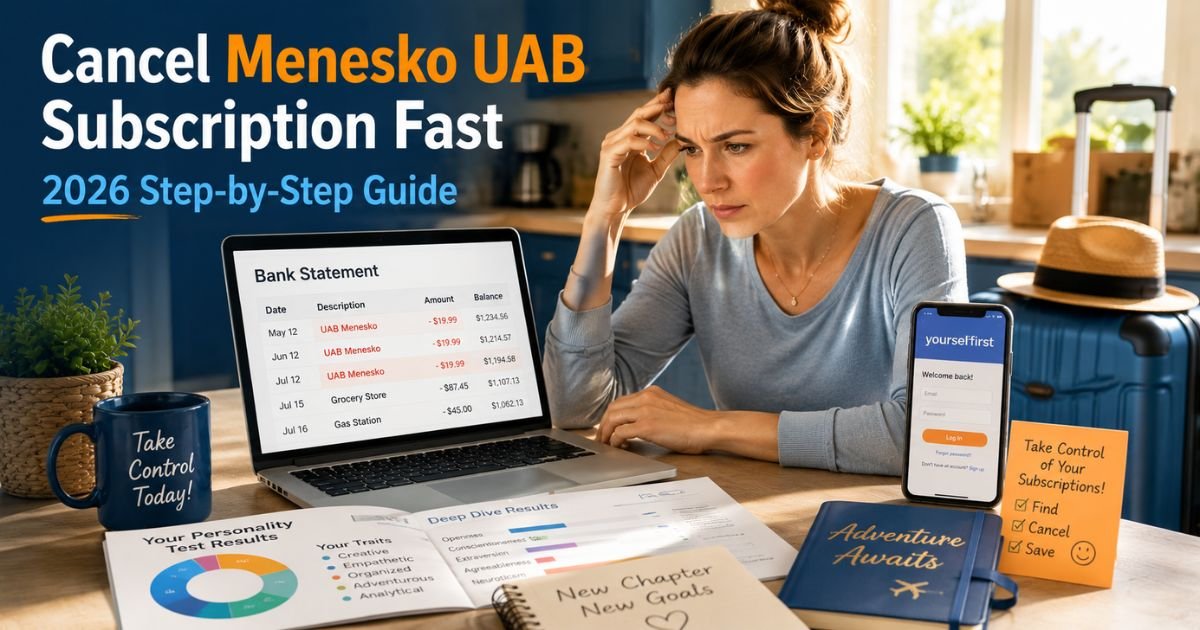
If you’re staring at your bank or PayPal statement and seeing mysterious charges from “Menesko UAB” or “UAB Menesko,” you’re definitely not the only one. Searches for “menesko uab cancel subscription” have spiked lately, and for good reason.
Many folks never meant to sign up for a recurring plan, yet the bills keep coming. The good news? You can stop the charges. I’ll walk you through the exact steps in plain, straightforward English so you can take back control today.
Understanding Menesko UAB and the Yourselfirst Subscription Trap
Menesko UAB is the official billing name you’ll see on statements. It operates behind Yourselfirst.com (and the app at app.yourselfirst.com), where users take fun-looking online tests.
The site feels legit at first. You pay a small fee to unlock results, but buried in the fine print is often a subscription that renews automatically.
Common signs you’ve been charged by Menesko UAB:
- Unexpected $29.95 (or similar) monthly deductions.
- Charges labeled “UAB Menesko,” “Menesko UAB,” or linked to Yourselfirst.
- No clear confirmation email about the ongoing plan.
- Started after a “one-time” personality or IQ quiz.
If this sounds familiar, you’re dealing with what’s commonly called a subscription trap. It’s frustrating, but you’re empowered to fix it. Many users report success by acting quickly through the right channels.
Why People Search for Menesko UAB Cancel Subscription
The top reasons include:
- Unauthorized recurring charges after a small initial payment.
- No obvious way to cancel from the quiz page.
- Budget surprises that hit when money is already tight.
- Better free alternatives for personality insights.
Whatever brought you here, the steps below work for most people in 2026.
How to Cancel Menesko UAB Subscription Online
The easiest method is through the Yourselfirst account dashboard. Here’s exactly how to do it:
Visit the Yourselfirst login page
Go straight to https://app.yourselfirst.com/en/sign-in. Use the same email you entered during the quiz. If you forgot the password, hit the reset link. Many people miss this step because the original site doesn’t link back clearly.
Log in and head to your profile
Once inside, click your profile icon or name in the top right. Select “Account settings” from the menu.
Find and manage your plans
Look for “Manage Plans” or “Subscriptions.” You’ll see your active Menesko UAB plan listed. Click the option to cancel subscription or unsubscribe.
Confirm the cancellation
Follow the prompts. It may ask why you’re leaving. Choose your reason, then confirm. You should get an on-screen message and a confirmation email.
If the cancel button doesn’t appear or the page glitches (which some users report), don’t panic. Take screenshots of every step for your records.
Pro tip: Clear your browser cache or try a different device if the dashboard won’t load. Incognito mode often fixes display issues.
Alternative Ways to Stop Menesko UAB Charges
Not everyone can log in easily, especially if the original signup was quick or via PayPal. Here are backup options that work well:
Cancel via PayPal (super common method)
If the charge shows up in your PayPal activity, log into PayPal, go to Settings > Payments > Manage automatic payments or “Manage Plans.” Find the Menesko UAB entry and click “Unsubscribe.” This stops future billing instantly for many users.
Email customer support
Send a clear cancellation request to hello@yourselfirst.com. Include your full name, email used, last four digits of the card or PayPal transaction ID, and a polite request to cancel immediately and refund any recent charges. Some people get quick responses, though others wait days. Keep records of every email.
Contact your bank or card issuer
If the above fails, call your bank right away. Explain the charges as unauthorized recurring billing. They can block future payments from Menesko UAB and often help with a dispute or chargeback. This is especially effective within 60 days of a charge.
Check phone app subscriptions
Even though it’s web-based, double-check your Google Play or Apple App Store subscriptions in case it linked to a mobile app version.
What Happens After You Cancel Menesko UAB Subscription?
Once canceled, the plan stops renewing at the end of your current billing cycle. You won’t lose access to any quiz results you already downloaded, but new charges should end.
Key things to watch:
- No automatic refunds for past months unless the company approves (or your bank disputes).
- Save all confirmation emails and screenshots.
- Monitor your statements for 2-3 months to confirm it stopped.
If charges continue, escalate to your payment provider immediately.
Tips to Avoid Future Subscription Surprises Like Menesko UAB
These situations pop up more often than we’d like. Stay protected with these habits:
- Review statements weekly instead of monthly.
- Use virtual cards for online quizzes and tests.
- Read the fine print before any small payment.
- Set up alerts for charges over $10 from unknown merchants.
For extra peace of mind, resources like the Federal Trade Commission (ftc.gov) have excellent guides on spotting and stopping unwanted subscriptions. Check their consumer protection pages for more tools.
Quick Comparison: Cancellation Methods
| Method | Time Required | Success Rate (User Reports) | Best For |
|---|---|---|---|
| Yourselfirst Dashboard | 5-10 minutes | High if you can log in | Direct account holders |
| PayPal Manage Plans | Under 5 minutes | Very high | PayPal users |
| Email Support | 1-7 days | Medium | Refund requests |
| Bank Dispute | 1-3 business days | High | Unauthorized charges |
This table helps you pick the fastest route for your situation.
Act fast if the charge feels unauthorized. Many users successfully dispute the first month and get money back. Also, canceling doesn’t delete your quiz data. And if support gives you the runaround, your bank is your strongest ally.
FAQs About Menesko UAB Cancel Subscription
Q: How do I know if Menesko UAB charges are legitimate?
If you never intended a monthly plan and only paid for a one-time quiz, the recurring billing is likely not what you agreed to. Check your confirmation email for subscription language. Most people in this situation treat it as unauthorized.
Q: Can I get a refund after canceling my Menesko UAB subscription?
It depends. The company sometimes offers partial refunds as a “goodwill” gesture via email. If not, your bank or credit card company can often reverse recent charges through a dispute process.
Q: What if I can’t log into the Yourselfirst account to cancel?
Try the password reset or contact hello@yourselfirst.com with your details. As a backup, cancel through PayPal or your bank to stop payments right away. Don’t delay if charges keep appearing.
Conclusion
Canceling your Menesko UAB subscription doesn’t have to drag on. With the clear steps above, most people resolve it quickly and protect their wallet moving forward. You’re already ahead just by searching for solutions. Whether this was a simple oversight or felt like a sneaky trap, you’ve got the power to fix it.
Disclaimer: This article provides general guidance based on publicly reported methods and user experiences as of May 2026. Company policies can change, so always verify details directly through your account, payment provider, or support. The author and publisher are not affiliated with Menesko UAB or Yourselfirst.com and do not offer legal or financial advice. Consult your bank or a professional for personalized help with billing disputes.






