How to Cancel JobLeads Subscription in 2026? [Step by Step]

Ever signed up for a job search tool like JobLeads hoping it would land you that dream role, only to realize the monthly charge is quietly eating into your budget?
You’re definitely not alone. In 2026, with job markets shifting fast, many professionals decide it’s time to cancel JobLeads subscription and explore other options.
Whether you’ve landed a new position, found a better platform, or just need to tighten your spending, canceling should be quick and painless.
The good news? JobLeads lets you stop your Premium membership anytime without penalties, and you keep full access until your current billing cycle ends.
Here, you’ll discover exactly how to cancel JobLeads subscription on any device, what happens afterward, and handy alternatives if you’re still hunting for opportunities.
Why People Decide to Cancel JobLeads Subscription
Job hunting can be expensive, and subscriptions add up fast. JobLeads offers premium job leads, AI resume tools, and recruiter connections, but not every plan fits every career stage.
Some users cancel after landing a role. Others switch to free job boards or newer platforms with different features.
Whatever your reason, knowing your options upfront makes the process feel less stressful. JobLeads keeps things flexible, you can cancel anytime before renewal with no hidden fees.
How to Cancel JobLeads Subscription
Canceling is designed to be straightforward and takes just a few minutes from your account dashboard. Here’s exactly what to do.
Cancel JobLeads Subscription on Desktop or Laptop
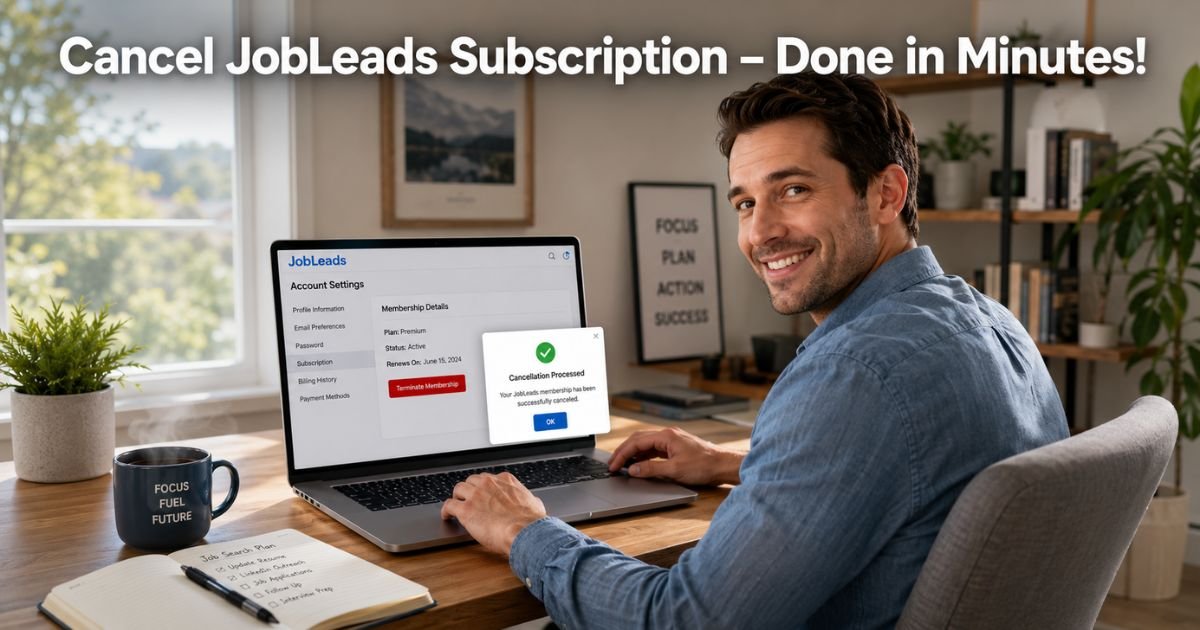
- Go to jobleads.com and log in to your account.
- Click your profile icon in the top right corner.
- Select Account settings from the drop-down menu.
- Scroll to the JobLeads membership section.
- Click Terminate membership (or the red “here” link in the discontinuation sentence).
- Fill out the short cancellation questionnaire.
- Choose Continue cancellation to confirm.
You’ll receive an email confirmation, and your access continues until the end of your billing period.
Cancel on Mobile (Phone or Tablet)
The process works the same on your phone’s browser:
- Open your mobile browser and log in at jobleads.com.
- Tap the profile icon (usually top right).
- Go to Account settings.
- Scroll down to the membership area and follow the same steps above.
Note: The JobLeads app may redirect you to the website for cancellation, so have your browser ready.
What About Trial Memberships?
If you’re still in your 14-day trial:
- Follow the exact same account settings steps.
- Look for the trial membership section.
- Click to cancel before the trial ends—no charges will apply.
Your access stays active until the trial period finishes.
Pro Tip: Screenshot your confirmation email and note your cancellation date. This quick habit protects you if any billing questions pop up later.
Real-World Example
Take a 39-year-old marketing manager in Austin who tried JobLeads during a layoff. He loved the tailored leads at first, but after landing a new role six weeks later, the $59.99 monthly fee no longer made sense.
One evening after the kids went to bed, he logged in, followed the steps above, and canceled his JobLeads subscription in under three minutes. He kept using the platform until his billing cycle ended, then switched to free LinkedIn alerts and a couple of niche job boards. “It was surprisingly easy,” he says. “I saved over $700 a year and felt way less stressed about subscriptions.”
What Happens After You Cancel JobLeads Subscription
No sudden cutoff here. You keep full Premium access, including job matches, resume tools, and saved searches, until your current billing cycle ends. No partial refunds, but also no surprise charges.
Your account data, saved jobs, and profile stay safe for future reactivation. If you ever want to return, simply log back in and restart your membership.
Common Mistake: Assuming that logging out or deleting the app cancels your subscription. It doesn’t! You must complete the official “Terminate membership” steps inside your account settings, or charges will continue.
Canceling vs. Deleting Your Account: What’s the Difference?
Many people wonder if they need to delete everything. Here’s a clear breakdown to help you choose:
| Action | What It Does | Best For | Data Impact |
|---|---|---|---|
| Cancel Membership | Stops future billing only | Taking a break or switching services | Keeps profile & history |
| Delete Account | Removes your entire profile permanently | Never returning | All data erased after 30 days |
To fully delete your account after canceling, check the Account settings for a separate “Delete account” option and follow the prompts. Most users only need to cancel the membership.
Smart Tips to Avoid Billing Surprises
- Check your email inbox (including spam) for the confirmation notice right after canceling.
- Review your bank or credit card statements for the next month just in case.
- If you signed up through a third-party (like Apple or Google), cancel directly through their subscription manager too.
- Set a calendar reminder to review all job-related subscriptions every quarter.
These small habits keep your budget on track and prevent any unwanted renewals.
Popular Alternatives to JobLeads in 2026
Once you cancel JobLeads subscription, you have plenty of strong options. LinkedIn Premium still leads for networking, while Indeed and Glassdoor offer robust free searches.
Newer platforms like Teal and Huntr focus on AI-powered applications, and some industry-specific boards (tech, healthcare, finance) deliver targeted leads without monthly fees. Many job seekers mix two or three free tools and save big.
FAQs About JobLeads Cancel Subscription
Q: How long can I keep using JobLeads after I cancel my subscription?
You’ll continue enjoying full Premium features until the very end of your current billing cycle. JobLeads sends a confirmation email with your exact close date so you can plan accordingly.
Q: Will canceling JobLeads subscription delete my saved jobs and profile?
No, your profile, saved searches, and job history remain intact for up to 24 months. You can reactivate anytime and pick up right where you left off.
Q: Can I cancel JobLeads subscription through the mobile app or customer support?
The easiest way is through your account settings on the website. The app redirects you there. You don’t need to contact support unless you run into a rare technical issue.
Conclusion
Canceling your JobLeads subscription is simple, penalty-free, and gives you breathing room while you explore fresh opportunities. With the clear steps we covered, you can stop billing in minutes, keep using the tools you’ve already paid for, and decide later if you want to return.
Ready to save? Log in now, head to Account settings, and get it done.
Disclaimer: This content is for informational and educational purposes only and does not constitute professional, financial, legal, or medical advice. The information provided may not apply to your specific situation. Always consult a qualified professional for personalized guidance.