
How to Cancel Effecto Subscription? [Step by Step]

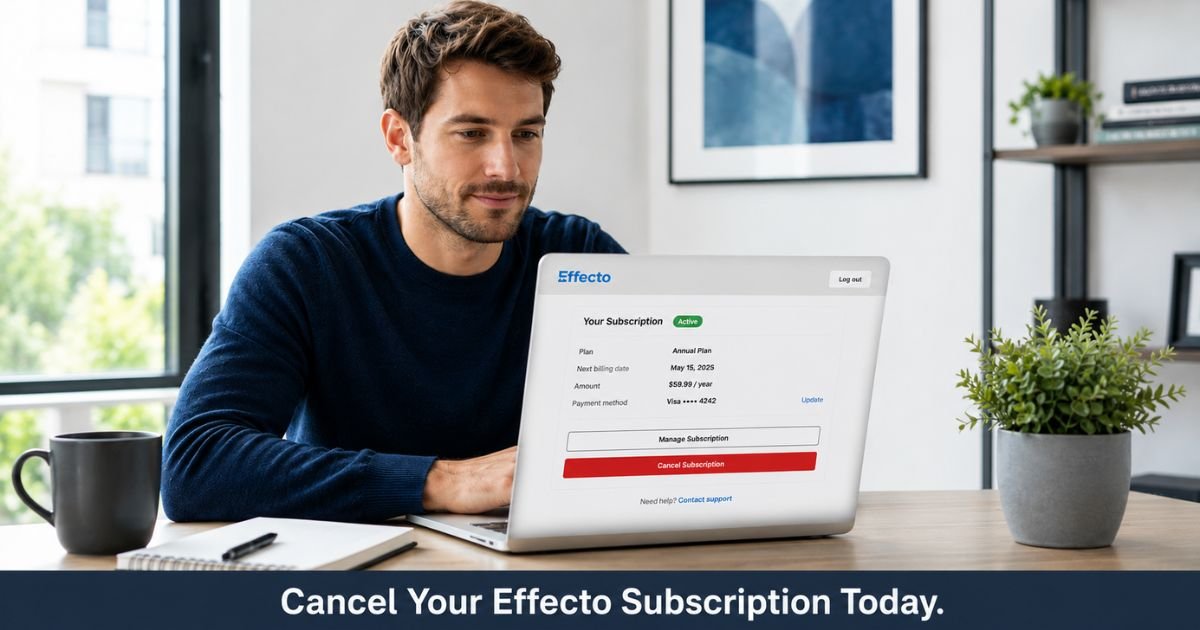
You signed up for Effecto hoping the tools would help you stay focused and manage your time better, but now you are ready to stop the recurring subscription charges. Many users reach this point after trying the app and deciding it is time to cancel.
Effecto offers helpful features for productivity and focus, yet the subscription can be managed and canceled once you know the correct steps. The process depends on where you originally purchased it.
You will learn exactly how to cancel Effecto subscription through the official website, Apple App Store, or Google Play. You will also discover what happens after cancellation and how to avoid the common issues that frustrate users.
What Is Effecto and Its Subscription
Effecto is a productivity and focus app designed to help users with time management, task tracking, and building better daily habits. Many people use it for ADHD support or general productivity improvement.
The free version gives basic access, while the paid subscription unlocks premium features such as advanced tools, detailed insights, and full functionality. You can subscribe directly on the Effecto website, through the Apple App Store, or via Google Play.
Because billing is handled differently depending on the platform, you must cancel Effecto subscription in the same place you started it. This is the most important detail to remember.
Why Users Cancel Their Effecto Subscription
Productivity needs change. Here are the top reasons people decide to end their Effecto subscription:
- They built better habits and no longer need the premium tools every day.
- The monthly cost no longer fits their budget.
- They want to try a different focus app or method.
- They signed up for a trial and forgot to cancel before it renewed.
- They experienced technical issues or found the features did not match their expectations.
Whatever your reason, you can cancel Effecto subscription at any time using the right method for your purchase.
How to Cancel Effecto Subscription Step by Step
Follow the instructions that match how you originally subscribed. Canceling in the wrong place will not stop billing.
If you subscribed on the Effecto website:
- Go to the Manage Subscription page at effectoapp.com/manage-subscription.
- Enter the email address you used to create your Effecto account.
- Enter the 4-digit security code sent to that email.
- Once inside your account dashboard, click the option to cancel your subscription.
- Confirm the cancellation. You should receive an email confirmation.
If you subscribed through the Apple App Store:
- Open the Settings app on your iPhone or iPad.
- Tap your name at the top, then tap Subscriptions.
- Find Effecto in the list and tap it.
- Select Cancel Subscription and confirm your choice.
If you subscribed through Google Play Store:
- Open the Google Play Store app on your Android device.
- Tap your profile icon in the top right.
- Go to Payments & subscriptions, then Subscriptions.
- Select Effecto and tap Cancel subscription.
- Follow the on-screen prompts to confirm.
Pro Tip: If you cannot remember where you subscribed, check your email inbox for the original welcome or receipt email from Effecto, Apple, or Google. The sender name will tell you exactly which method to use.
What Happens After You Cancel Effecto Subscription
Once you complete the cancellation, Effecto stops future charges. You will keep access to premium features until the end of your current paid period. After that, your account reverts to the free version.
Your data and progress usually remain available if you decide to return later. Some users report smoother experiences when they cancel early in the billing cycle rather than right before renewal.
Take Elena, a 34-year-old graphic designer who started Effecto to improve her daily focus during busy work seasons. After a few months she felt she had built stronger routines on her own. She visited the Effecto manage subscription page one evening, entered her email and code, and canceled with one click. She received instant confirmation and appreciated that she kept full access until the end of that month with no extra charges.
Common Mistake: Many people try to cancel inside the Effecto app when they actually subscribed through Apple or Google Play. This does nothing because billing is managed by the app store. Always cancel in the exact same place you originally purchased the subscription.
Effecto Subscription Cancellation Methods Compared
| Purchase Platform | Where to Cancel | What You Need | Time Needed |
|---|---|---|---|
| Effecto Website | effectoapp.com/manage-subscription | Email + 4-digit code | 2–3 minutes |
| Apple App Store | iPhone Settings > Apple ID > Subscriptions | Apple ID login | 1–2 minutes |
| Google Play Store | Play Store > Profile > Payments & subscriptions | Google account login | 1–2 minutes |
Use this quick reference to choose the fastest path for your account.
FAQs About Effecto Cancel Subscription
Q: How quickly does canceling Effecto subscription stop future billing?
Cancellation usually processes immediately for future periods. You keep premium access until the end of your current billing cycle, then your account automatically switches to the free version.
Q: What should I do if I cannot find my Effecto subscription in the app stores?
Double-check the original purchase receipt in your email. If you subscribed directly on the website, use the manage-subscription page instead. You can also email Effecto support with your registered email and a clear request to cancel.
Q: Can I restart my Effecto subscription later if I change my mind?
Yes. You can resubscribe anytime through the same platform you used before. Your previous data often stays available, making it easy to pick up where you left off.
Conclusion
You now have everything you need to cancel Effecto subscription without confusion. The process is straightforward once you use the correct platform for your purchase.
Check your email for the original receipt, then head to the right cancellation page or settings today. Finish this in just a couple of minutes and enjoy the peace of mind that comes from having one less recurring charge to track.
Disclaimer: This content is for informational and educational purposes only and does not constitute professional, financial, legal, or medical advice. The information provided may not apply to your specific situation. Always consult a qualified professional for personalized guidance.



