
How to Cancel Brigit Subscription [Step by Step]

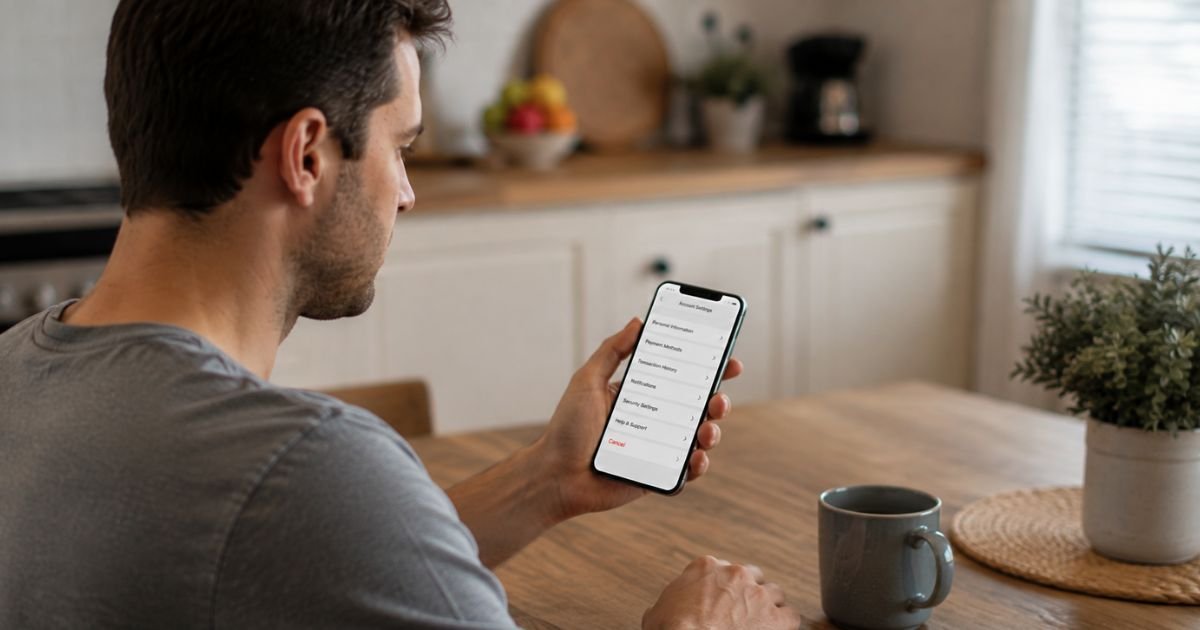
Want to stop paying for Brigit? You’re not alone. Many people cancel their subscription when they no longer need cash advances, credit tools, or the monthly fee. The good news is that Brigit makes it simple to switch to the Free plan at any time.
You can cancel through the mobile app or the website in just a few steps. This guide walks you through both methods, explains what happens to your benefits and billing, and covers common issues so you can finish without stress.
Quick Answer
Open the Brigit app, tap your profile icon, go to My Subscription under Preferences, and select “Cancel & Switch to Free plan.” On the website, log in, go to Settings > My Subscription, and choose the same option. You may still be charged for the current billing period. Premium features end, but the Free plan stays available.
How to Cancel Brigit Subscription
How to Cancel Brigit Subscription in the App
Most people cancel successfully inside the Brigit app. Here’s the exact path:
- Open the Brigit app on your phone and log in.
- Tap the profile icon in the top right corner of the Home screen.
- On the “My Brigit” page, scroll down to the Preferences section.
- Tap My Subscription.
- Select Cancel Subscription & Switch to Free plan.
- Confirm on the next screen.
A confirmation message will appear telling you the subscription is canceled. You’re now on the Free plan.
Tip: Make sure you have a stable internet connection. If the button doesn’t appear, force-close the app and try again, or switch to the website method below.
How to Cancel Brigit Subscription on the Website
If you prefer a computer or the app option isn’t showing up, use the website:
- Go to hellobrigit.com and log in with the email or phone number tied to your account.
- Click or tap Settings.
- Select My Subscription.
- Choose Cancel & Switch to Free plan.
- Confirm the cancellation.
You’ll see a confirmation page once it’s done. Keep a screenshot for your records.
What Happens After You Cancel
When you cancel, Brigit switches you to the Free plan. Here’s what changes:
- You lose access to Instant Cash advances, Credit Builder, Credit Monitoring, and Identity Theft Protection (some features end immediately).
- Other basic budgeting and account monitoring tools stay available on the Free plan.
- You will still be charged for the month in which you cancel. Brigit typically bills at the end of the billing cycle.
- No charges will occur for future months.
- You can reactivate a paid plan later if you change your mind.
If you have an open Credit Builder loan, you must close it before you can fully cancel the subscription.
Canceling does not affect any outstanding cash advances. You still need to repay those according to the original terms.
Other Ways to Cancel
If the app or website steps don’t work:
- Email info@hellobrigit.com and clearly request cancellation of your subscription. Include the email or phone number linked to your account.
- Brigit support can help complete the process if you run into technical issues.
You do not need to delete your entire account to stop the paid subscription. Canceling simply moves you to Free.
Common Problems and How to Fix Them
I don’t see the Cancel button.
Update the Brigit app to the latest version. Try logging out and back in. If it still doesn’t appear, use the website or email support.
I canceled but still got charged.
This is normal for the current billing period. Brigit charges at the end of the cycle even after cancellation. Future months should not be billed. Check your bank statement and contact support with your confirmation if a later charge appears.
I have a Credit Builder loan open.
Close the Credit Builder account first through the app or website. Once it’s closed, return to My Subscription and complete the cancellation.
I want to delete my whole account.
Cancel the subscription first. Then go to Settings and look for the Delete My Account option. You can also email info@hellobrigit.com for help with full account deletion.
The app keeps pushing me to stay.
Stay firm and select the Free plan option. The process is designed to let you leave. If it feels stuck, switch to the website method.
Helpful Tips Before You Cancel
- Note your next billing date so you know when the final charge will post.
- Download or screenshot any important budget data or account history while you still have full access.
- If you only need occasional cash advances, consider whether the Free plan or another service better fits your needs.
- Keep the confirmation email or screenshot in case you need to dispute a future charge.
- You can rejoin a paid plan later with no penalty.
Canceling is permanent for the paid subscription, but the Free plan remains available with basic tools.
FAQs About How to Cancel Brigit Subscription
Q: Will I still be charged after canceling Brigit?
Yes, you will typically be charged for the billing period in which you cancel. After that, no further subscription fees should apply. Cancel early in the cycle if you want to minimize the final charge.
Q: What features do I lose when I switch to the Free plan?
You lose Instant Cash, Credit Builder, Credit Monitoring, and Identity Theft Protection. Basic budgeting and monitoring tools remain available.
Q: Can I cancel Brigit if I have an outstanding advance?
Yes. You can cancel the subscription even with an open advance. You must still repay the advance on schedule.
Q: How do I contact Brigit support if I have trouble canceling?
Email info@hellobrigit.com and include your account email or phone number. Explain that you want to cancel the subscription. Support can assist if the in-app or website steps don’t work.
Conclusion
Canceling your Brigit subscription is quick and available anytime. In the app, go to your profile, open My Subscription, and choose Cancel & Switch to Free plan.
On the website, log in, head to Settings > My Subscription, and select the same option. You may pay for the current month, but future charges stop, and you keep access to the Free plan tools.
Take a screenshot of the confirmation and note the final billing date. Once that’s done, you have full control of your Brigit membership again.
Disclaimer: This guide is based on official Brigit help documentation and terms as of mid-2026. App interfaces, plan details, and policies can change. Always verify the latest steps inside your own Brigit account or on help.hellobrigit.com. This article is independent and not affiliated with Brigit.





