How to Cancel Bloom and Bond Subscription [Step by Step]

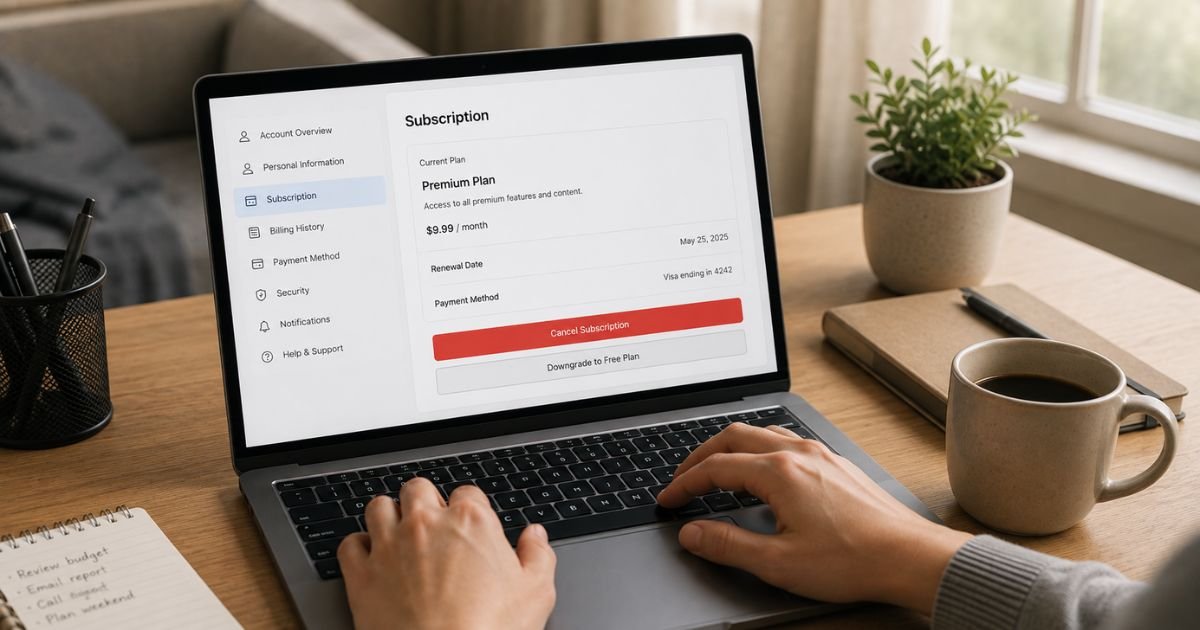
Need to cancel your Bloom and Bond subscription? Many customers start with a one-time purchase of hair supplements and later find themselves on a recurring plan.
Bloom and Bond (also seen as trybloomandbond.com or similar sites) sells products like pumpkin seed oil softgels with an optional autoship subscription for regular deliveries.
You can cancel at any time. The process is designed to work through your account or a simple email. Canceling at least 24 hours before the next billing date prevents the upcoming charge.
This guide gives you the exact steps, what to expect afterward, and tips if the online portal does not work right away.
What Is Bloom and Bond and How Do Subscriptions Work?
Bloom and Bond offers hair health supplements, mainly pumpkin seed oil capsules. Many orders include a subscription option that ships products on a set schedule (often monthly) and charges your card automatically.
Payment details are stored securely. You receive confirmation emails with order details and links to manage the subscription. Some plans auto-renew at the end of a set period unless you cancel. Free gifts, when offered, usually apply only to the first order.
Charges appear under names linked to bloomandbond or thebloomandbond on your bank statement. Always check your original confirmation email for the exact account email and any manage links.
How to Cancel Through Your Account Dashboard
The fastest method is the online subscription portal.
- Open the order confirmation email you received when you subscribed.
- Click the link that says manage your order or manage subscription.
- Log in with the email address used at checkout.
- Locate your active subscription.
- Select the cancel or turn off auto-renew option.
- Confirm the cancellation and save a screenshot or the confirmation page.
You can also go directly to the manage subscription page listed on the site (often found under account or order links). The company states cancellation can be completed online without calling, answering questionnaires, or paying any fee.
If you cannot log in, try the email method below and include full identifying details.
Cancel by Email
Email is the backup method and works well if the portal is unavailable.
Send a message to care@bloomandbond.com (or the care address shown on your confirmation or the current contact page). Include:
- Your full name
- The email address used for the order
- Order number if you have it
- Approximate purchase or last charge date
- A clear statement that you want to cancel the subscription immediately
Ask for written confirmation of the cancellation and the date the last shipment or charge will occur. The company aims to process requests promptly.
Make the request at least 24 hours before the next scheduled billing date. This helps ensure the next order is not prepared or charged.
What Happens After You Cancel
Once canceled, automatic renewals stop. You keep any products already shipped or paid for. Future deliveries and charges end after the current cycle.
If a shipment was already processed before the cancellation took effect, you may still receive it. In that case you can follow the return process if the items qualify. Prepaid amounts for goods not yet shipped are typically refunded according to the policy.
Save every confirmation email and screenshot. Check your bank statement after the next expected billing date to confirm no new charge appears.
Refunds Related to Subscriptions
The 90-day money-back guarantee usually applies only to first-time purchases of qualifying products. Recurring subscription shipments after the first order follow different rules.
For later shipments you may request a refund within 30 days of delivery for unopened items after getting a return authorization. Return shipping is generally your responsibility, and shipping costs are not refunded. Contact care@bloomandbond.com for authorization before sending anything back.
Orders already in transit cannot always be stopped, but the company says it will try if you reach out quickly.
Common Issues and How to Solve Them
Some customers report trouble logging into the account or finding an order number. In those cases:
- Search your inbox (including spam) for any email from bloomandbond or thebloomandbond.
- Email support with the last four digits of the card used, the charge amount, and the date.
- Provide your shipping address and name so they can locate the account.
If charges continue after confirmed cancellation, contact the company again with the confirmation proof. You can also speak with your bank about blocking future charges or disputing an unauthorized one.
Keep records of all emails and dates. This protects you if questions arise later.
Practical Tips for a Clean Cancellation
Act early. Note the next billing or ship date from your confirmation email or account page.
Use the manage link in the order email whenever possible. It is the most direct path.
After canceling, log back in a day later if you can to verify the status shows as canceled.
For future purchases, read the checkout page carefully. Subscription options are often clearly marked, but it is easy to miss the details in a hurry.
If you only wanted a one-time order, cancel as soon as the first product arrives so no further shipments are prepared.
FAQs About How to Cancel Bloom and Bond Subscription
Q: Can I cancel Bloom and Bond at any time?
Yes. You can cancel after the first charge and before the next billing date. Online or email cancellation is available with no fee.
Q: What if I miss the 24-hour window?
The next order may still process and ship. You can still cancel for future cycles and return the latest shipment if it qualifies under the return policy.
Q: Do I need an order number to cancel?
It helps, but it is not always required. Provide your name, email, card last four digits, and charge details so support can find the account.
Q: Will I get a refund when I cancel?
Cancellation stops future charges. Refunds for already shipped items follow the separate returns and guarantee rules. Contact support to discuss any specific order.
Conclusion
Canceling a Bloom and Bond subscription is straightforward when you use the account dashboard link from your order email or send a clear email to care@bloomandbond.com.
Cancel at least 24 hours before the next billing date, keep confirmation records, and check your statements afterward.
These steps stop recurring charges while letting you keep products already paid for. If the portal does not work, support can handle the request with the details you provide.
Taking action today gives you full control over the membership.
Disclaimer: This article is based on publicly available information from Bloom and Bond policy pages and support details at the time of writing. Policies, contact emails, and portal links can change. Always follow the current instructions on the official site or in your order emails. This is not legal or financial advice. Contact the company directly or your bank for account-specific issues.