

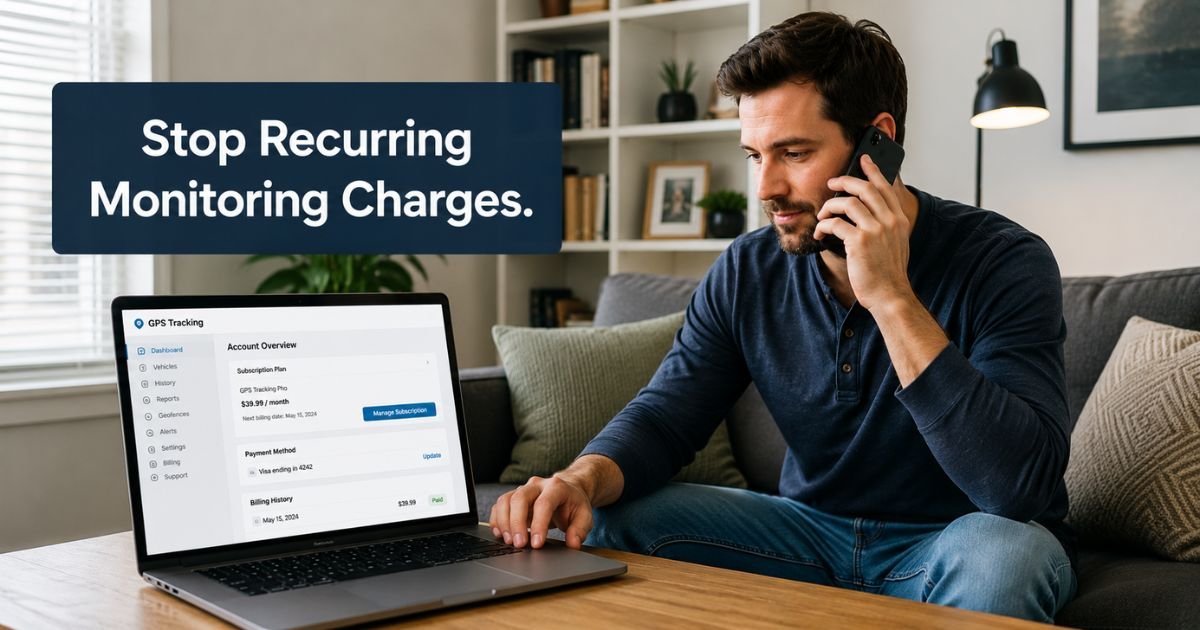
You bought a BrickHouse Security GPS tracker or security device because you wanted reliable location monitoring or peace of mind. The subscription for cellular service or tracking features worked well at first, but now you no longer need the monthly charge.
If your plan is about to renew, you are probably searching for exactly how to cancel BrickHouse Security subscription without complications.
This guide walks you through the current steps, what to have ready before you call, and how to protect yourself with proper documentation so you can stop future charges confidently.
What BrickHouse Security Subscriptions Usually Cover
BrickHouse Security subscriptions are mainly tied to their GPS tracking devices and some monitoring features. A typical plan gives you:
- Real-time or interval location updates
- Geofencing alerts and movement notifications
- Historical route reports
- Cellular data service so the device stays connected
You can often choose monthly, quarterly, or annual billing when you activate a device. Once activated, the plan renews automatically until you cancel it.
Canceling the subscription usually ends the tracking service but does not affect the physical device itself, you can keep the hardware even after the plan ends.
How to Cancel BrickHouse Security Subscription
The most direct and reliable way to cancel your subscription is by phone. Their support team handles plan changes, including cancellations.
Cancel by Phone
- Log into your account at my.brickhousesecurity.com using the email tied to your subscription. Note your next billing date, current plan details, and any device IDs or account numbers.
- Gather your account email, phone number on file, and device information so you can verify your identity quickly.
- Call 800-654-7966 during business hours (Monday–Friday, 9:00 AM–9:00 PM Eastern Time). Support is also available on weekends in some cases, confirm when you call.
- Clearly tell the representative you want to cancel your subscription or monitoring plan immediately.
- Ask for a confirmation email or reference number and write it down. Request that they send written confirmation to the email on your account.
- Check your inbox (and spam folder) within a few hours for the confirmation.
Keep the confirmation email in a safe place. It serves as your proof that you requested cancellation.
Alternative Options
You can also try these routes if phone support does not work for you right away:
- Use the contact form or live chat on brickhousesecurity.com if available during your visit.
- Email support@brickhousesecurity.com with your account details and a clear subscription cancellation request. Follow up by phone if you do not receive a reply within 24–48 hours.
- Log into the payment portal at my.brickhousesecurity.com to review charges, though plan cancellation itself requires speaking with support.
| Method | Best For | Speed | Written Confirmation | Notes |
|---|---|---|---|---|
| Phone (800-654-7966) | Most reliable for plan changes | Same call | Yes (request it) | Primary recommended method |
| Written record first | 24–48 hours | Yes | Follow up by phone if needed | |
| Portal + Phone | Reviewing details first | Same day | Yes | Log in before calling |
| Chat / Contact Form | Quick questions | Varies | Usually | May still route to phone |
What Happens After You Cancel
Once support processes your cancellation, future renewals stop. You will no longer be charged for the monitoring or cellular service. Your device will lose its active tracking connection, but you can keep the physical hardware.
Most subscriptions do not offer refunds for partial periods, though policies can vary. Ask the representative during your call about any remaining balance or final charges. If you cancel before the next renewal date, you should avoid the upcoming payment.
You can usually reactivate the service later if your needs change by calling the same number and reactivating the device.
Pro Tip: Before you call, take screenshots of your current plan, next billing date, and recent charges inside the my.brickhousesecurity.com portal. This gives you a personal record and makes the conversation with support faster and smoother.
Common Mistake to Avoid
Many people assume they can cancel directly inside the online portal or app like they do with streaming services. BrickHouse Security routes subscription plan changes through their customer service team.
Relying only on the portal for cancellation or forgetting to request written confirmation can lead to unexpected renewals. Always speak with a representative and secure an email confirmation before ending the call.
Extra Tips for a Smooth Cancellation
- Call during weekday business hours when possible for the fastest service.
- Have your device serial number or account login email ready when you speak with support.
- If you are canceling because the device is no longer needed, ask whether any final data export or account closure steps are required.
- After cancellation, monitor your credit card or bank statement for the next 30–45 days to confirm no further charges appear.
- If you only needed tracking for a short time, consider asking about shorter-term plans in the future before reactivating.
FAQs About How to Cancel BrickHouse Security Subscription
Q: Can I cancel BrickHouse Security subscription online without calling?
The portal at my.brickhousesecurity.com lets you manage payment methods, but changes to your actual subscription plan, including cancellation, require you to call customer service at 800-654-7966. Phone support handles these requests directly.
Q: Will I get a refund if I cancel mid-cycle?
BrickHouse Security generally does not provide refunds for partial subscription periods. Ask the representative during your cancellation call about your specific situation and any final charges that may still apply.
Q: What happens to my GPS device after I cancel the subscription?
You keep the physical device, but it will no longer have active cellular tracking or monitoring service. The hardware remains yours to use or store, and you can reactivate service later by contacting support if needed.
Conclusion
Canceling BrickHouse Security subscription is straightforward when you prepare your account details first and call 800-654-7966 during business hours. Request written confirmation before you hang up so you have proof the request was received.
Once processed, future recurring charges stop and you can move forward without the monthly monitoring fee on your statement. Take a few minutes today to log into the portal, note your billing date, and make the call if the service no longer fits your needs.
Disclaimer: This content is for informational and educational purposes only and does not constitute professional, financial, legal, or medical advice. The information provided may not apply to your specific situation. Always consult a qualified professional for personalized guidance.





