SmartyMe Cancel Subscription? [Step by Step]

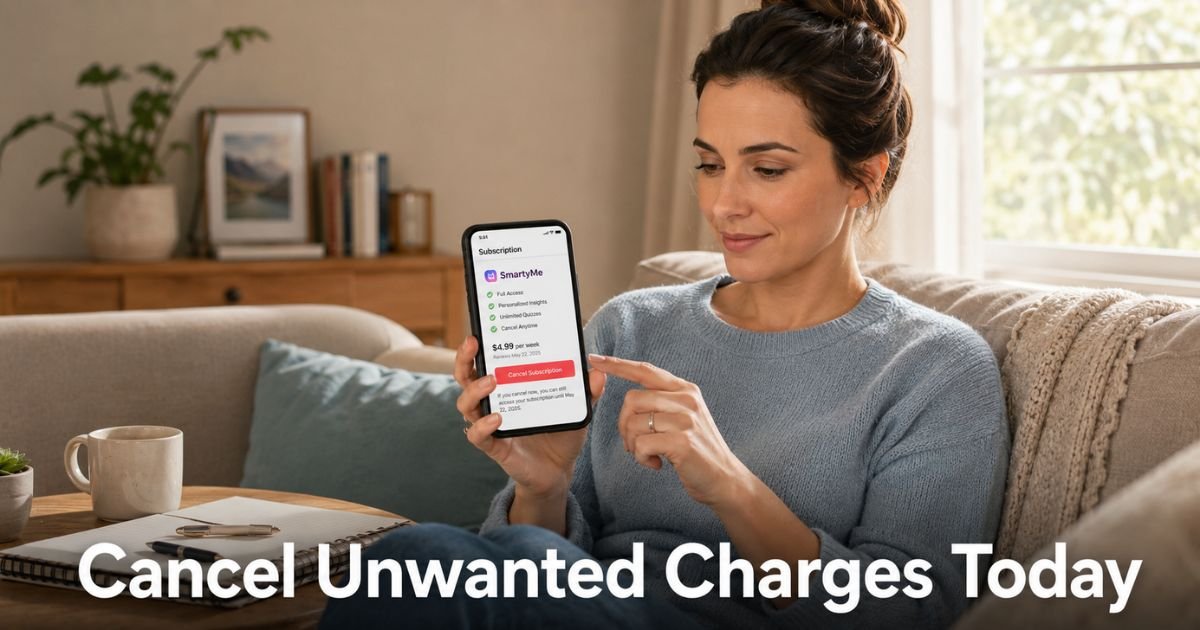
You opened your bank app and saw another charge from SmartyMe. It might be $9.99, $14.99, or a higher amount after a trial period, and you are not sure how to make it stop.
Many people try the daily microlearning app for short lessons on history, science, or art, then discover the subscription keeps renewing automatically.
If you want to cancel your SmartyMe subscription, this guide shows you exactly how. You will learn the three official ways to stop the charges, what happens after you cancel, and how to avoid common mistakes that leave people paying longer than they planned.
What Is SmartyMe and Why Do Charges Keep Coming?
SmartyMe is a microlearning app that delivers short 15-minute lessons you can read or listen to every day. Topics range from art and history to math, biology, and practical life skills. It is designed for busy people who want to learn without long study sessions.
The app offers weekly, monthly, and annual subscription plans. Many users start with a low trial or promo price that automatically converts to a regular paid plan. Deleting the app does not stop the billing. That is why charges continue even after you stop using it.
Gather These Details Before You Cancel
Having the right information ready makes the process faster:
- The email address linked to your SmartyMe account
- Your login password or access to the app
- A recent bank statement showing the exact charge amount and date
- Notes app or paper to record confirmation details
How to Cancel SmartyMe Subscription in the App
This is often the quickest method if you still have the app installed.
- Open the SmartyMe app on your phone.
- Tap Profile (usually in the bottom menu or top corner).
- Tap My Subscription or Subscription Management.
- Select the active subscription you want to cancel.
- Tap Cancel Subscription.
- Follow the prompts and confirm your choice.
You should receive an on-screen confirmation and an email.
Pro Tip: Cancel at least 24 hours before your next renewal date. This gives the system time to process and helps prevent an accidental charge for the following period.
Cancel SmartyMe Subscription on the Website
If you prefer using a computer or no longer have the app:
- Go to web.smartymeapp.com and log into your account.
- Open your profile or account settings.
- Find and tap Manage Subscription.
- Select the subscription and choose Cancel Subscription.
- Confirm the cancellation when prompted.
Save or screenshot the confirmation page for your records.
Cancel by Emailing Support
When the app or website does not work, or you want everything in writing:
Send an email to support@smartymeapp.com. Use the subject line “Cancel My SmartyMe Subscription – [Your Email Address]”.
Include your full name, the email on the account, and a clear request to cancel immediately. Ask them to reply with written confirmation that includes the cancellation date.
Comparison of Cancellation Methods
| Method | Ease of Use | Speed of Confirmation | Best For | Things to Watch For |
|---|---|---|---|---|
| In the App | High | Immediate (usually) | People who still have the app | Make sure you are logged into the correct account |
| Website | High | Immediate | Those who prefer a computer | Need login credentials |
| Medium | 1–2 business days | Anyone who wants a paper trail | Slower; follow up if no reply in 48 hours |
What Happens After You Cancel
You keep full access to SmartyMe until the end of your current paid billing period. After that date, the subscription ends and no new charges appear. You will not lose access right away, which is normal.
Here is what to do next:
- Watch your bank or card statements for the next billing cycle.
- Save every confirmation email and screenshot in one folder.
- If a charge appears after your confirmed end date, contact your bank with your records.
- Update any saved payment methods if needed.
Common Issues and How to Avoid Them
Many people run into the same problems with SmartyMe billing.
Common Mistake: Thinking that deleting the app will stop the charges. It will not. You must cancel through the app, website, or email. Always use one of the official methods above.
Other frequent issues include trial periods that convert without clear notice and charges that feel higher than expected. Acting early prevents these surprises.
Extra Tips for a Smooth Process
- Set a phone reminder a few days before any trial or promo period ends.
- Take screenshots of every screen during cancellation.
- If you speak with support, ask for a confirmation number or written email.
- Keep your records for at least three months in case any dispute comes up later.
FAQs About SmartyMe Cancel Subscription
Q: Does deleting the SmartyMe app cancel my subscription?
No. Deleting the app does not stop billing. You must cancel through the app settings, the website at web.smartymeapp.com, or by emailing support@smartymeapp.com. Many people learn this the hard way after charges continue.
Q: How soon after canceling will SmartyMe stop charging me?
You keep access until the end of your current billing period. No new charges should appear after that date. Cancel at least 24 hours before renewal to give the system time to process everything correctly.
Q: Can I get a refund from SmartyMe after canceling?
Refunds are reviewed case by case. Some users qualify for a 30-day money-back guarantee if they meet usage requirements, or a 14-day cooling-off period in certain regions. Contact support@smartymeapp.com with your request and details for review.
Conclusion
You now have everything you need to cancel SmartyMe subscription and stop the recurring charges. Start with the app or website method when possible because they are usually the fastest. Keep clear records of your confirmation and watch your statements for the next cycle.
Taking this step puts you back in control of your subscriptions and your money. If you spot other mystery charges on your statement, check them quickly before they repeat.
Disclaimer: This content is for informational and educational purposes only and does not constitute professional, financial, legal, or medical advice. The information provided may not apply to your specific situation. Always consult a qualified professional for personalized guidance.