
How to Cancel Cosmo Subscription in 2026? [Step by Step]

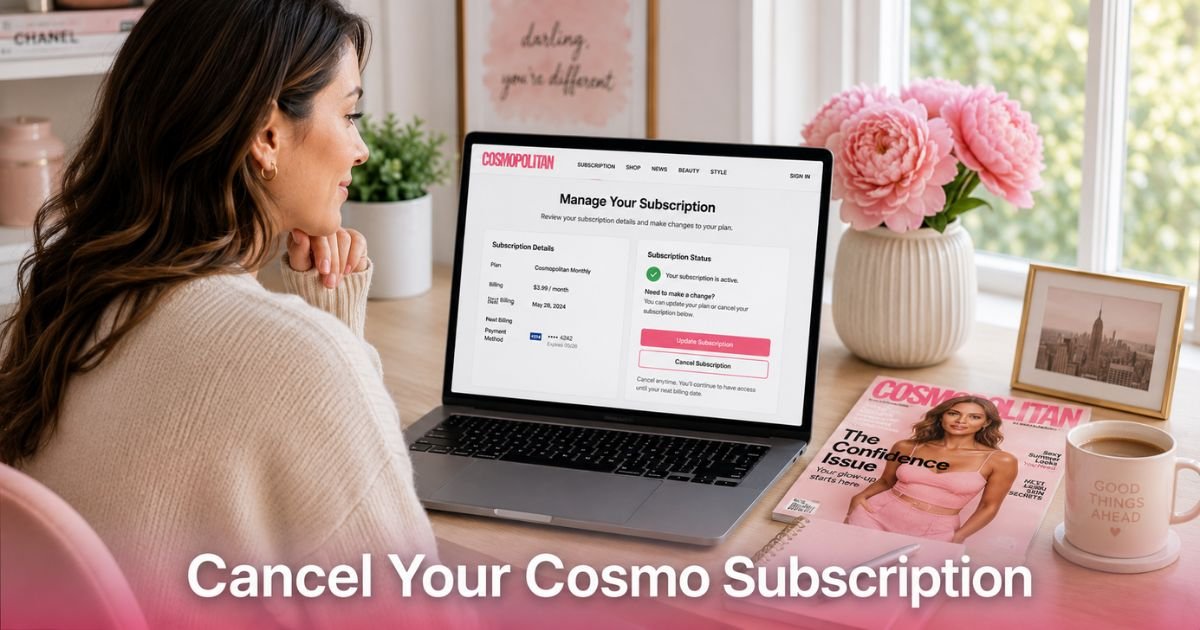
You open your banking app and spot that familiar charge from Cosmo again. Maybe you grabbed a discounted subscription during a promo or signed up for the digital version on a whim. Now it feels like money going out for something you barely use. You are not alone, and you do not have to keep paying.
This guide shows you exactly how to cancel Cosmo subscription no matter how you signed up. We cover print magazines, digital access, all-access plans, and subscriptions bought through the Apple App Store or Google Play.
First, Identify How You Subscribed to Cosmo
Before you cancel anything, take two minutes to figure out where your Cosmo subscription lives. This step saves you time and frustration later.
Check these places:
- Your email inbox for welcome messages, renewal notices, or receipts from Cosmopolitan or Hearst Magazines.
- Recent bank or credit card statements for charges labeled “Cosmo”, “Cosmopolitan”, “Hearst”, or similar.
- Your phone or tablet purchase history inside the App Store or Google Play Store.
- Any physical mail from the magazine that includes an account number.
Knowing the source tells you which cancellation path to follow. Direct website subscriptions use one portal. App store purchases require a different route. Print and digital plans sometimes use separate contacts too.
How to Cancel Cosmo Subscription for Print Magazines
Most print subscriptions run through Hearst’s customer service system. You can usually handle everything online in just a few minutes.
Here is the simplest path:
- Go to the print subscription portal at print.cosmopolitan.com or service.cosmopolitan.com.
- Log in with your account number (found on magazine labels or renewal emails) or your email and mailing address.
- Locate your active subscription in the account dashboard.
- Choose the option to cancel or turn off auto-renewal.
- Follow the prompts and save or screenshot the confirmation screen.
If the website feels slow or you hit a login issue, try an incognito browser window or call 800-888-2676 during business hours. Have your account details ready.
Many people finish the whole process in under ten minutes once they reach the right screen.
Canceling Digital or All-Access Cosmo Subscriptions
Digital and premium plans often live inside your Cosmopolitan account on the main website. These include app access plus any print copies that come with the plan.
Start at the Cosmopolitan website and look for the account or subscriptions section. You may need to log in with the same email you used to subscribe.
From there you can usually turn off renewal or select cancel. If you do not see the option, email membersupport@cosmopolitan.com or call 888-797-9927. Keep records of every email or call.
Digital cancellations often process faster than print ones. You keep access until the end of your current paid period in most cases.
How to Cancel Cosmo Subscription on iPhone
If you subscribed inside the Cosmo app or through the Apple App Store, you must cancel through Apple. Deleting the app does nothing to stop billing.
Follow these steps:
- Open the Settings app on your iPhone.
- Tap your name at the very top.
- Tap Subscriptions.
- Find and tap Cosmopolitan in the list.
- Tap Cancel Subscription and confirm.
Apple usually processes the change right away. You will see a confirmation on screen and receive an email. Set a reminder to check your next statement just to be sure.
How to Cancel Cosmo Subscription on Android
Google Play subscriptions work the same way. You cancel inside the Play Store, not inside the Cosmo app.
Here is what to do:
- Open the Google Play Store app.
- Tap your profile picture in the top right.
- Select Payments & subscriptions, then Subscriptions.
- Tap Cosmopolitan.
- Choose Cancel subscription and follow the prompts.
Google sends a confirmation email once it goes through. Like Apple, access continues until the end of the current billing cycle.
What Happens After You Cancel Cosmo Subscription
You will usually keep access until the end of the period you already paid for. After that, issues stop arriving and digital login ends. Refunds are not automatic. Print subscribers sometimes receive a prorated refund for unused issues if they ask, but digital plans rarely offer refunds.
Take Michael from Denver as an example. She signed up for a year of Cosmo during a holiday sale because she loved the career and style articles. Six months later her schedule got crazy and she stopped opening the issues.
She canceled through the print portal on a quiet Sunday night. The site gave her an instant confirmation number. Her renewal charge never appeared, and she used the saved money for a streaming service she actually watches every week.
Pro Tip: Screenshot your subscription details and the cancellation confirmation before you close the browser or app. These records help if anything looks off on your next statement.
Quick Reference: Cosmo Cancellation Options
| Subscription Type | Best Cancellation Method | Contact or Link | How Fast It Usually Works |
|---|---|---|---|
| Print Magazine | Online portal or phone | print.cosmopolitan.com or 800-888-2676 | 1-3 business days |
| Digital or All-Access | Website account portal | membersupport@cosmopolitan.com | Same day or within 24 hours |
| Apple App Store | iPhone Settings app | Settings > Subscriptions | Immediate |
| Google Play | Google Play Store app | Profile > Payments & subscriptions | Immediate |
Common Mistake: Thinking that ignoring renewal emails or deleting the app will stop future charges. It almost never works. You have to complete the official cancellation through the correct channel.
FAQs About How to Cancel Cosmo Subscription
Q: How long does it take to cancel a Cosmo subscription?
Most online cancellations finish in under ten minutes once you log in. Phone calls can take longer because of hold times. App store cancellations usually process instantly. Always save the confirmation you receive.
Q: Will I get a refund when I cancel my Cosmo subscription?
Refunds are not automatic. Print subscribers sometimes receive money back for unused issues if they request it. Digital plans rarely refund the current period. Ask politely when you cancel and keep records of the conversation.
Q: What if I still see Cosmo charges after I canceled?
Double-check that you used the correct method for your subscription type. Look for a confirmation email or number. If nothing shows up, contact support again with your proof. In rare cases it takes one extra billing cycle to fully stop.
Conclusion
Canceling your Cosmo subscription comes down to three simple actions. First, identify exactly where you subscribed. Second, follow the matching steps for print, digital, or your app store. Third, keep proof of the cancellation and watch your next statement. These small steps add up to real savings and one less thing on your mind.
You now have everything you need to finish this today. Start with the method that matches how you originally signed up. In a few minutes you can close this chapter and move that money toward something you truly value.
Disclaimer: This content is for informational and educational purposes only and does not constitute professional, financial, legal, or medical advice. The information provided may not apply to your specific situation. Always consult a qualified professional for personalized guidance.




