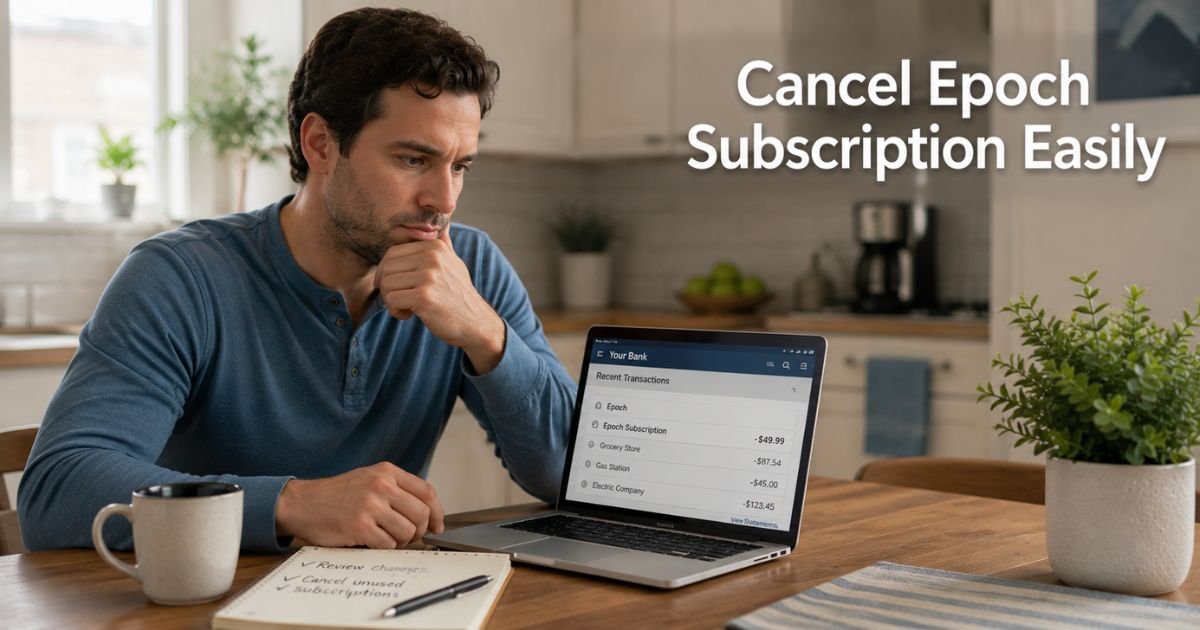
You signed up for a service weeks or months ago and now unfamiliar charges labeled “EPOCH.COM” keep appearing on your credit card or bank statement.
Epoch is a payment processor used by many websites and membership services, so the name on your statement does not always clearly show which company is actually billing you.
This guide explains the simplest way to cancel an Epoch subscription and stop the recurring charges. You will get clear steps, the information you need to provide, and backup options so you can resolve this quickly.
What Is an Epoch Subscription?
Epoch (epoch.com) is a third-party payment processor that handles billing for thousands of online merchants, especially membership sites, adult content platforms, and digital services.
When you see “EPOCH.COM”, “EPOCH.COM SUBSCRIPTION”, or similar on your statement, it means one of those merchants used Epoch to process your payment.
Epoch itself does not create the subscriptions. They simply manage the recurring charges for the actual service you signed up for. To cancel, you usually need to work through Epoch’s tools or contact their support team.
How to Cancel an Epoch Subscription
The fastest and most reliable method is using Epoch’s official “Find My Purchase” tool.
1. Gather the details from your bank or credit card statement. You will need your full name, the email address you used when signing up, the approximate date of the charge, and the last four digits of the card used.
2. Go to the Epoch website (epoch.com) and open the Find My Purchase page at epoch.com/find_purchase (or search for “Epoch Find My Purchase”).
3. Fill out the form with the information from your statement. Be as accurate as possible so Epoch can locate your specific membership.
4. Submit the form. Epoch will process your request and send a confirmation email to the address associated with the purchase.
5. Check your email (including spam folder) for the subscription cancellation confirmation. Once you receive it, future charges should stop.
After successful cancellation, you will no longer be billed for that membership through Epoch.
Other Ways to Cancel Epoch Charges
If the online form does not work or you cannot provide enough details:
- Call Epoch billing support at 1-800-893-8871 (toll-free in the US) or +1-310-664-5810 (international).
- Email billing@epoch.com with your details and request to cancel the membership.
- Log into the original website or service you signed up for (if you remember it) and cancel directly through their account settings. Then also cancel through Epoch to be safe.
Many people find success with the Find My Purchase form first because it is designed specifically for this situation.
What Happens After You Cancel an Epoch Subscription
Once Epoch processes your cancellation:
- You will receive a confirmation email stating the membership has been canceled and billing has stopped.
- No further recurring charges should appear from that specific subscription.
- Any current billing period you already paid for will usually continue until it expires.
- If you still see charges after receiving confirmation, contact Epoch support immediately with your cancellation email.
It is smart to monitor your next one or two statements to confirm everything has stopped.
Real-Life Example
Take a 39-year-old who noticed repeated charges labeled “EPOCH.COM SUBSCRIPTION” on his credit card statement. He could not remember which website he had originally signed up for and felt frustrated trying to figure it out on his own.
He gathered the last four digits of his card and the approximate date of the first charge, then used the Find My Purchase form on Epoch’s website. Within a few minutes he submitted the request and received a confirmation email the same day.
He checked his statement the following month and the charges had completely stopped. He now feels much more confident handling unexpected billing issues.
Pro Tip: Before you start, take clear screenshots or photos of the charges on your statement. Having the transaction dates, amounts, and last four card digits ready makes filling out the Find My Purchase form much faster and more accurate.
Ways to Cancel Epoch-Billed Subscriptions
| Method | Best For | What You Need | Expected Response Time |
|---|---|---|---|
| Find My Purchase Form | Most situations | Name, email, card details, date | Usually same day |
| Phone Support | When form does not work | Same details + willingness to call | Immediate during business hours |
| Email to billing@epoch.com | Detailed requests or records | Full explanation and proof | 24–48 hours |
| Original Website | When you remember the merchant | Login credentials for that site | Varies by merchant |
Common Mistake: Only trying to cancel on the original website without also using Epoch’s tool. Because Epoch processes the payment, canceling through their system is often required to fully stop the recurring charges from appearing on your statement.
FAQs About Epoch Cancel Subscription
Q: How do I cancel an Epoch subscription if I do not remember which website I signed up for?
Use the Find My Purchase form on epoch.com. Epoch can locate your membership using just your name, email, approximate charge date, and the last four digits of your card. This tool is specifically designed for situations where the original site name is unclear.
Q: Will canceling through Epoch also cancel access to the original service?
Yes. Once Epoch cancels the membership, recurring billing stops and you will usually lose access to the paid content or features of the original website or service. If you only want to pause access temporarily, contact the original merchant directly instead.
Q: What should I do if I still see Epoch charges after canceling?
First, check your email for the cancellation confirmation from Epoch. If you have it but charges continue, forward that confirmation to billing@epoch.com or call their support line. You can also dispute the charges with your bank or credit card company as a last resort while Epoch investigates.
Conclusion
You now have a clear, simple process to cancel an Epoch subscription and stop unwanted charges. Start with the Find My Purchase form on their website using the details from your statement. Most people complete this in just a few minutes and receive confirmation the same day.
Save your cancellation email and watch your next statement to confirm the charges have ended. If you run into any trouble, Epoch’s phone and email support are available to help locate and cancel the membership for you.
Handling these confusing charges quickly helps protect your finances and gives you peace of mind. Take care of it today so you can move forward without surprise bills.
Disclaimer: This content is for informational and educational purposes only and does not constitute professional, financial, legal, or medical advice. The information provided may not apply to your specific situation. Always consult a qualified professional for personalized guidance.