Papaya Privacy Charge on Credit Card [How to Stop It]

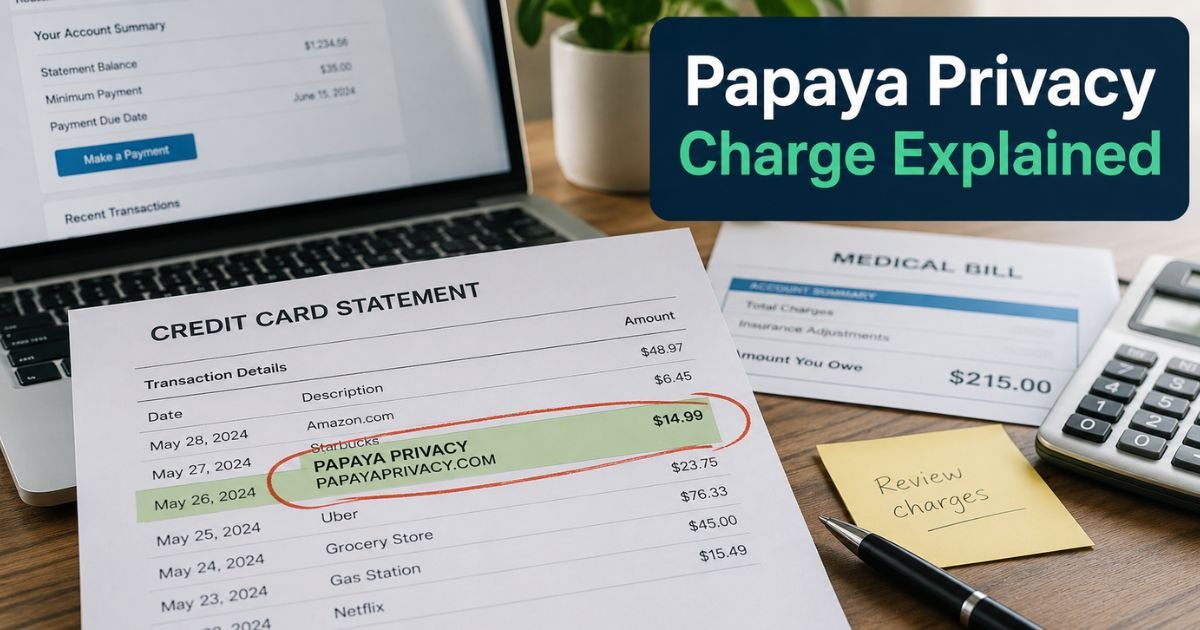
You check your credit card statement and see an unfamiliar charge from “Papaya Privacy,” “PAPAYAPRIVACY.COM,” or a similar variation, often around $39. Many people feel alarmed, especially if they never signed up for anything. You’re not alone.
This article explains exactly what the Papaya Privacy charge on credit card is, how it ends up on your card, and what to do next. We’ll cover cancellation steps, refunds, and tips to avoid future surprises.
Quick Answer
The Papaya Privacy charge on credit card is for a subscription service that removes your personal data from data broker sites, monitors for breaches, and offers identity theft protection (up to $1M insurance).
It frequently appears after paying bills, especially medical, through Papaya’s payment platform, where users get auto-enrolled in a trial that turns into a paid plan (~$39/month).
Contact support at 888-850-5196 or support@papayaprivacy.com to cancel and request a refund. Many users successfully dispute or get refunds if enrollment wasn’t clear.
What Is Papaya Privacy?
Papaya Privacy is a service from Papaya (a bill payment platform) that helps protect your personal information. Key features include:
- Scanning and removing your data from over 100 data broker/people-search sites.
- Monitoring for dark web breaches and identity threats.
- $1M identity theft insurance and restoration support.
- Alerts for spam, fraud risks, and more.
It targets common privacy issues like spam calls, doxxing, and identity theft. The service is legitimate, but the way many people encounter it, through bill payments, leads to widespread confusion and complaints.
Why Did I Get Charged for Papaya Privacy?
Most unexpected charges happen like this:
- You receive a medical, utility, or other bill with a link to pay online via Papaya’s platform.
- During or after payment, you’re offered (or auto-enrolled in) a Papaya Privacy trial, sometimes with pre-checked boxes or unclear disclosures.
- The trial ends, and billing starts automatically at around $39 per month.
Your card details from the bill payment are used, leading to recurring charges under descriptors like “PAPAYAPRIVACY.COM,” “PPRIVACYSUB.COM,” or “PAPAYA PRIVACY SUB.” Many users report never seeing a clear “yes” to the subscription.
Pros and Cons of Papaya Privacy
| Aspect | Pros | Cons |
|---|---|---|
| Protection | Data removal, monitoring, insurance | Value depends on your privacy needs |
| Convenience | Automatic scans and removals | Auto-enrollment feels sneaky to many |
| Cost | Comprehensive features | ~$39/month can add up quickly |
| Cancellation | Easy per policy; refunds often available | Support response varies per complaints |
If you actively worry about data brokers and identity theft, it can be valuable. For most casual users, it may not be worth the ongoing fee.
How to Cancel Papaya Privacy: Step-by-Step
Canceling is straightforward and available anytime:
- Online Dashboard: Sign in at the Papaya Privacy dashboard (often linked in enrollment emails or via papayapay.com/privacy-dashboard). Go to Account > Manage Subscription > Cancel.
- Phone: Call 888-850-5196 (24/7 support).
- Email: Write to support@papayaprivacy.com with your details and request cancellation plus refund.
You’ll receive a confirmation email. Monitor your statements afterward. The company offers a money-back guarantee if you’re not satisfied.
Tip: Document everything, screenshots of charges, emails, and cancellation confirmations. If charges continue, dispute them with your card issuer.
What to Do If the Charge Seems Unauthorized
- Search your email for “Papaya” or bill payment confirmations.
- Contact Papaya support immediately with the charge date and amount.
- Request full details on how your info was enrolled and a refund.
- If no account exists or consent is disputed, file a dispute with your credit card company (most have zero-liability policies).
- Consider freezing your credit or using monitoring tools independently.
Hundreds of similar complaints appear on BBB and Reddit, often tied to medical bill payments. Papaya maintains it’s an optional service, but transparency issues persist.
Common Mistake: Ignoring the charge or assuming it’s fraud without contacting support. Reaching out directly often leads to quick resolutions and refunds for recent billing.
Expert Tips to Protect Yourself
- Read all checkout screens carefully when paying bills online, uncheck any trial or subscription boxes.
- Use virtual cards or one-time payment methods for bill pay when possible.
- Set up transaction alerts on your credit cards for charges over a certain amount.
- Regularly review statements and use subscription management apps.
- For privacy protection, compare free or lower-cost alternatives like manual opt-outs or other services before subscribing.
FAQs About Papaya Privacy Charge on Credit Card
Q: Is Papaya Privacy a scam?
No, it’s a legitimate service from Papaya Payments. However, the enrollment process after bill payments often feels unclear or automatic, leading to many frustrated customers.
Q: How much does Papaya Privacy cost?
Typically around $39 per month after any trial period. Exact pricing may vary, check your enrollment details or contact support.
Q: Can I get a refund for Papaya Privacy charges?
Yes, the company offers refunds, especially for recent charges or if unsatisfied. Contact support promptly and reference their money-back guarantee.
Q: What if I can’t find my Papaya account?
Use the support phone number (888-850-5196) or email. Provide your card details and charge info, they can locate and assist with your subscription.
Conclusion
A Papaya Privacy charge on credit card usually stems from an auto-enrolled subscription after using their bill payment service. While the protection features are real, many people prefer to cancel if they didn’t intend to sign up.
Act quickly to cancel, request refunds, and take control of your subscriptions. Staying vigilant with bill payments helps prevent similar surprises in the future.
Disclaimer: This article provides general information based on available sources and is not legal or financial advice. Contact Papaya support and your card issuer directly for your specific situation. Company policies and billing practices may change. Always verify details on official sites like papayaprivacy.com.