How to Stop Recurring Charges on Credit Card?

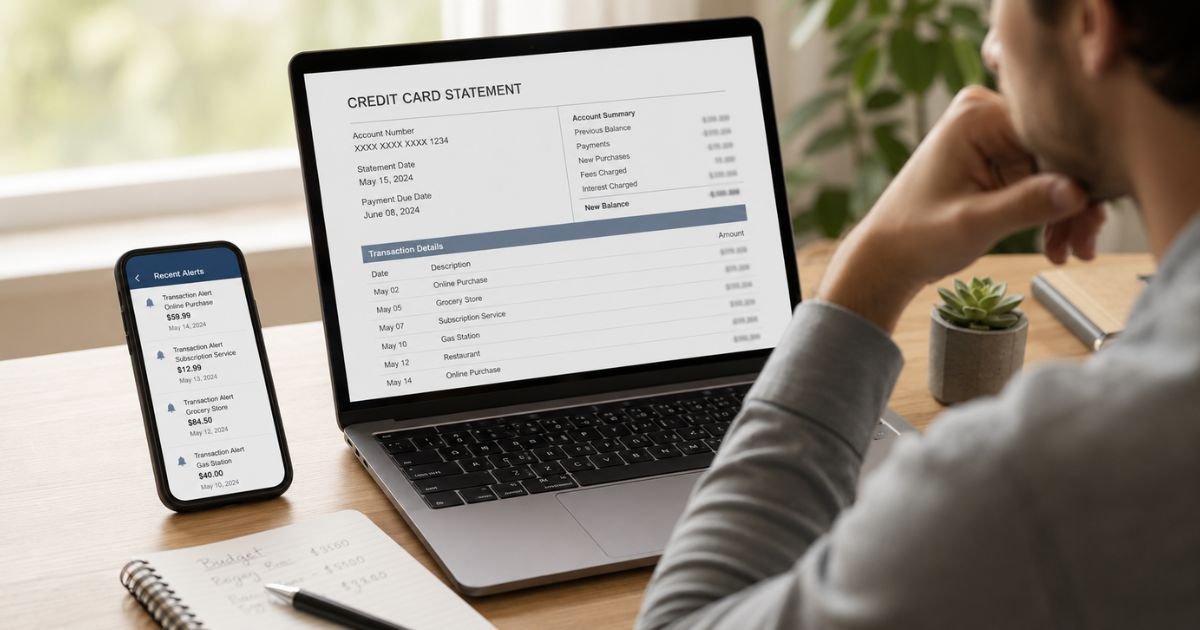
Recurring charges on your credit card can quietly drain your budget. One month it’s a streaming service you forgot about. The next it’s a free trial that turned into a paid plan. Before you know it, small monthly fees add up to hundreds of dollars a year.
The good news is you can stop most of these charges. You don’t need special skills or complicated tools. With a clear process and a bit of persistence, you can take control of your statements.
This guide walks you through exactly how to find, cancel, and block unwanted recurring charges so they stop for good.
Quick Answer
To stop recurring charges on credit card, first contact the company or merchant and cancel the subscription directly. Get written confirmation. Then check your next statement. If the charge still appears, call your credit card issuer and ask them to block future payments from that merchant. Many banks also offer built-in tools to manage or stop recurring charges.
Why Recurring Charges Appear on Your Credit Card
Companies set up recurring payments when you sign up for subscriptions, memberships, free trials, or automatic renewals. Once you give them your card details, they can charge you on a schedule until you cancel.
Common examples include:
- Streaming services and apps
- Software or SaaS tools (including those billed through processors like Paddle)
- Gym memberships
- Magazines, meal kits, or delivery services
- Cloud storage or antivirus software
Sometimes the charge shows under a processor name instead of the product name, which makes it harder to recognize. Always review your statements carefully.
Step-by-Step Guide to Stop Recurring Charges
Follow these steps in order for the best results.
1. Audit Your Credit Card Statements
Log into your credit card account online or open the app. Look at the last three to six months of transactions. Search for words like “recurring,” “subscription,” or familiar service names.
Make a list of every charge you no longer want. Note the company name, amount, and date. This list becomes your action plan.
2. Cancel Directly With the Merchant First
This is the most important and effective step. Contact the company that is charging you.
- Log into your account on their website or app. Look for “Manage Subscription,” “Billing,” or “Cancel.”
- Call customer service if you can’t find an online option. Have your account details ready.
- For some services (like certain gyms), you may need to visit in person or send a written request.
Always ask for written confirmation of the cancellation. Save the email or screenshot. Note the date the final charge will occur (if any).
Under the FTC’s Click-to-Cancel rule (finalized in 2024), companies must make cancellation as easy as signing up. If a company makes it difficult, document the process.
3. Monitor Your Next Statement Closely
After you cancel, watch the next billing cycle. Confirm the charge does not appear. If it does, you now have proof that you already canceled.
4. Contact Your Credit Card Issuer If Charges Continue
If the merchant keeps charging you after cancellation, call the number on the back of your card.
Tell the representative:
- You already canceled with the merchant and have confirmation.
- You want them to stop or block future charges from that specific merchant.
- You may want to dispute the latest unauthorized charge.
Many issuers can place a stop or block on recurring payments from a particular company. Some, like U.S. Bank, Chase, and Capital One, offer online tools for this.
Note that closing the card alone often does not stop recurring charges. Card networks share updated card numbers with merchants through “account updater” services. You may need to specifically request that the issuer not share the new details.
5. Consider Extra Protection Options
If a merchant is especially difficult:
- Request a new card number and ask the issuer not to enroll it in automatic updater services.
- Use virtual card numbers (available through many banks or services like Privacy.com) with spending limits or expiration dates.
- As a last resort, some people request a security close of the old card number while keeping the account open.
Helpful Tools and Apps That Make It Easier
Several tools can help you find and stop recurring charges faster:
- Rocket Money – Scans your accounts, lists subscriptions, and can cancel many of them for you.
- Capital One Eno – Built into Capital One accounts; helps identify and manage recurring payments.
- Chase Stored Cards – Shows which companies have your Chase card on file.
- DoNotPay or similar services – Provides cancellation scripts and guidance.
- Bank-specific tools from American Express, Bank of America, and others that list expected recurring transactions.
These tools save time, especially if you have several subscriptions.
How to Prevent Unwanted Recurring Charges in the Future
- Set calendar reminders a few days before free trials end.
- Use a separate virtual or secondary card for trials and new subscriptions.
- Review every statement monthly instead of waiting for the year-end summary.
- Keep a simple list or use a tracking app for all active subscriptions.
- Read the terms carefully before entering card details, especially the auto-renewal language.
Common Mistakes to Avoid
- Canceling the credit card without first canceling the subscription. The merchant can often get the new card details.
- Relying only on a verbal cancellation. Always get written proof.
- Waiting too long to act. The longer charges continue, the harder refunds become.
- Ignoring small charges. They add up quickly over a year.
FAQs About How to Stop Recurring Charges on Credit Card
Q: Can my credit card company stop a recurring charge for me?
Yes, in many cases. After you try the merchant, your issuer can often block future charges from that company or help dispute unauthorized ones. Results vary by bank, so ask specifically for a merchant block or stop payment on the recurring authorization.
Q: What if I can’t reach the company or they refuse to cancel?
Document every attempt. Then contact your credit card issuer and the FTC (reportfraud.ftc.gov) if the company appears to be using unfair practices. Under current rules, cancellation should not be harder than signup.
Q: Will closing my credit card stop all recurring charges?
Usually not. Merchants often receive updated card numbers automatically. Cancel with each company first, then consider requesting a new card number without updater sharing if needed.
Q: How long does it take for a cancellation to take effect?
It depends on the company and billing cycle. Some stop immediately. Others process one final charge. Always confirm the end date in writing and monitor the next statement.
Conclusion
Stopping recurring charges on credit card starts with finding them, canceling directly with the merchant, and following up with your card issuer if needed. Tools from your bank or third-party apps can speed up the process.
Take action on any unwanted charges this week. Check your statements, cancel what you no longer use, and set simple systems to catch new ones early. You’ll keep more of your money and reduce the stress of surprise bills.
Disclaimer: This article provides general information only and is not financial, legal, or professional advice. Policies vary by bank, merchant, and location. Always verify details with your credit card issuer, the specific company, and current regulations.