How to Cancel PDFAid Subscription [Step by Step]

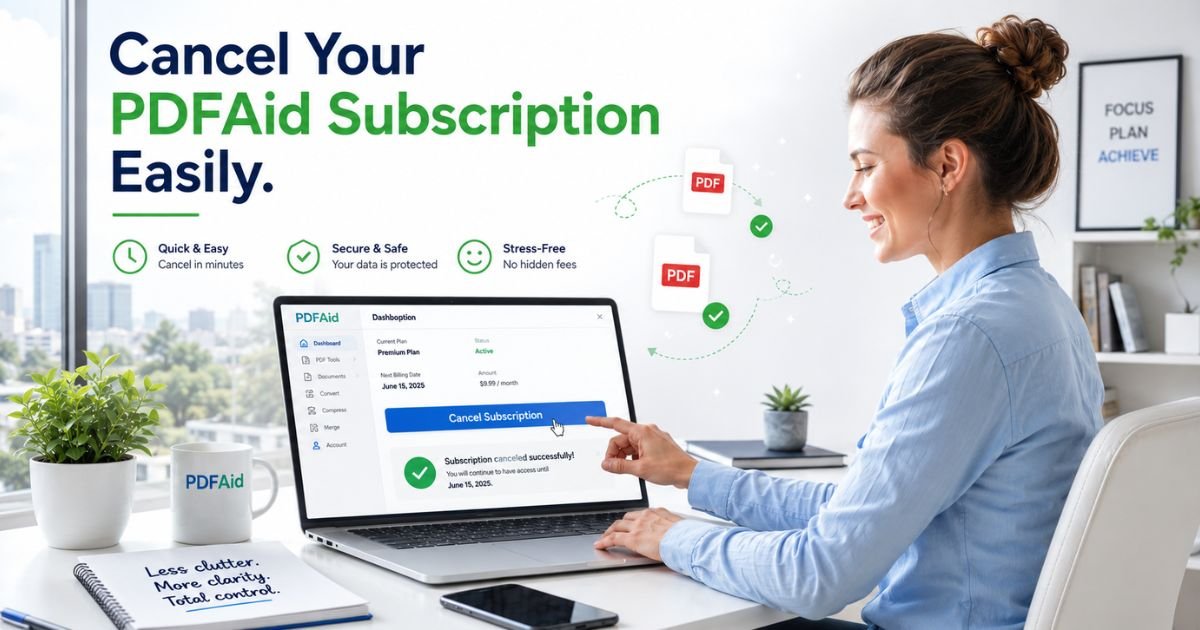
Ever signed up for PDFAid to quickly edit or convert a document, only to spot that recurring monthly charge on your statement later? You’re definitely not alone.
Lots of users search for “pdfaid cancel subscription” because the handy 7-day trial turns into an automatic renewal they didn’t plan on keeping.
The great news is PDFAid makes canceling straightforward once you know the exact steps. This guide will walk you through everything from how their plans work to stopping the billing without any headaches.
Why People Choose to Cancel Their PDFAid Membership
Life gets busy. Maybe you needed PDFAid for one quick edit or conversion, but now the monthly fee no longer fits your budget or workflow. Or perhaps you found a free alternative that handles your occasional PDF needs just fine.
Whatever your reason, canceling a pdfaid subscription gives you peace of mind and puts money back in your pocket.
Many subscribers tell me they feel instantly relieved once it’s done. No more wondering when the next charge will sneak up.
And the best part? You usually keep full access until the end of your paid period, so there’s no rush or lost value right away.
Note: Canceling early is smart. It prevents unwanted charges and frees up your budget for tools you actually use every day.
Understanding How PDFAid Subscriptions Actually Work
PDFAid is a handy online platform for converting, editing, and working with PDF files right in your browser. No software downloads required. They typically offer a low-cost 7-day trial that automatically rolls into a full monthly subscription unless you cancel.
Your billing is handled directly through PDFAid, and renewals happen automatically at the end of each period. You’ll get reminder emails with clear management links. If you joined during a promotion, always check your confirmation email for the exact terms.
Knowing this upfront saves frustration. PDFAid’s own subscription policy clearly states you can stop auto-renewal anytime before the next billing date.
How to Cancel PDFAid Subscription in Your Account
PDFAid keeps it super simple with an in-account cancellation option. Here’s the exact process straight from their official site.
- Log into your PDFAid account. Head to pdfaid.com and sign in with the email you used to subscribe.
- Go to My Account. Click on your profile or the menu, then select ‘My account’ or head straight to the settings area.
- Find the Membership section. Look for ‘Membership’ or ‘Subscription’ and click it.
- Click Cancel Subscription. You’ll see a clear ‘Cancel subscription’ or ‘Cancel plan’ button – follow the prompts and pick a simple reason if asked.
- Confirm and save the receipt. Review everything, submit, and keep the confirmation email or screenshot.
The whole process usually takes under two minutes. I’ve seen people do it between meetings without breaking a sweat.
Alternative Ways to Stop PDFAid Billing
Not everyone wants to log in right away. PDFAid gives you solid backup options that work just as well:
- Email support. Send a quick message to support@pdfaid.com with your account email and a clear request to cancel. Include your transaction details for faster service.
- Phone support. Call +1 (888) 857-5569 and speak with a representative – they’re available to help with cancellations.
- Billing-specific help. For payment questions, use billing@pdfaid.com or the same phone number.
Some users also check the dashboard first for a direct “Manage Subscription” link. Either route gets the job done quickly.
| Cancellation Method | Time Needed | Best For | Contact Info |
|---|---|---|---|
| In-Account Dashboard | 1–2 minutes | Quick and independent users | pdfaid.com (My Account → Membership) |
| Email Support | 1–2 business days | Written proof seekers | support@pdfaid.com |
| Phone Support | 5–10 minutes | Personal help needed | +1 (888) 857-5569 |
| Billing Email | Under 10 minutes | Payment-specific questions | billing@pdfaid.com |
What Happens After You Cancel Your PDFAid Subscription
Once approved, future renewals stop right away. You keep full access to all premium features until the very end of your current paid period. No early cutoff, and no more charges after that.
You’ll receive a confirmation email within minutes. Keep it handy in case you ever need to reference it. If you decide to come back later, you can always rejoin at the current rates.
Pro tip: Set up bank or card alerts for any charges labeled “PDFAid” so you know the billing has truly stopped. That extra peace of mind feels great.
Tips to Avoid Future Subscription Surprises
We’ve all had that “wait, what?” moment scrolling through statements. Here are easy habits that save money year after year:
- Review your credit card or bank statement monthly.
- Use a free subscription tracker app to keep everything listed.
- Set a calendar reminder a few days before any trial ends.
- Consider virtual cards with spending limits for online sign-ups.
These small steps keep your finances clean. I started tracking everything after one too many forgotten tools, and it’s made a real difference.
Common Problems and Quick Fixes
Some people have trouble finding the Membership tab. If the dashboard looks different, try clearing your browser cache or using incognito mode.
Still stuck? Reach out to support@pdfaid.com with your account email and they’ll guide you.
Another frequent question is about refunds. PDFAid offers a 7-day money-back guarantee in many cases, but they generally don’t refund the current period once it’s started.
If you feel the charge was unexpected, mention it clearly when you contact support. Many users note that providing your reference details gets quick responses.
FAQs About PDFAid Cancel Subscription
Q: How long does it take for my PDFAid subscription to actually stop?
Cancellation stops future renewals immediately, but you keep access until the end of your current billing cycle. You’ll get an email confirming the exact end date.
Q: Can I cancel my PDFAid subscription directly from the member dashboard?
Yes, the easiest way is through ‘My account’ → ‘Membership’ → ‘Cancel subscription’. If you don’t see it, use the email or phone options listed on their site.
Q: What if I signed up during the trial and want to cancel before the full price hits?
Cancel anytime before the trial ends to avoid the full monthly charge. The account dashboard method works the same way and keeps everything simple.
Conclusion
Canceling your PDFAid subscription doesn’t have to be stressful or confusing. With the clear steps above, you can handle it confidently in just a few minutes and move forward without worrying about future charges. Remember, it’s your money and your choice. You deserve tools that actually add value without sneaking in extra costs.
If you follow this guide, you’ll join the many users who’ve successfully stopped their billing and regained control. Feel free to bookmark this page or share it with a friend who might need it. Here’s to smarter subscription habits!
Disclaimer: This article is for informational purposes only and is based on publicly available information from PDFAid as of 2026. Processes can change, so always verify details directly on the official PDFAid website. I am not affiliated with PDFAid or any related service. For personalized help, contact their support team at support@pdfaid.com. Always review your own account terms before making changes.