How to Cancel a Subscription on TikTok [Step by Step]

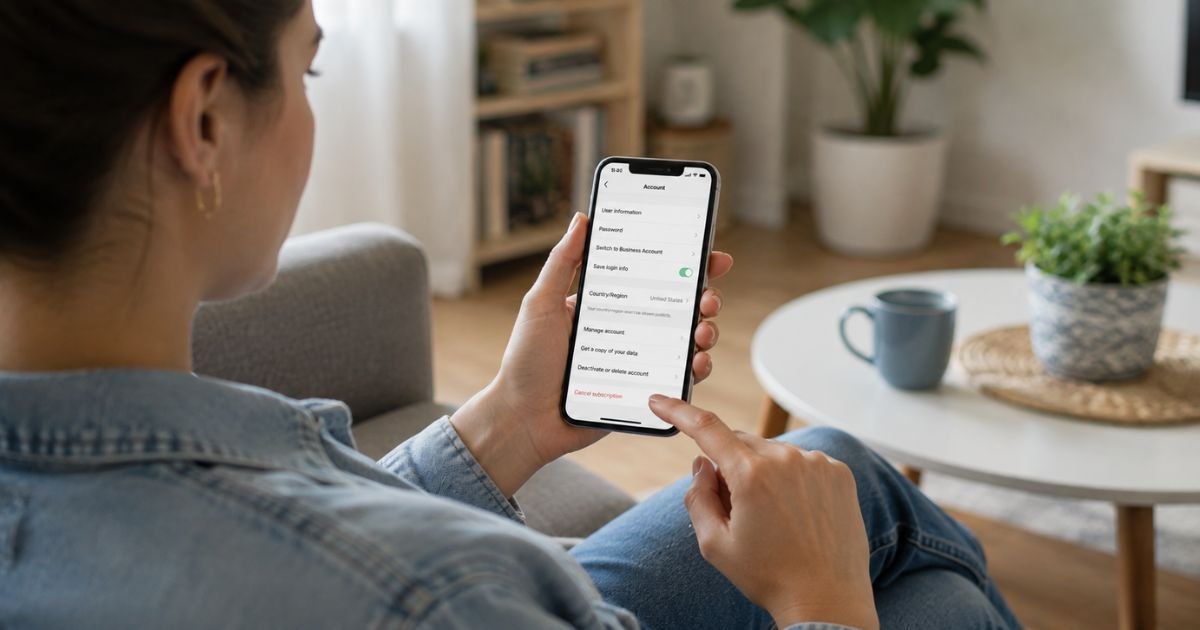
Want to stop a TikTok subscription from renewing? You’re in the right place. People cancel for many reasons, maybe you no longer watch a creator’s LIVE streams, the cost adds up, or you simply want to clean up recurring charges.
TikTok subscriptions most often mean a LIVE subscription to a creator or a recurring purchase billed through Apple or Google. The process is straightforward once you know the right path.
This guide shows you exactly how to cancel on the app, iPhone, and Android so you can finish quickly and avoid future bills.
Quick Answer
Open the TikTok app, go to your profile, tap the three dots or Settings and privacy, then select LIVE Subscription. Find the creator and choose Cancel Subscription. If the charge shows up through Apple or Google, cancel it in your device’s subscription settings instead. Benefits continue until the end of the current billing period.
How to Cancel a Subscription on TikTok
How to Cancel a LIVE Creator Subscription Inside the TikTok App
This is the most common type of TikTok subscription. Follow these steps on your phone:
- Open the TikTok app and make sure you’re logged into the correct account.
- Tap your profile icon in the bottom right.
- Tap the three horizontal lines or three dots in the top right corner.
- Select Settings and privacy (or Manage account on some versions).
- Scroll down and tap LIVE Subscription or Subscriptions.
- Find the creator you want to cancel.
- Tap the subscription and choose Cancel Subscription or Unsubscribe.
- Confirm the cancellation.
After you confirm, TikTok stops the auto-renewal. You usually keep the subscriber perks until the end of the period you already paid for.
Tip: Do this a day or two before the renewal date to make sure the next charge doesn’t go through.
How to Cancel a TikTok Subscription on iPhone or iPad
Many TikTok subscriptions are billed through Apple. In those cases you must cancel inside Apple’s settings, TikTok cannot do it for you.
- Open the Settings app on your iPhone or iPad.
- Tap your name at the top.
- Tap Subscriptions.
- Look for TikTok or the specific subscription name.
- Tap it, then select Cancel Subscription.
- Confirm when asked.
You can also manage subscriptions by signing into account.apple.com on a computer. Access continues until the end of the current paid period.
How to Cancel on Android via Google Play
- Open the Google Play Store app.
- Tap your profile picture in the top right.
- Select Payments & subscriptions, then Subscriptions.
- Find the TikTok-related subscription.
- Tap it and choose Cancel subscription.
- Follow the prompts and confirm.
Some users can also start the process inside the TikTok app, which may redirect them to Google Play if needed.
Canceling Other Types of TikTok Subscriptions
- Exclusive content or series subscriptions: Look for a manage or subscriptions section on the content page inside the app or website. You can turn off auto-renewal there. Cancellation usually takes effect at the start of the next billing period.
- TikTok Shop product subscriptions: These are managed differently. Check your order history or the product page for a cancel or manage subscription option. If you can’t find it, contact TikTok Shop support through the app.
- Creator-side subscriptions (if you offer them): Go to TikTok Studio → Monetization → Subscription to manage or turn off plans for your audience.
Always check the exact name on your bank or card statement. If it says “Apple” or “Google,” cancel on that platform. If it says “TikTok,” manage it inside the app or website.
What Happens After You Cancel
Your current subscription benefits stay active until the end of the billing period you already paid for. After that date:
- Auto-renewals stop.
- You will not be charged again.
- Subscriber-only perks (exclusive LIVE access, badges, etc.) end.
TikTok does not typically issue refunds for the unused portion of a subscription. Canceling simply prevents future charges. If you cancel very close to the renewal date, the next charge may still process, so act early.
Common Problems and Easy Fixes
I can’t find the LIVE Subscription option.
Make sure you’re on the latest version of the TikTok app. Try searching “subscription” in Settings and privacy. Some accounts show it under Balance, Wallet, or LIVE settings instead.
The cancel button is missing or greyed out.
The subscription may already be set to expire, or it is billed through Apple/Google. Check your device’s subscription list. Also confirm you’re logged into the same account that made the purchase.
I still got charged after canceling.
Look at the exact renewal date. Charges for the current period are normal. If a new charge appears after the end date, contact TikTok support through the app (Profile → Settings and privacy → Report a problem) and include screenshots of your cancellation and the charge.
I subscribed on one device but manage on another.
Subscriptions follow the account and the original payment method. Use the same login and check both the TikTok app and the Apple/Google subscription pages.
I want to cancel for a child or family account.
The account owner or the person who set up the payment method must complete the cancellation.
Helpful Tips Before You Cancel
- Note the renewal date so you know when access ends.
- Take a screenshot of the confirmation screen.
- If cost is the issue, check whether a cheaper creator subscription or one-time gift still meets your needs.
- Review all active subscriptions in Apple or Google Play at the same time, you may find others you no longer want.
- Keep the TikTok app updated so menu options appear correctly.
Canceling is permanent for that billing cycle, but you can always subscribe again later if you change your mind.
FAQs About How to Cancel a Subscription on TikTok
Q: Will I lose access right away after canceling a TikTok subscription?
No. You keep the benefits until the end of the current billing period. After that date the perks stop and no further charges occur.
Q: Can I get a refund if I cancel early?
Usually no. TikTok subscriptions are generally non-refundable for the unused time. Canceling only stops future renewals. Check local consumer laws if you believe you qualify for an exception.
Q: How do I cancel if I can’t find the option in the TikTok app?
Go to your iPhone Settings → [Your Name] → Subscriptions or open Google Play → Payments & subscriptions. Many TikTok charges are managed there. You can also report the problem inside TikTok under Settings and privacy → Report a problem.
Q: What if the subscription was a gift or one-time purchase?
One-time purchases do not auto-renew, so there is nothing to cancel. Gifted subscriptions follow the same cancel steps on the account that received them, or they simply expire at the end of the gifted period.
Conclusion
Canceling a subscription on TikTok is simple when you use the right method. For most LIVE creator subscriptions, open the app, go to Settings and privacy → LIVE Subscription, and cancel there.
If Apple or Google handles the billing, cancel directly in those platform settings. Your benefits continue until the paid period ends, and future charges stop.
Take a minute to confirm the cancellation and note the final date. Once that’s done, you’ll have full control of your TikTok spending again.
Disclaimer: This guide is based on publicly available TikTok help information and user-reported steps as of mid-2026. App menus, billing systems, and policies can change. Always verify the latest options inside your own TikTok account, Apple Settings, or Google Play. This article is independent and not affiliated with TikTok or ByteDance.