How to Cancel Care.com Subscription? [Step by Step]

You signed up for Care.com to find reliable help with the kids, aging parents, or even pet care. The premium membership gave you access to better tools and more caregiver options. But now the monthly charge feels like one expense too many, and you just want it gone.
Canceling your Care.com subscription does not have to turn into a frustrating afternoon. This guide walks you through exactly how to cancel Care.com subscription on the app, website, and app stores so you can stop recurring payments quickly and confidently.
Why Canceling Your Care.com Subscription Makes Sense
Many families reach a point where the premium plan no longer fits their needs. Maybe you found a great caregiver through another route. Perhaps your kids are older now or you simply want to cut monthly costs.
Here are common reasons people decide to cancel:
- You no longer need the advanced search filters or unlimited messaging.
- Your budget tightened and you want to reduce recurring charges.
- You found a better or free alternative for finding care.
- You only signed up for a short-term need, like summer care, and that season has passed.
Whatever your reason, you have every right to cancel. Care.com makes the process available, though it includes a few confirmation steps along the way.
How to Cancel Care.com Subscription on the Mobile App
The Care app offers the fastest route for most people. Follow these steps carefully.
- Open the Care.com app on your phone and make sure you are logged in.
- Tap Me in the bottom navigation bar.
- Tap Account Settings.
- Scroll or swipe down until you see the My Plan or Account Status section.
- Tap Cancel subscription or Cancel Plan.
- Follow the prompts on screen. You may be asked why you want to cancel and shown a retention offer.
- Confirm your choice when prompted.
You should see a confirmation screen and receive an email shortly after. Keep that email as proof.
Pro Tip: Screenshot the final confirmation screen right away. Save it along with the email. This simple habit protects you if any billing questions come up later.
The whole process usually takes under two minutes once you reach the right screen.
Canceling on the Care.com Website
Prefer using a computer? The website works just as well.
Log into your account at care.com. Click your profile icon or navigate to My Care.com or Account Settings.
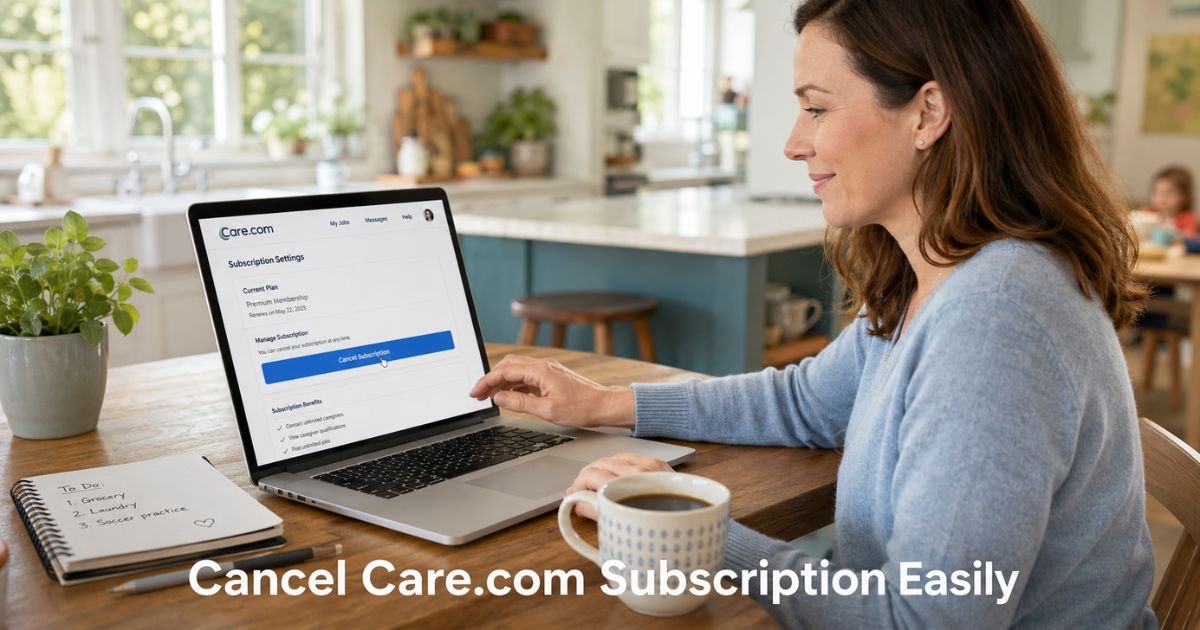
Look for the My Plan, Membership Information, or Premium section near the bottom of the page. Click Cancel subscription or Manage membership, then follow the prompts to confirm.
The flow is similar to the app. Expect a few questions about your reason for leaving before the cancellation goes through.
Cancel Care.com Subscription Through Your App Store
Sometimes you originally subscribed through Apple or Google instead of directly with Care.com. In those cases, you must cancel through the app store to stop charges.
On iPhone:
- Open the Settings app.
- Tap your name at the top.
- Tap Subscriptions.
- Find and tap Care.com.
- Tap Cancel Subscription and confirm.
On Android:
- Open the Google Play Store app.
- Tap your profile icon.
- Go to Payments & subscriptions > Subscriptions.
- Select Care.com and tap Cancel subscription.
Check your bank or credit card statement first. It will clearly show whether Apple, Google, or Care.com directly is charging you.
What Happens After You Cancel Your Care.com Subscription?
Canceling stops future recurring payments. Your premium access typically continues until the end of your current billing period. After that, your account automatically downgrades to the free Basic membership.
You will receive a confirmation email that includes the exact date your paid plan ends. Your account page will also display this information.
Here is what to expect:
- No automatic refund for the remaining days in your billing cycle (Care.com memberships are generally non-refundable).
- You keep access to basic features and any messages already in progress.
- You can still log in and browse, but advanced tools become limited.
- Your profile and past connections remain unless you choose to close the account entirely later.
If you change your mind before the billing period ends, you can often reactivate the premium plan without losing your history.
Real-Life Example: How Maria Finally Canceled Her Membership
Maria, a working mom in Chicago, signed up for Care.com Premium last year when she needed after-school care for her two kids. She found a wonderful sitter through the platform and no longer needed the paid tools.
Every month the charge appeared on her card, and she kept meaning to cancel. One Saturday morning she finally opened the app, followed the steps above, and canceled in under three minutes. She received the confirmation email right away and felt immediate relief knowing the next charge would not hit.
Maria kept screenshots and the email, just in case. A month later she checked her statement and everything looked clean. She now recommends the same simple process to friends who mention the same monthly charge.
Common Issues and How to Avoid Them
Sometimes the cancel button feels hard to find or the flow includes extra offers. Stay patient and keep clicking through the options that say you still want to cancel.
Common Mistake: Many people cancel in the Care app but forget they originally subscribed through Apple or Google. Charges continue because the subscription lives in the app store, not with Care.com directly. Always check your statement first and cancel in the correct place.
If you run into a glitch or cannot locate the option, use the in-app help or request a callback from Care.com support. You can also email careteam@care.com or call 877-227-3115 during business hours.
Cancellation Methods at a Glance
| Method | Best For | Time Needed | Where to Start |
|---|---|---|---|
| Care Mobile App | Most families | 2 minutes | Me > Account Settings > My Plan |
| Care.com Website | Desktop users | 3-5 minutes | Account Settings > My Plan |
| Apple App Store | iOS in-app subscribers | 1 minute | iPhone Settings > Subscriptions |
| Google Play Store | Android in-app subscribers | 1 minute | Play Store > Subscriptions |
Use the method that matches how you originally signed up for the smoothest experience.
FAQs About How to Cancel Care.com Subscription
Q: How long do I have access after canceling Care.com subscription?
Your premium features stay active until the end of your current paid billing period. After that date you automatically move to the free Basic plan. Check your confirmation email or account page for the exact end date.
Q: Will I get a refund if I cancel mid-cycle?
Care.com memberships are generally non-refundable. You keep access until the end of the period you already paid for, but you will not receive money back for unused days.
Q: Can I reactivate my Care.com membership later?
Yes. You can upgrade back to Premium anytime through the app or website. Your profile, saved searches, and past connections usually remain intact so you can pick up right where you left off.
Conclusion
You now have everything you need to cancel Care.com subscription cleanly and quickly. Start with the app if you have it installed. Follow the steps, keep your confirmation, and enjoy the extra room in your monthly budget.
Ready to take control of your subscriptions today? Open the Care app and handle it in the next few minutes. You will feel better once it is done.
Disclaimer: This content is for informational and educational purposes only and does not constitute professional, financial, legal, or medical advice. The information provided may not apply to your specific situation. Always consult a qualified professional for personalized guidance.