How to Cancel WalkFit Subscription? [Step by Step]

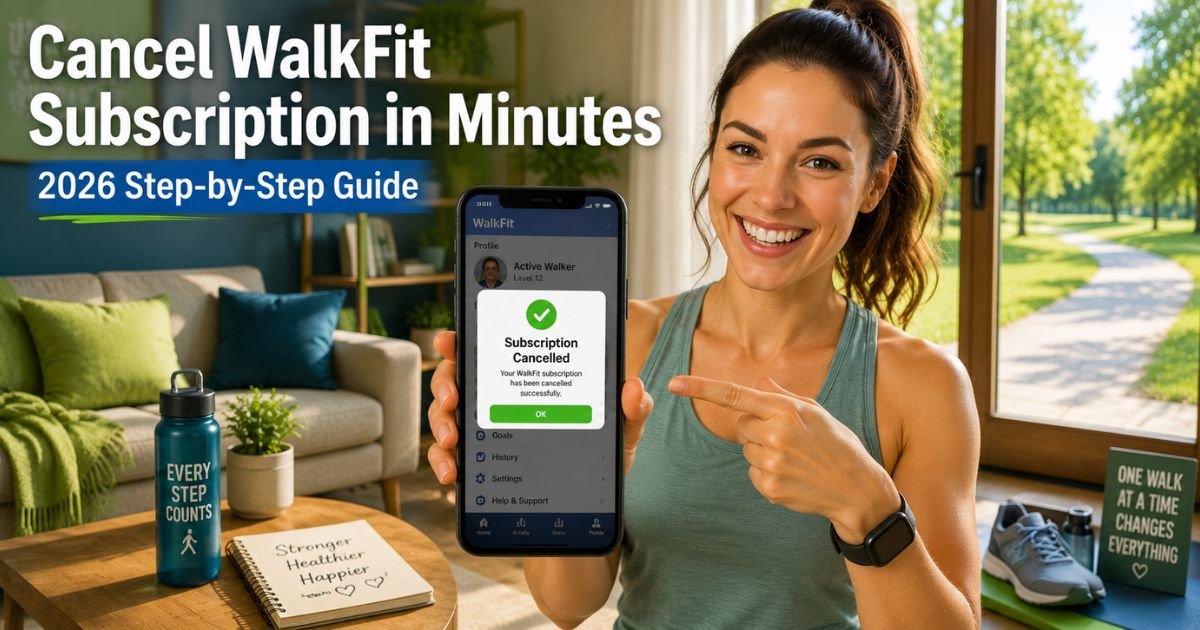
If you’re scrolling through your bank statement or app store and spotting those recurring WalkFit charges, you’re in good company. Searches for “walkfit cancel subscription” keep climbing because this popular walking app draws people in with its beginner-friendly plans to lose weight and get fit, but the auto-renewals can catch you off guard.
Whether you tried the free trial, signed up for premium walking programs, or just aren’t using it as much anymore, canceling is doable once you know the right path. I’ll break it down in simple steps so you can stop the billing fast and get back to enjoying your walks without the extra cost.
Understanding WalkFit and Why Cancellation Is Common
WalkFit is a well-known walking app designed for beginners who want to lose weight, build healthy habits, and stay active. It turns everyday walks into structured plans with tracking, coaching, and personalized goals. The free version gives you a taste, but premium unlocks full programs, ad-free experience, and advanced features.
Typical pricing and perks include:
- Monthly plans around $6.99 to $29.99 depending on length.
- 3-month or yearly options for bigger savings.
- Personalized daily walking workouts, progress trackers, and health insights.
- Often starts with a 3- or 7-day free trial that auto-converts to paid.
Many people love the motivation at first, but life gets busy. Maybe you hit your goals, found a free alternative, or the charges just add up. Canceling WalkFit stops future billing while letting you keep any downloaded plans until the current period ends.
Common Reasons People Cancel WalkFit Subscription
Folks cancel for plenty of smart reasons:
- Trial surprises that turn into full charges.
- Budget tweaks when fitness costs pile up.
- Switching apps to something that fits better.
- Unused features after reaching initial goals.
Whatever your story, you’re taking a positive step.
How to Cancel WalkFit Subscription on iPhone or Android
The quickest ways are right inside the app or through your phone’s store settings. Here’s the updated 2026 process that works for most users.
Open the WalkFit app and log in
Make sure you’re signed in with the same email or account you used to subscribe. If the app was deleted, reinstall it from the App Store or Google Play first.
Go to your profile
Tap the profile icon (usually top left corner or your photo). Scroll down to find “Manage Subscription” or “Subscription Details.”
Select cancel option
Tap the cancel button, choose a reason if asked, and confirm. You’ll see an on-screen message that it’s processed.
If you don’t see the option inside the app, don’t worry. Head to your device settings next.
For iPhone users: Open Settings > tap your name > Subscriptions. Find WalkFit, tap it, then choose Cancel Subscription. Confirm, and you’re done.
For Android users: Open Google Play Store > tap your profile icon > Payments & Subscriptions > Subscriptions. Select WalkFit and tap Cancel.
Pro tip: Do this at least 24 hours before your next billing date to avoid the next charge. Deleting the app alone won’t stop billing.
Alternative Methods: Cancel WalkFit via Web or Support
If the app route doesn’t work or you signed up on the web:
- Log into your web account at app.walk-fit.io (or the linked web cabinet). Go to account settings and look for subscription management to cancel there.
- Contact support through the in-app help form or the official Welltech contact page for assistance.
Many users report success by combining the in-app method with a quick check in the store subscriptions.
What Happens After You Cancel WalkFit Subscription?
Your premium access stays active until the end of the current billing cycle. No immediate cutoff, which is nice if you’re mid-plan. After that, it reverts to the free version with limited features.
Key notes:
- No refunds for the current period in most cases, but you can request one via support for recent trials.
- Save your confirmation email or screenshot.
- Monitor statements for a couple months to confirm it stopped.
If charges continue, reach out to Apple, Google, or your bank right away for a dispute.
Tips to Avoid Future WalkFit Billing Issues
Subscriptions like this are easy to overlook, so stay ahead with these habits:
- Set a reminder on your phone for trial end dates.
- Review app subscriptions monthly in your settings.
- Use virtual cards for app trials to limit risk.
- Check email confirmations carefully before signing up.
For more on managing subscriptions, Apple’s official support page or Google’s help center are solid external resources.
Quick Comparison of Cancellation Methods
| Method | Time It Takes | Best For | Success Tips |
|---|---|---|---|
| In-App Profile | 2-5 minutes | App users | Reinstall if needed |
| iOS Settings | Under 3 minutes | iPhone subscribers | Check purchase history too |
| Google Play | Under 3 minutes | Android users | Use profile > subscriptions |
| Web Account | 5-10 minutes | Web sign-ups | Log in at app.walk-fit.io |
This table makes choosing your path super simple.
Act fast if you’re still in a trial. Canceling through the store is reliable even if the app glitches. And remember, you can always reactivate later with the same login.
FAQs About WalkFit Cancel Subscription
Q: How long does it take to cancel a WalkFit subscription?
Cancellation is usually instant for future renewals. Your access continues until the end of the current paid period. Always confirm at least 24 hours before billing to be safe.
Q: Can I get a refund after canceling my WalkFit subscription?
Refunds aren’t automatic for paid periods, but you can request one through the app’s support or your app store if it’s recent or within the trial. Apple and Google have their own refund processes too.
Q: What if WalkFit subscription doesn’t show up in my settings?
Reinstall the app and log in, then check the profile for Manage Subscription. If still missing, search your purchase history in the App Store or Google Play and tap Manage from there. Support can help force it.
Conclusion
Canceling your WalkFit subscription is simpler than it feels at first. With these clear steps, you can stop the charges, free up your budget, and keep focusing on those healthy walks. You’re already ahead by looking into it. Here’s to more steps forward without the extra fees.
Disclaimer: This article provides general guidance based on publicly available information and user reports as of May 2026. App policies or store rules can change, so always double-check directly in your account or with support. The author and publisher are not affiliated with WalkFit, Welltech, or any app stores and do not provide legal or financial advice. Contact professionals for billing disputes.