How to Cancel Topstep Subscription? [Step by Step]

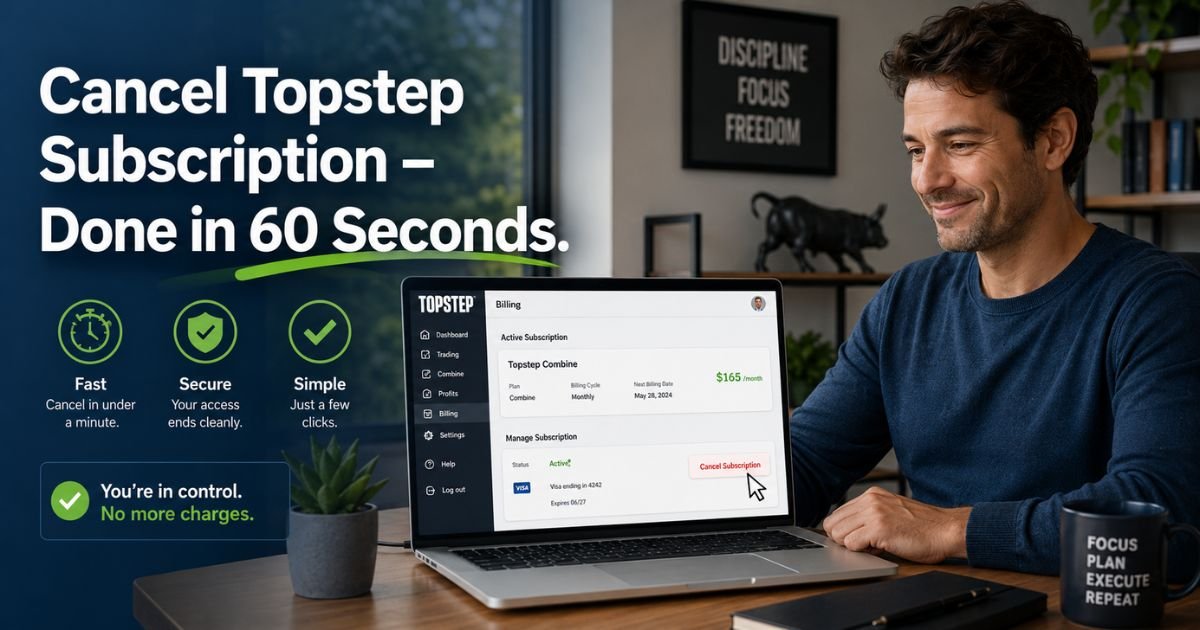
Have you ever stared at your credit card statement and wondered, “Why am I still paying for that Topstep Trading Combine every month?” You’re not alone. Thousands of traders sign up for Topstep’s evaluation program with big goals, but life, strategy changes, or simply deciding it’s not the right fit can make cancellation the smartest next move.
I’ll walk you through exactly how to cancel Topstep subscription the right way in 2026. We’ll cover why timing matters, what happens after you click that button, common mistakes to avoid, and how to protect yourself from surprise charges.
Why Many Traders Decide to Cancel Their Topstep Subscription
Trading Combines are powerful tools, but they’re not one-size-fits-all. Some traders pass their evaluation and move on to funded accounts. Others realize the monthly fee no longer fits their budget or trading style. A few simply want to take a break or switch to a different prop firm.
Whatever your reason, knowing how to cancel Topstep subscription properly saves you money and headaches. Topstep’s model is simple: your Trading Combine renews automatically every 30 days until you either pass the evaluation or manually cancel. That auto-renew feature is great when you’re actively trading, but it can catch busy people off guard.
Pro tip: Always cancel before your next rebill date if you’re not planning to continue. It’s your responsibility as the trader, and Topstep makes the process straightforward once you know where to click.
Important Things to Know Before You Cancel
Before you rush to the billing page, pause for a moment. Cancellation is permanent in the new Topstep dashboard. Once you confirm, you cannot undo it or resubscribe to that same account. You’ll need to purchase a brand-new Trading Combine if you change your mind later.
Here’s what else you should consider:
- Your current progress on that account will be lost (though you can always start fresh).
- You won’t be able to purchase resets on a canceled subscription.
- Any unused reset credits stay in your bank but can only be used on active subscriptions.
- If you recently passed your Combine, the subscription should have auto-canceled already. Double-check before doing anything.
Still sure you want to move forward? Great. Let’s walk through the exact steps.
How to Cancel Topstep Subscription: Step-by-Step Guide
Ready to pull the plug? Follow these simple instructions and you’ll be done in under two minutes.
- Log into your Topstep dashboard at dashboard.topstep.com. Use the same email and password you created when you first signed up.
- Navigate to the Billing section. You’ll usually find it under your profile or account settings. If you’re unsure which subscription belongs to which account, first visit the Accounts page to match the subscription ID with the correct Trading Combine.
- On the Billing page, locate the active subscription you want to end. Look for the little “x” icon next to the subscription ID (something like 149038 or similar).
- Click the “x”. A confirmation window will pop up asking you to review the cancellation terms.
- Read the terms carefully, check the box to agree, and confirm the cancellation.
That’s it! You should receive a confirmation email shortly after. Once canceled, future rebills stop immediately.
Quick note for data add-ons: If you also purchased Level 2 market data, you can cancel that separately on the same billing page. It won’t affect your main Trading Combine subscription.
What Happens After You Cancel Your Topstep Subscription?
After successful cancellation, several things change right away:
- No more monthly charges for that Combine.
- You lose access to trade that specific account.
- The subscription cannot be reactivated. Starting over means buying a new one.
- Your reset credits remain available for any other active Combines you still have.
Many traders worry about losing everything they’ve worked for. The good news? You can always open a fresh Trading Combine whenever you’re ready to jump back in. Topstep even lets you run multiple Combines at once if you want to test different strategies.
Common Mistakes Traders Make When Canceling
Even simple processes can go sideways if you’re not careful. Here are the biggest pitfalls I see:
- Canceling the wrong subscription when you have several active ones. Always double-check the account number first.
- Waiting until after the rebill date. You’ll still get charged for that month.
- Forgetting about separate data subscriptions that continue billing.
- Assuming you’ll get a refund. Topstep’s policy is generally no refunds after purchase, with very limited exceptions.
If you ever run into an error message like “cancel action is not allowed,” don’t panic. It usually means the account is in a transitional state (just passed or recently reset). Reach out to Topstep support through their help center or contact form and they’ll sort it quickly.
Topstep Refund Policy: What You Need to Know
Topstep is pretty clear about refunds. In most cases, purchases are final because you gain immediate access to the simulated trading environment. However, they do offer a 14-day satisfaction guarantee on your very first Trading Combine purchase (with some conditions).
If you accidentally got charged and haven’t traded at all, contact support within 72 hours of the charge. Provide the transaction details and they’ll review your case. After 72 hours or if you’ve used any reset credits, refunds become much harder to obtain.
The best protection? Set a calendar reminder a few days before your rebill date so you can cancel in plenty of time.
FAQs About How to Cancel Topstep Subscription
Q: Can I cancel my Topstep subscription at any time?
Yes. You can cancel whenever you want through the Billing page in your dashboard. Just remember that cancellation is final and you’ll need to purchase a new Trading Combine if you want to start again later.
Q: Will I get a refund if I cancel right after a payment?
Generally no. Topstep’s policy states that fees are non-refundable in most situations. The only real exceptions are the 14-day guarantee on your first purchase or accidental charges with zero trading activity reported within 72 hours. Always cancel before the next billing cycle to avoid unwanted charges.
Q: What happens to my reset credits and trading progress after I cancel?
Your reset credits stay in your account and can be used on any other active subscriptions you still have. However, you lose access to the canceled Combine and cannot buy resets for it. Any progress on that specific account disappears, but you’re free to open a brand-new one whenever you’re ready.
Conclusion
Canceling your Topstep subscription doesn’t mean you failed. It simply means you’re making a smart, intentional decision about where to invest your time and money. Whether you’re moving on to a funded account, taking a break, or exploring other platforms, you now have the exact steps to do it cleanly and confidently.
Remember: always cancel before your next rebill date, double-check which subscription you’re ending, and keep that confirmation email for your records.
If you ever get stuck or have questions the dashboard doesn’t answer, Topstep’s support team is just a few clicks away through their official help center.
Disclaimer: This article is for informational purposes only and is based on publicly available information from Topstep’s help resources as of May 2026. Policies and dashboard interfaces can change, so always verify the latest instructions directly in your Topstep account or by contacting their official support team before taking any action. Trading involves risk, and past performance does not guarantee future results.