You check your bank app and spot another recurring charge from BritBox. Or maybe you finished the shows you loved and the monthly fee no longer feels worth it.
Either way, you want to know exactly how to cancel BritBox subscription without losing access too soon or running into complications. This guide walks you through the process no matter where you originally signed up.
You will learn the simple steps for direct BritBox accounts and the different paths for Amazon, Apple, Roku, and other platforms. We also cover what happens to your viewing history and account after cancellation, plus tips to avoid surprise charges later.
Why Canceling BritBox Subscription Can Feel Tricky at First
BritBox offers thousands of hours of British TV, from mysteries to dramas, and you can cancel anytime. The confusion usually comes from how you first joined.
Some people sign up directly on britbox.com. Others add it through Amazon Prime Video Channels, Apple TV, Roku, or even cable providers.
Each path has its own cancellation steps. Canceling in the wrong place simply will not work. That is why checking your original signup method saves time and frustration.
Your bank statement or old confirmation email almost always reveals the source.
How to Cancel BritBox Subscription If You Signed Up Directly
If you created an account on the BritBox website, follow these steps on a computer or phone browser for the easiest experience.
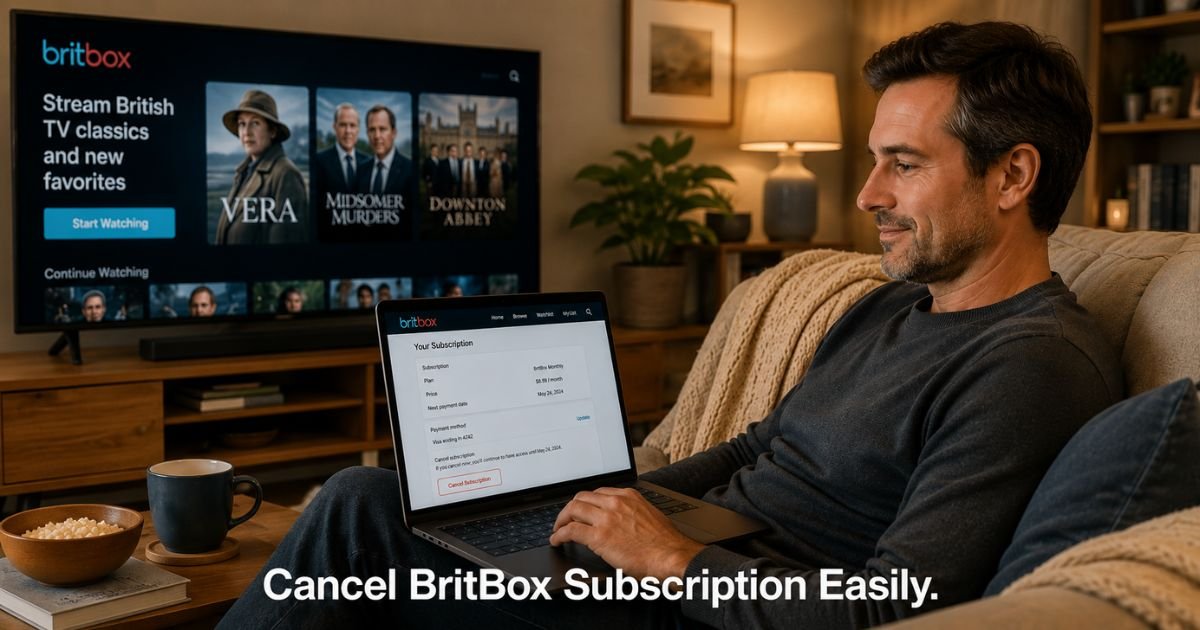
- Go to britbox.com and log into your account.
- Click your name or profile icon in the top right corner.
- Select My Account or Account Details from the menu.
- Find the Subscription or Plan section on the left or main page.
- Click Cancel Subscription or Manage Subscription.
- Confirm you still want to cancel and follow the remaining prompts.
Your access continues until the end of the current billing period. After that date, the subscription simply stops renewing. You will not be charged again.
Take a 45-year-old history buff who subscribed directly to BritBox for the latest British documentaries. He enjoyed several months of new episodes but then realized he watched less once the busy season at work started. He followed the steps above on his laptop one evening and received an immediate confirmation email showing his access would last until the end of the month. No drama, no lost progress.
How to Cancel BritBox Through Third-Party Services
Many people add BritBox through another platform. In these cases you must cancel where you originally subscribed.
Amazon Prime Video Channels
Log into your Amazon account, go to Prime Video, select Subscriptions or Manage Channels, find BritBox, and choose Cancel or Unsubscribe.
Apple TV or App Store
Open Settings on your iPhone or iPad, tap your name, then Subscriptions. Select BritBox and choose Cancel Subscription.
Roku
Visit my.roku.com on a browser, sign in, go to Subscriptions, select BritBox, and manage or cancel from there. You can also do this from the Roku device settings under Subscriptions.
Google Play or other stores
Check the specific app store account where the charge appears and cancel through their subscription manager.
Always confirm the cancellation in the same account you used to subscribe. BritBox support cannot cancel subscriptions started through third parties.
Pro Tip: Search your email inbox for the original welcome or receipt message from BritBox, Amazon, or Apple. The sender name and billing details will tell you exactly where to go to cancel BritBox subscription quickly.
What Happens After You Cancel BritBox Subscription
Your account stays active, but streaming access ends once the paid period finishes. Here is a clear breakdown of the typical changes.
What Happens After You Cancel Your BritBox Subscription
| Aspect | While Subscription Is Active | After Cancellation (End of Period) |
|---|---|---|
| Streaming Access | Full library and new episodes | Access stops until you resubscribe |
| Watch History & Lists | Saved and available | Usually remains in your account |
| Billing | Recurring charge on renewal date | No further charges |
| Account | Fully active | Stays open but shows as canceled |
| Reactivation | Not needed during paid period | Easy to restart with same login |
You keep your watch history and any profiles you created. If you ever want to return, just sign up again and pick up where you left off. Most people do not lose anything permanent by canceling.
Common Mistake: Trying to cancel inside the BritBox app when you actually subscribed through Amazon or Apple. The app often shows limited options or directs you back to the original platform. Always cancel through the billing source listed on your statement.
How to Avoid Future BritBox Charges
Once you cancel, take one extra minute to remove the payment method if you want extra protection. You can also set a calendar reminder a few days before any other streaming renewals.
Checking your subscriptions list every few months helps catch services you no longer use.
If you only need a short break, some users simply let the current period run out instead of forcing an immediate cancel. This way you still get the full value you already paid for.
Now you have the complete picture for canceling BritBox subscription no matter how you joined.
FAQs About BritBox Cancel Subscription
Q: How do I know if I subscribed to BritBox directly or through Amazon or Apple?
Check your most recent bank or credit card statement for the exact name on the charge. Direct BritBox charges usually show as BRITBOX or BRITBOX.COM. Amazon charges appear as Amazon or Prime Video. Apple charges start with APPLE or ITUNES. Your original signup email will also name the platform clearly.
Q: What happens to my watch history and profiles after I cancel BritBox?
Your account and viewing history stay saved even after the subscription ends. When you resubscribe later with the same email, your profiles, watchlist, and progress usually reappear. Nothing gets deleted automatically just because billing stops.
Q: Can I get a refund if I cancel my BritBox subscription partway through the month?
BritBox and most third-party platforms generally do not offer prorated refunds for partial months. You keep access until the end of the paid period you already paid for. The main exception is if you cancel within a short trial window or have a specific promotion that includes a refund guarantee. Contact the billing platform directly if you believe you qualify.
Conclusion
Canceling your BritBox subscription does not have to be complicated. The most important step is identifying exactly where you first signed up, then following the matching cancellation path. Your content and account stay safe the whole time, and you simply stop future charges once the current period ends.
Take a few minutes right now to pull up your recent statements or emails and locate the original signup source. Once you cancel in the correct place you will feel the relief of one less recurring bill. Small actions like this keep your streaming choices working for you instead of the other way around.
Disclaimer: This content is for informational and educational purposes only and does not constitute professional, financial, legal, or medical advice. The information provided may not apply to your specific situation. Always consult a qualified professional for personalized guidance.